LG N1T1 NAS External Hard Drive & DVD Drive Combo Unit Setup & Testing Linus Tech Tips
0 up · 0 down · 0 ratings
Description
This really is a very unique product. It has all of the functionality of three different devices, but the overall package really isn't that big
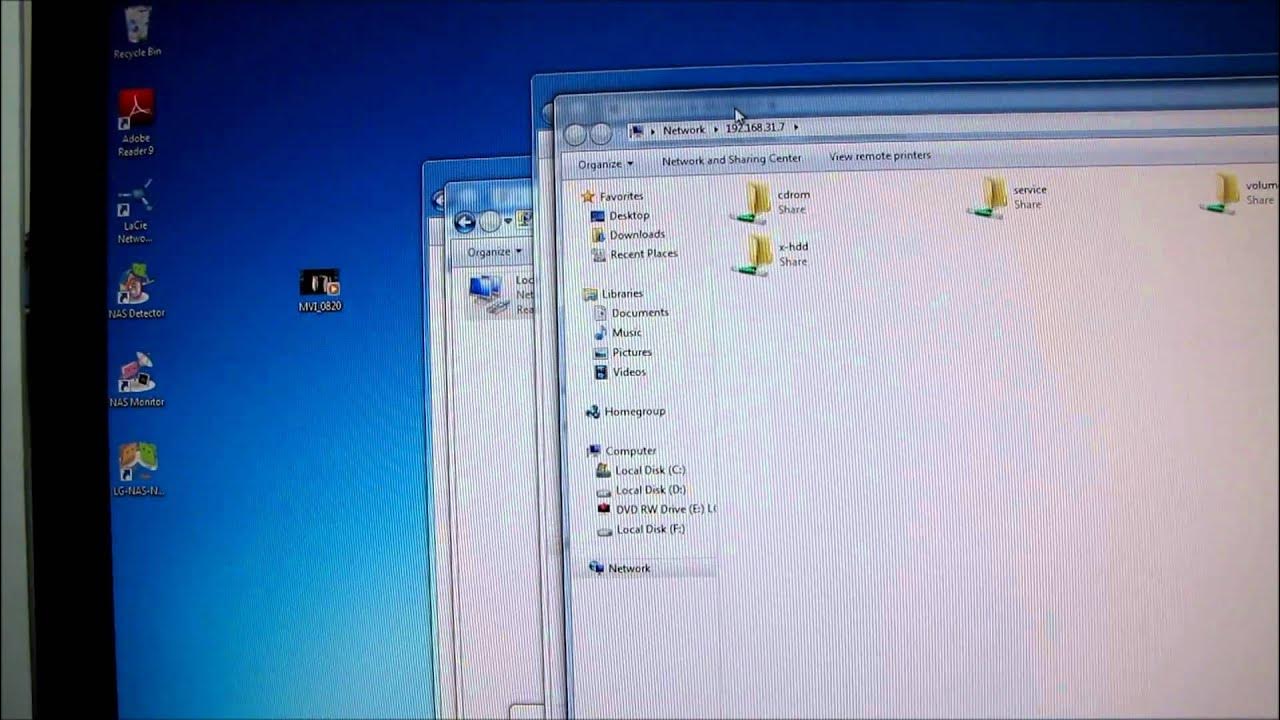
The video provides a hands-on setup and testing of the LG N1T1 NAS External Hard Drive and DVD Drive Combo Unit. Linus demonstrates how to locate the device on the network using LG's NAS Detector software, then navigates the built-in web-based management interface to configure basic settings such as the system name, IP address, time, and firmware options. He highlights the device’s multi-function capabilities, including data backup to USB, DVD burning with built-in software, and Time Machine support, effectively turning the LG N1T1 into a small, all-in-one network storage and media server. A quick performance test is performed by copying a 266 MB file to a public volume and observing read and write speeds, with the read speeds exceeding 30 MB/s in this test scenario. Linus also showcases the physical switching on the back that allows the device to operate as either an external optical drive or an external hard drive via a USB connection, emphasizing the silent cooling mode when the drive is idle. The walkthrough emphasizes practical usage scenarios, like setting up backups, sharing folders, and enabling features such as iTunes server and DLNA, making the unit appear versatile for home or small-office environments. The overall takeaway is that the LG N1T1 consolidates several functions into a compact unit with user-friendly web management, though performance can vary depending on the configuration and workload. By the end, viewers have a clear sense of how to get the device connected, configured, and tested, along with the potential trade-offs of speed and noise under different operational modes.
Topics · technology · hardware · network-attached-storage · consumer-electronics · digital-media · backup · usb-peripherals · home-server
Questions answered
- What functionalities does the LG N1T1 combine in one unit?
- It combines NAS storage, an external optical drive, and a USB external drive connection in a single chassis, with built-in software for backups and media serving.
- Can the device backup to optical media and support Time Machine?
- Yes, the built-in software supports backups to DVD optical media and includes Time Machine compatibility for macOS backups.