Lacie Little Big Disk 240GB External Thunderbolt Storage Drive Unboxing & First Look Linus Tech Tips
0 up · 0 down · 0 ratings
Description
CA: ncix.com US: us.ncix.com The more time I spend benchmarking and playing with Thunderbolt, the more impressed I am. It rocks, and having high speed storage at the other end makes it rock |------------------| much more!
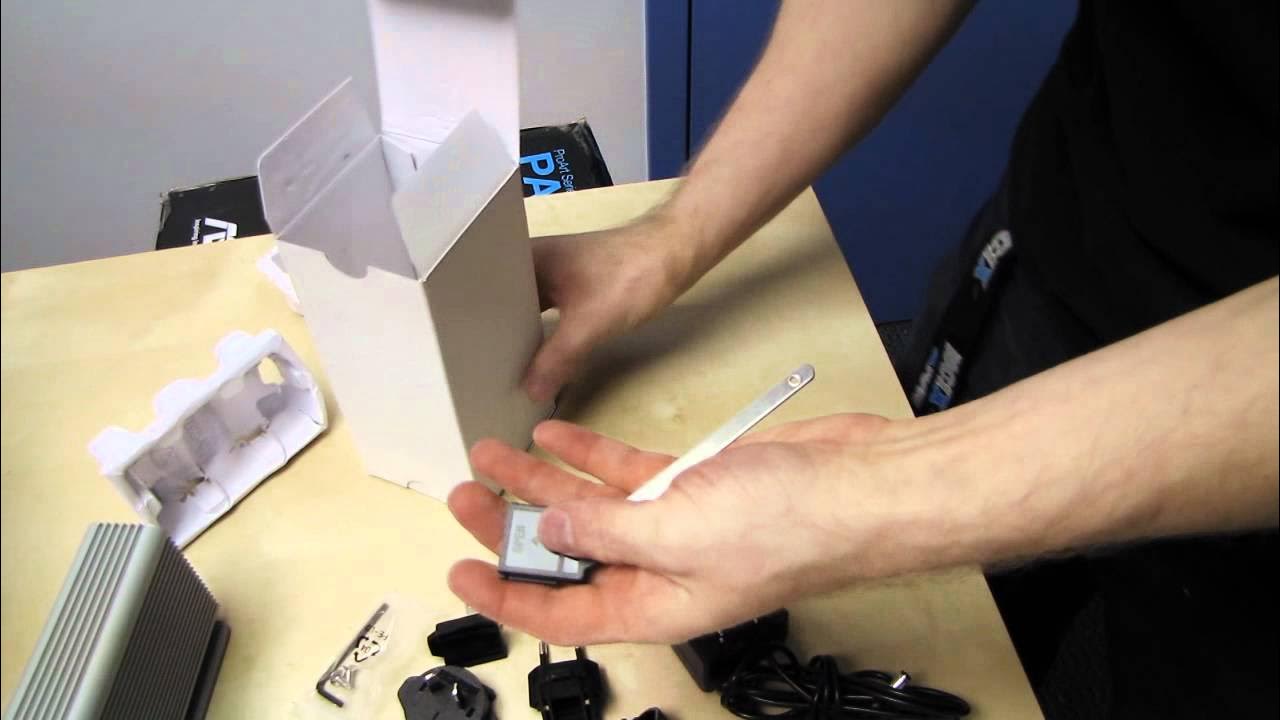
The video presents an in-depth unboxing and first look at the Lacie Little Big Disk 240GB external Thunderbolt storage device. The host emphasizes its high end design, with dual Thunderbolt ports for daisy chaining and the ability to pass through display signals, and highlights that the unit uses Intel SSDs configured in a RAID 0 stripe for peak performance. Throughout the unboxing, the host details the included accessories such as international plug kits, a stand, screws with an Allen key, and notes that an active Thunderbolt cable is needed but not included. He points out the robust cooling solution, including a back cooling fan and a ribbed aluminum heat sink, and explains some Thunderbolt specifics like the 10 GB per second throughput and the ability to chain multiple devices. The commentary moves from on-device features to practical use cases, suggesting this drive as a fast scratch disk for video or photo editing and calling out Thunderbolt's advantages over other interfaces. The host then demonstrates a teardown to reveal the internal layout, showing the dual Thunderbolt ports, cooling system, and the two Intel SSDs, while remarking on the ease of swapping drives and the overall build quality. By the end, the speaker reiterates the purpose of high-end SSDs inside the enclosure to showcase Thunderbolt performance and invites viewers to subscribe for more unboxings and tech content.
Topics · technology reviews · hardware unboxing · storage · video editing
Questions answered
- What makes the Lacie Little Big Disk suitable for professional media workflows?
- Its dual Thunderbolt ports enable daisy chaining and through-puts up to 10 GB per second with Intel SSDs in RAID 0, offering fast scratch disk performance for video and photo editing.
- What components are visible inside the enclosure based on the teardown?
- Two Intel SSDs, a cooling fan, a front LED, and a heat sink are visible, along with the dual Thunderbolt ports and a modular internal layout that allows drive replacement.