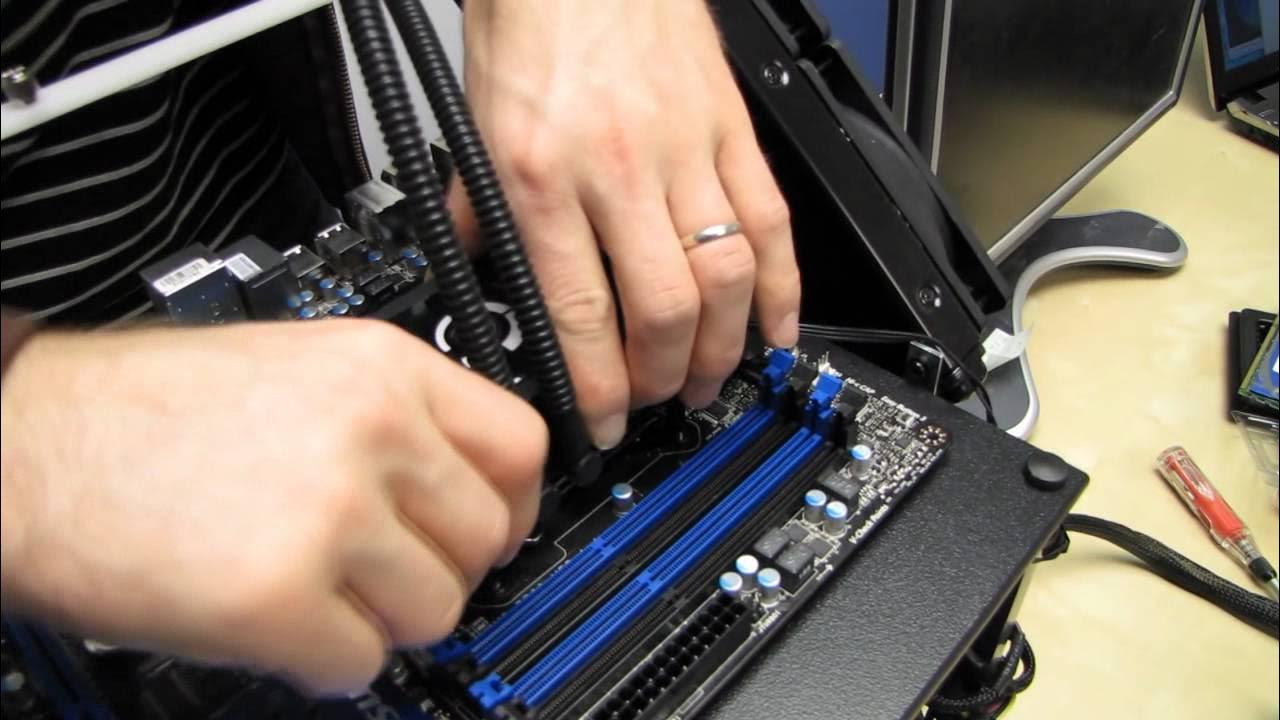
LGA2011 Intel Core i7 CPU Installation Guide H100 Water Cooler Linus Tech Tips
0 up · 0 down · 0 ratings
Description
ncix.com Here you guys can see how to install an Intel LGA2011 CPU, and I also show (with at least one misadventure) how to mount the Corsair H100 to this new platform!
Linus Tech Tips walks through installing an Intel LGA2011 Core i7 CPU and mounting a Corsair H100 water cooler on an 2011 socket motherboard. The video begins with essential safety steps, emphasizing proper grounding before touching components. Linus then demonstrates how to release the CPU latch and carefully align the processor using the two sets of notches and the triangle marker on the CPU to ensure perfect contact with the socket’s pins, stressing that a misalignment could damage the socket with thousands of tiny pins. After the CPU is seated, he shows how to apply thermal compound and proceed with mounting the H100 cooler, noting that this cooler’s mounting hardware is designed for 2011 sockets. A key moment occurs when he encounters a mounting quirk and corrects the process by using the H100’s front plate mounting method rather than the traditional back plate, which prevents contact issues between the cooler and CPU. He then demonstrates the diagonal tightening technique for the four thumb screws, ensuring even pressure across the CPU and cooler. Finally, Linus checks the motherboard’s rigidity and bowing after the cooler is mounted, confirming the system remains flat and stable, and closes with a reminder to subscribe for more hardware tutorials and unboxings.
Topics · technology · pc_building · hardware · tutorial
Questions answered
- What mounting approach is recommended for the Corsair H100 on an LGA2011 motherboard?
- Use the front plate mounting hardware that comes with the H100 and mount directly to the built-in front plate, not the traditional back plate.
- Why is careful CPU socket alignment critical for LGA2011?
- Because the socket has about 2,000 pins that must contact perfectly with the CPU pads; misalignment can damage the socket and void typical warranty coverage.