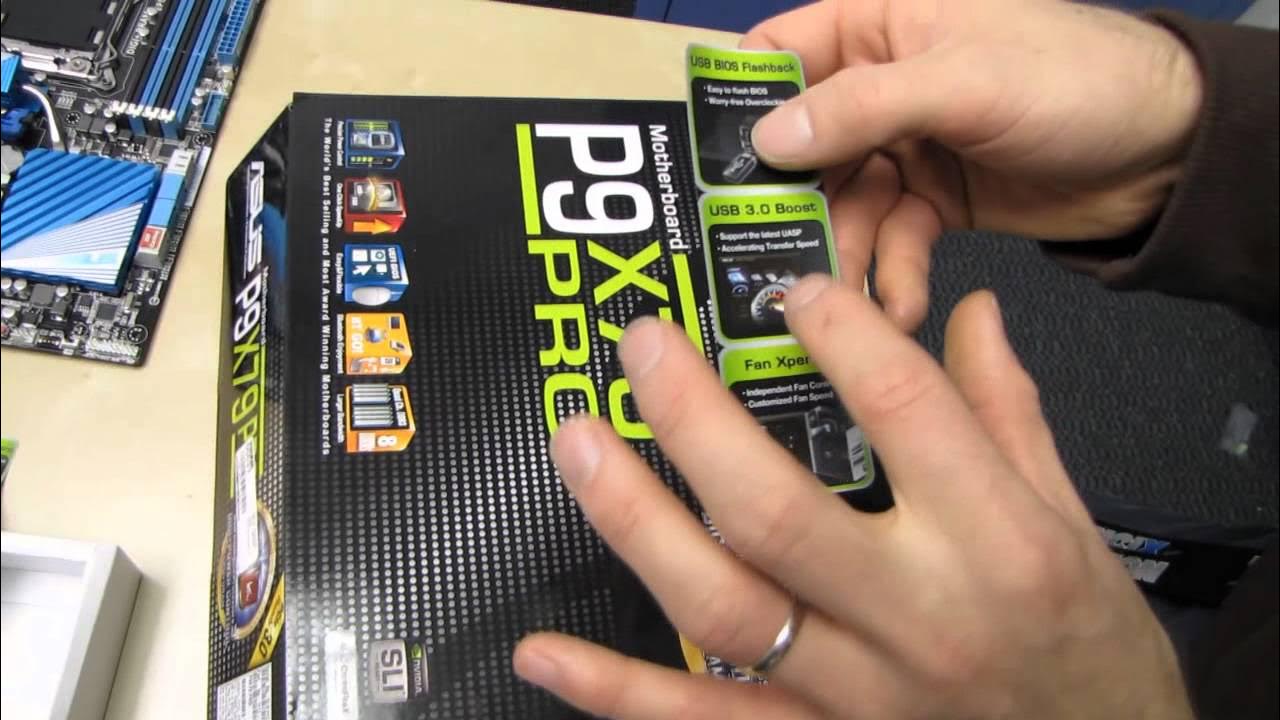
ASUS P9X79 Pro X79 Gaming Motherboard Unboxing & First Look Linus Tech Tips
0 up · 0 down · 0 ratings
Description
CA: ncix.com US: us.ncix.com This is ASUS's "bang for the buck" winner for X79 in my opinion. It doesn't have some of the bells and whistles of the higher end boards, but the performance features are definitely there.
The video presents an unboxing and first look at the Asus P9X79 Pro X79 Gaming Motherboard. Linus Tech Tips walks through the packaging, accessories, and the physical board, highlighting key design choices and included items. He emphasizes the board's positioning as a value-oriented option within the X79 family, while noting that it still carries many of the feature set found on higher-end models. The unboxing sequence reveals the bundled cables, SLI bridge, USB ports, BIOS flashback button, and the bundled drivers disc, with Linus offering practical commentary on what is useful and what can be discarded. He points out features like the Digi+ VRM, dual intelligent processors for power management, a UEFI BIOS, and USB3 boost as notable selling points. The discussion then shifts to the board’s layout, including an eight-pin CPU power connector, the 24-pin ATX connector, and the orientation of the PCIe slots, helping viewers understand how the board accommodates the LGA 2011 socket and up to 64 GB of memory. Throughout the segment, Linus contrasts this motherboard with competitors, forecasting performance potential and explaining how the TPU and EPU work together with the BIOS to enable overclocking and energy efficiency. The video wraps with a recap of impressions, a nod to upcoming comparisons on Linus’s channel, and a call to subscribe for more unboxings and tech coverage. The tone remains informative and approachable, making complex features accessible to viewers curious about high-end enthusiast hardware without assuming deep prior knowledge.
Topics · technology · hardware · pc_components · unboxing · consumer_electronics
Questions answered
- What are the standout features highlighted for the Asus P9X79 Pro in this unboxing?
- Key features highlighted include the Digi+ VRM power control, dual intelligent processors (EPU and TPU), USB3 boost, UEFI BIOS, eight DIMM slots supporting up to 64 GB, and a USB BIOS flashback for easy BIOS updates without a CPU installed.
- How does Linus describe the motherboard's layout and its impact on building a system?
- Linus notes the efficient layout around the LGA 2011 socket, the eight-pin CPU power connector, the ideal placement of the 24-pin power connector and USB 3 front panel header, and the PCIe slot configuration that enables 16x/8x lanes with no PCI slots, underscoring space considerations and airflow in high-end builds.