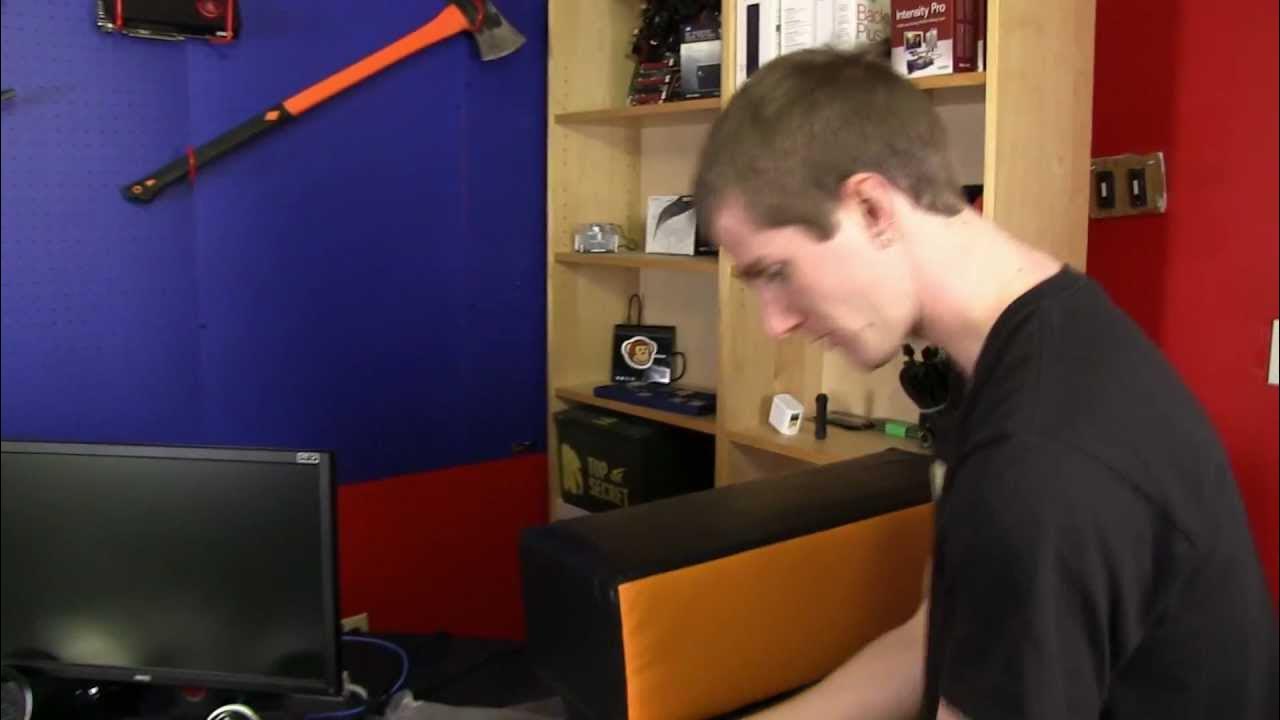
nerdytec COUCHMASTER Ultimate PC Gaming Accessory Unboxing & First Look Linus Tech Tips
0 up · 0 down · 0 ratings
Description
The COUCHMASTER takes gaming to the next level. They showed me this thing and I had to check it out. Surprisingly it's not actually that expensive (as long as you don't have to pay too much shipping from Germany) Available in the US: steigerdynamics.com nerdytec.com
The video opens with Linus explaining the unboxing of the nerdytec COUCHMASTER Ultimate, a PC gaming accessory designed to turn the couch into a full featured gaming station. He highlights the package contents, including two active USB 3.0 extension cables, a four-port USB 3 hub, a dedicated mouse and keyboard cable setup, and a clever cable management system. Linus emphasizes the value of having true PC gaming peripherals, noting the possibility of using a keyboard and mouse from the couch with a proper desk setup, which is a departure from typical console play. The host then walks through the assembly and initial setup, showing how the couch master creates a inclined surface with wrist rests and adjustable cushions for comfort, and how the dedicated cables and pockets help keep the workspace tidy. Throughout the segment he stresses the importance of cable management, shows the pass through routing, and demonstrates how the product can accommodate different colors and configurations, while praising the build quality and the modular nature of the unit. In the final portion Linus discusses practical use cases, from gaming with a media PC to possible wheel integration, and he weighs the value of the couch master based on how much time you expect to spend gaming from the couch, ultimately concluding that it is a strong option for true PC gamers who prioritize comfort and organization. The video translates into a focused unboxing and first look, offering concrete details about how the COUCHMASTER is arranged and how it can be set up for long sessions. Linus moves from unboxing to a live setup on a couch, showing cable routes, storage pockets, and the hardware that makes it function as a PC gaming cockpit. He demonstrates the keyboard and mouse alignment, the height and angle considerations, and the use of velcro and cushions to stabilize the setup. The overall takeaway is that the COUCHMASTER delivers a highly organized, ergonomic workspace on a couch, with strong emphasis on cable management and modular components, which can justify its price for users who want a premium couch based PC gaming experience. From a practical standpoint, the reviewer highlights the potential for extensions, hubs, and even racing wheel compatibility, suggesting that the unit is robust enough to adapt to a variety of peripherals. He also notes that the product shines when used with a PC rather than just casual gaming with a controller, and he leaves viewers with a recommendation to weigh personal usage against the price. The closing remarks invite viewers to subscribe for more unboxings and PC hardware content, reinforcing Linus Tech Tips as a resource for enthusiasts who want in depth looks at gaming gear and setup optimization.
Topics · product_unboxing · pc_gaming · ergonomics · cable_management · hardware_peripherals · home_theater · tech_review · gaming_setup