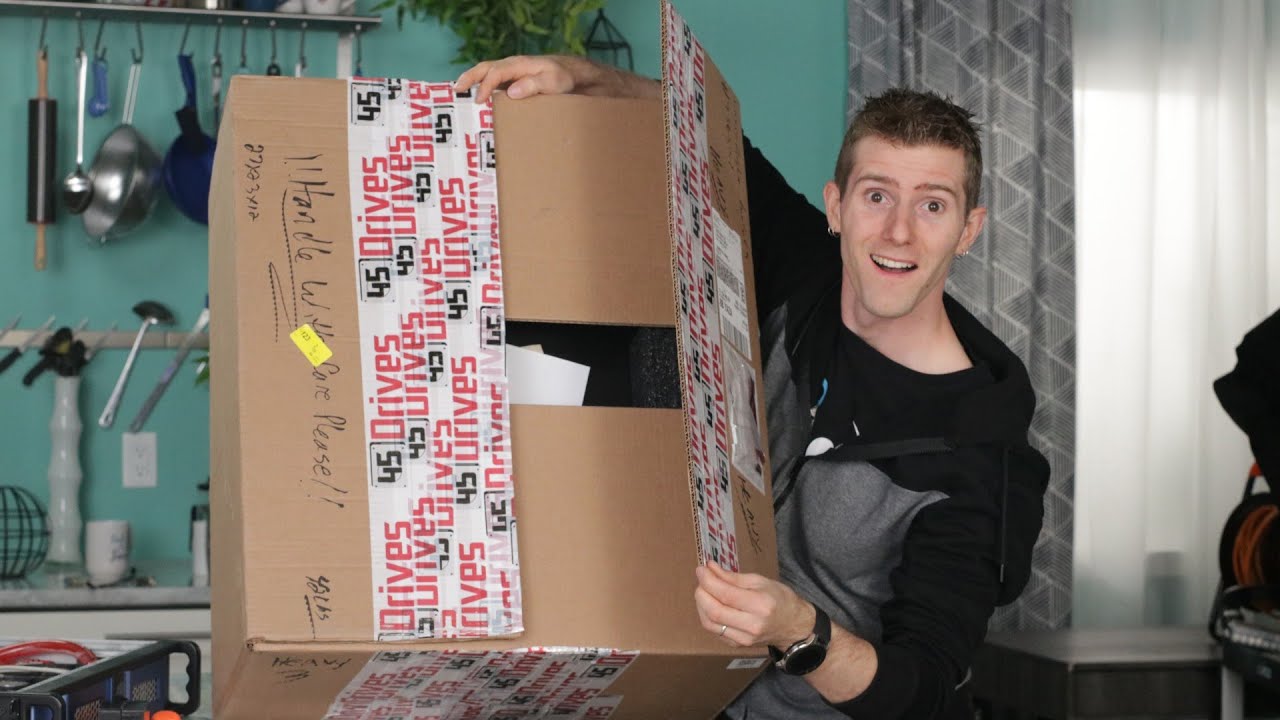
The STORNADO - Classic Unboxing
0 up · 0 down · 0 ratings
Promos
Save 10% at Ridge Wallet by using offer code LTTJUNE at ridge.com It's time for a server room upgrade, classic unboxing style, with our ALL SOLID STATE STORNADO! Ironwolf NAS SSDs: lmg.gg 45Drives Stornado: lmg.gg Our Affiliates, Referral Programs, and Sponsors: linustechtips.com Get Private Internet Access today at geni.us Displate metal posters: lmg.gg Linus Tech Tips merchandise at lttstore.com Linus Tech Tips posters at crowdmade.com Our Test Benches on Amazon: amazon.com Our production gear: geni.us Twitter - twitter.com Facebook - @LinusTech Instagram - @linustech Twitch - twitch.tv Intro Screen Music Credit: Title: Laszlo - Supernova Video Link: youtube.com iTunes Download Link: itunes.apple.com Artist Link: soundcloud.com Outro Screen Music Credit: Approaching Nirvana - Sugar High youtube.com
The video begins with Linus introducing a bold, all solid state storage project, built around a Storinator enclosure from 45 Drives, and a price-conscious challenge to the popular LumaForge Jellyfish. He sets the context by recounting experiences with editors and other creators who found Unraid or classic HDD setups inadequate for high‑speed editing, which motivates a high‑performance, networked SSD solution. The team walks through initial product knowledge, explaining Storinator’s direct‑drive wiring philosophy and why it promises peak throughput by avoiding backplanes, even as it adds internal cabling complexity. They compare the Jellyfish’s price and capacity with a potential all‑SSD DIY alternative, noting that purely SSD configurations can exceed budget, so the project is scoped to hit a 120 TB usable target at roughly Jellyfish‑level performance but at a lower price point. The crew then unveils the core gear: 32 solid‑state drives, a dual‑socket motherboard, 256 GB of RAM, and enterprise controllers, with a focus on expanding RAM and CPU options to maximize ZFS caching and streaming performance. They discuss the choice of a single quiet power supply, high airflow Noctua fans, and the all‑SSD path using ZFS with RAM as a cache to speed up writes and reads, a strategy that promises strong performance without relying on HDDs for primary storage. The video also features a collaboration with Patrick from ServeTheHome to ensure best practices and performance tuning, underscoring the value of expert validation in a DIY enterprise build. As the build proceeds, Linus demonstrates drive mounting, cable management, and the initial hardware hook‑up, while noting potential bottlenecks and the need to avoid on‑the‑fly scrounging for parts in order to maintain a fair cost target. In the final segments of the unboxing, the host powers up the finished machine, discusses the specific CPUs (Xeon E5 2620 v4) and 256 GB RAM configuration, and evaluates the boot process and noise levels, comparing it to expectations for a home office‑friendly rackmount. The closing portion frames a future video where Patrick will visit to tune the system further, reveal tested performance metrics, and compare the final build against the Jellyfish on both price and performance, while the hosts reflect on the ongoing debate about whether DIY all‑SSD storage can beat boutique, turnkey solutions in real‑world editing workloads.
Topics · technology · hardware · storage · networking · diy