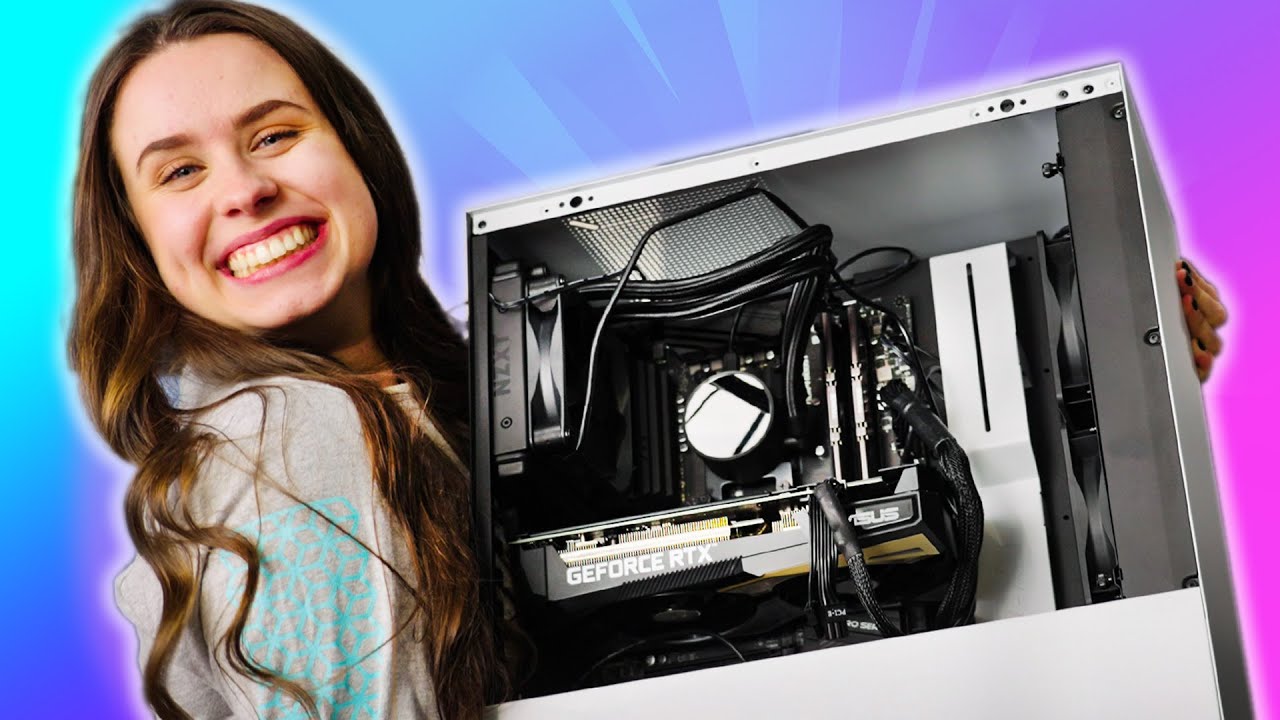
She Got It On The FIRST Try! - NZXT BLD Kit
0 up · 0 down · 0 ratings
Promos
Thanks to NZXT for Sponsoring today's video! Get your NZXT BLD kit today nzxt.co Building a PC comes to us reasonably quickly at Linus Media Group, but we can't forget that everyone doesn't get the opportunity to make a PC every week. So NZXT created the BLD kit as it guides newcomers and families on how to build a PC for the first time! Hopefully, Sarah doesn't give it the shakes this time. Purchases made through some store links may provide some compensation to Linus Media Group. ►GET MERCH: lttstore.com ►SUPPORT US ON FLOATPLANE: floatplane.com ►LTX EXPO: ltxexpo.com AFFILIATES & REFERRALS --------------------------------------------------- ►Affiliates, Sponsors & Referrals: lmg.gg ►Check out our podcast gear: kit.co ►Private Internet Access VPN: lmg.gg ►Our Official Charging Partner Anker: lmg.gg ►Secretlabs Gaming Chairs: lmg.gg ►MK Keyboards: lmg.gg ►Nerd or Die Stream Overlays: lmg.gg ►Green Man Gaming lmg.gg ►Amazon Prime: lmg.gg ►Audible Free Trial: lmg.gg ►Our Gear on Amazon: lmg.gg FOLLOW US ELSEWHERE --------------------------------------------------- Twitter: twitter.com Instagram: @shortcircuityt Facebook: @ShortCircuitYT FOLLOW OUR OTHER CHANNELS --------------------------------------------------- Linus Tech Tips: lmg.gg TechLinked: lmg.gg Mac Address: lmg.gg Techquickie: lmg.gg LMG Clips: lmg.gg Channel Super Fun: lmg.gg Carpool Critics: lmg.gg
The video opens with a lighthearted setup as Sarah announces she is about to build a PC for the very first time using NZXT’s BLD kit. The host and crew walk through the initial unboxing like a guided kit experience, highlighting the clear labeling, the adventurer’s map style checklist, and the QR-linked walkthrough videos that accompany the written instructions. Viewers get a close look at the kit components, including the RAM, CPU, SSD, and the NZXT H510 case, along with a special emphasis on how the kit is designed to help beginners. The pacing blends humor with careful steps, showing Sarah learning to handle parts gently and rely on the illustrated references to place components correctly. By the end of the segment, the promise of a smoother build for first-timers is reinforced as the team emphasizes the simplicity of following the provided instructions and video guides. As the build progresses, the video dives into level-based tasks, starting with memory installation and CPU seating. Sarah references the labeled parts and the helper illustrations that show both AMD and Intel options, illustrating how the kit accommodates different hardware configurations. She frequently checks the reference images and notes small pitfalls, such as nut and screw handling, the orientation of the CPU cooler, and cable routing. The crew humorously collaborates, including a moment where they verify the AIO versus air cooling options and discuss screw placement with a wink to the camera. As the motherboard, memory, and cooling are placed, the video emphasizes the importance of gentle handling and proper seating for reliable operation, reinforcing the kit’s promise of accessibility for first-time builders. In the latter portion, the build moves into the case assembly stage, with the GPU and power supply being mounted and connected. The team discusses cable management, modular versus non-modular power supplies, and how to connect PCIe and VGA cables as instructed. There is a notable focus on the “Holy Grail” moment of installing the GPU, followed by final touches like securing the side panels and double-checking all connections before powering on. The host celebrates when the system posts successfully, declaring the third PC build a success and praising the NZXT BLD kit for making the process approachable. The closing segments invite viewers to consider the BLD kit for their own first build and tease future videos where Sarah might build again, continuing the accessible, hands-on approach to PC building.
Topics · technology · howto · diy_pc_build · unboxing
Questions answered
- What is the NZXT BLD kit designed to do for first-time PC builders?
- The NZXT BLD kit is designed to guide beginners through assembling a PC by providing labeled parts, a step-by-step level-based build process, illustrated references, and QR-linked walkthrough videos to supplement written instructions.
- Which components are highlighted as part of the initial build steps?
- Initial steps highlight installing memory, seating the CPU, and preparing the motherboard with reference images and the labeled parts in the kit.
- What moment marks the culmination of the build in the video?
- The moment when the system powers on and posts successfully after final cable management and assembly marks the culmination, signaling a successful first PC build with the BLD kit.