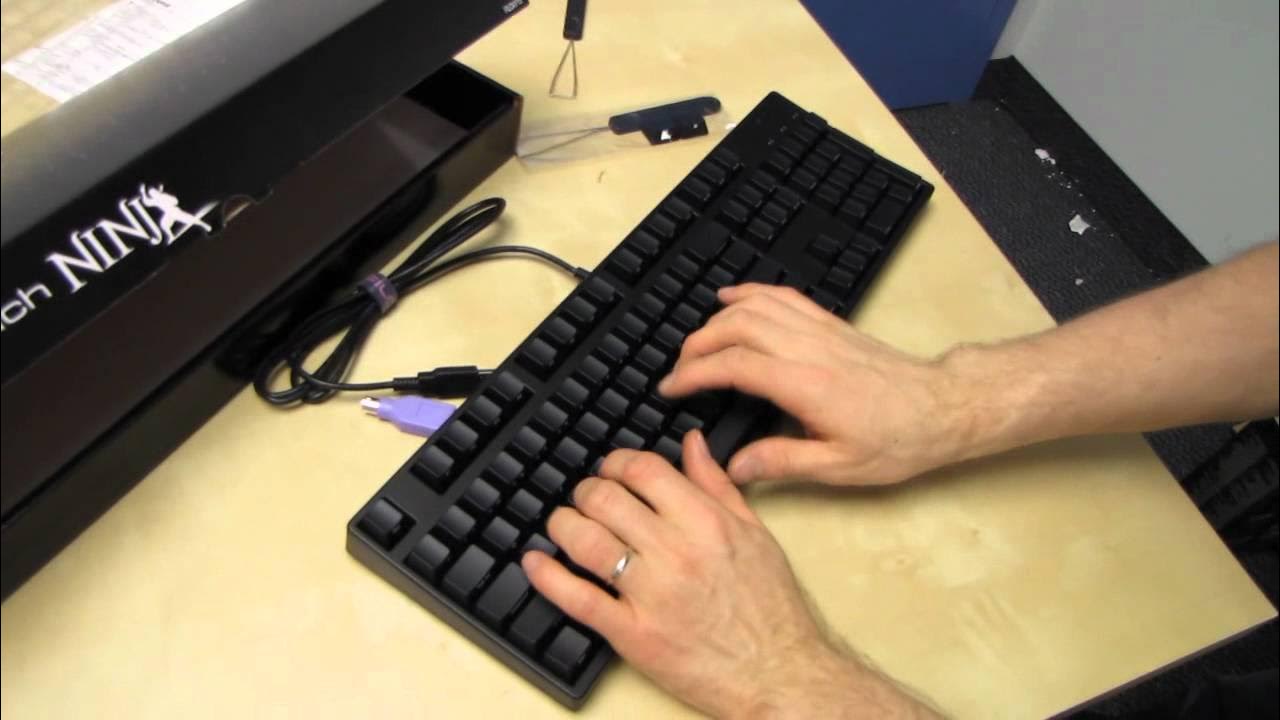
Filco Majestouch Ninja Cherry MX Brown Mechanical Keyboard Unboxing & First Look Linus Tech Tips
0 up · 0 down · 0 ratings
Description
Filco mechanical keyboards are bawss. There. I said it. CA: ncix.com US: us.ncix.com
This video provides a comprehensive unboxing and first look at the Filco Majestouch Ninja mechanical keyboard with Cherry MX Brown switches. The presenter describes the specific model as the FKB N104 M/ FB2, noting its black body, full 104 key layout, and the feature of front-facing key legends which initially seemed odd but ultimately contribute to a clean, easy-to-read appearance. Build quality is highlighted as solid with a straightforward unboxing that includes a USB to PS/2 adapter, a key puller, and replacement Windows keys, but no unnecessary frills. The discussion covers the feel and behavior of Cherry MX Brown switches, describing them as more linear and less tactile with no pronounced click, while acknowledging that mechanical keyboards are typically louder than membrane keyboards. The presenter emphasizes the advantages of mechanical switches for typing speed and comfort and encourages trying multiple switch types and layouts to find a personal best fit. He also mentions the brand’s versatility, offering keyboards with various colors, sizes, and switch options, including tenkeyless variants and interchangeable keycaps. The overall takeaway is that Filco provides a high-quality, customizable option for enthusiasts who value typing experience and build quality, with a reminder that the right keyboard choice depends on personal preference and intended use, especially for gaming versus typing. The video closes with a standard invitation to subscribe for more unboxings and reviews and a nod to the broader Linus Tech Tips content ecosystem.
Topics · technology · hardware · unboxing · keyboard · consumer_electronics · computer_peripherals
Questions answered
- What are the key features of the Filco Majestouch Ninja with Cherry MX Brown switches?
- It has a 104 key layout, front-facing key legends for easy readability, Cherry MX Brown switches which are linear and tactile without a distinct click, a solid build with no frills, and a USB to PS/2 adapter along with a key puller and replacement Windows keys.
- Why might someone choose front-facing keys on a Filco keyboard?
- Front-facing keys improve legibility when looking down at the keyboard, contributing to a cleaner appearance and easier typing for some users.
- What should a buyer consider when choosing between different Filco keyboard configurations?
- Consider layout options (full size versus tenkeyless), body color, keycap printing, presence of a USB hub, switch type (Blue, Black, Red, Brown), and whether you prefer replaceable keycaps or different layouts for typing versus gaming.