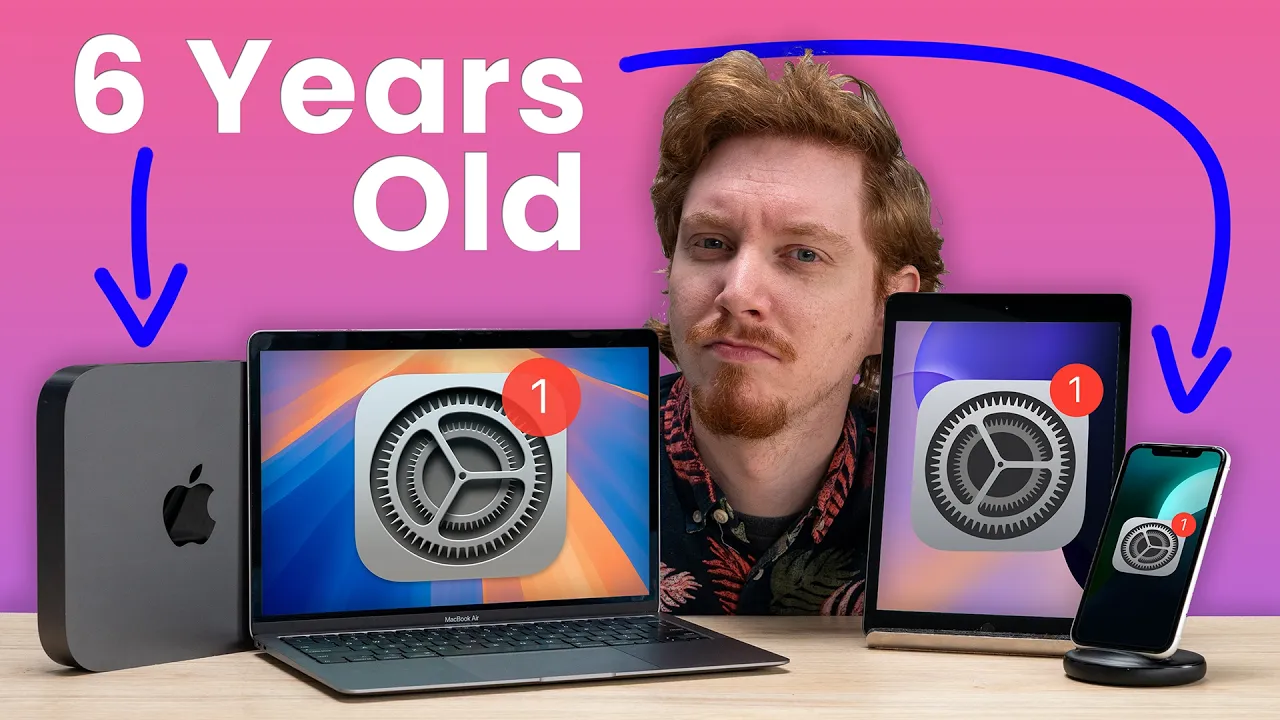
How bad are Apple’s updates on the slowest devices?
0 up · 0 down · 0 ratings
Promos
Visit squarespace.com and use code macaddress to get 10% off Apple supports their devices with OS updates for a remarkably long time. But when you've got a device on the tail end of it's support the worry is if all the new fangled features will be worth the hit on performance. ► GET MERCH: lttstore.com ► GET EXCLUSIVE CONTENT ON FLOATPLANE: lmg.gg ► SPONSORS, AFFILIATES, AND PARTNERS: lmg.gg FOLLOW US ELSEWHERE --------------------------------------------------- Twitter: twitter.com Instagram: @macaddressyt Facebook: @MacAddressChannel CHAPTERS --------------------------------------------------- 0:00 Intro 0:33 The Downgrade 0:58 ALL the new features... we don't get 1:38 iOS 18 on the iPhone XR 3:18 Thanks Squarespace! 3:50 The iPad has the oldest chip but... 5:56 Organize windows, iPhone windows 8:14 The Intel Macs are showing their architecture
The video opens by framing the annual wave of Apple OS updates and the anxiety that comes with running new software on aging hardware. The creator explains the central dilemma: do the newest features justify potential slowdowns on the devices at the tail end of official support, and which devices will actually feel the impact the most. Early on, the focus is on the iPhone XR, iPad 7th generation, Mac Mini 2018, and MacBook Air 2020 as examples of the slowest supported devices, highlighting that some new features like Apple Intelligence may not run on older hardware. The speaker also mentions RCS support and iPhone mirroring as notable improvements, contrasting them with limited headline features that arrive only after launch. Across the segments, the narrative alternates between personal test updates on iOS 18 and iPadOS 18 beta behavior, and broader commentary on hardware longevity and software strategy. The tone remains pragmatic, weighing whether upgrading is worth sacrificing performance for these devices, and it teases a conclusion about when it’s reasonable to downgrade to older hardware for the best balance of features and speed.
Topics · technology · software_updates · consumer_tech · apple_ecosystem
Questions answered
- Do older Apple devices lose performance after updating to the latest OS, and is upgrading worth it for these models?
- Yes, in some cases older devices show slower performance and thermal throttling after updates, but the perceived value of upgrading depends on how much you rely on new features like enhanced messaging, multitasking, and device integration. For devices with limited RAM or older CPUs, upgrading often improves overall responsiveness and access to newer services.
- Which updates are highlighted as most beneficial on slow devices, and why?
- The video highlights features like iPhone mirroring, RCS support, and improved window management as among the most beneficial updates for slow devices because they enhance cross-device usability and core messaging experiences, making the ecosystem feel more cohesive even on older hardware.