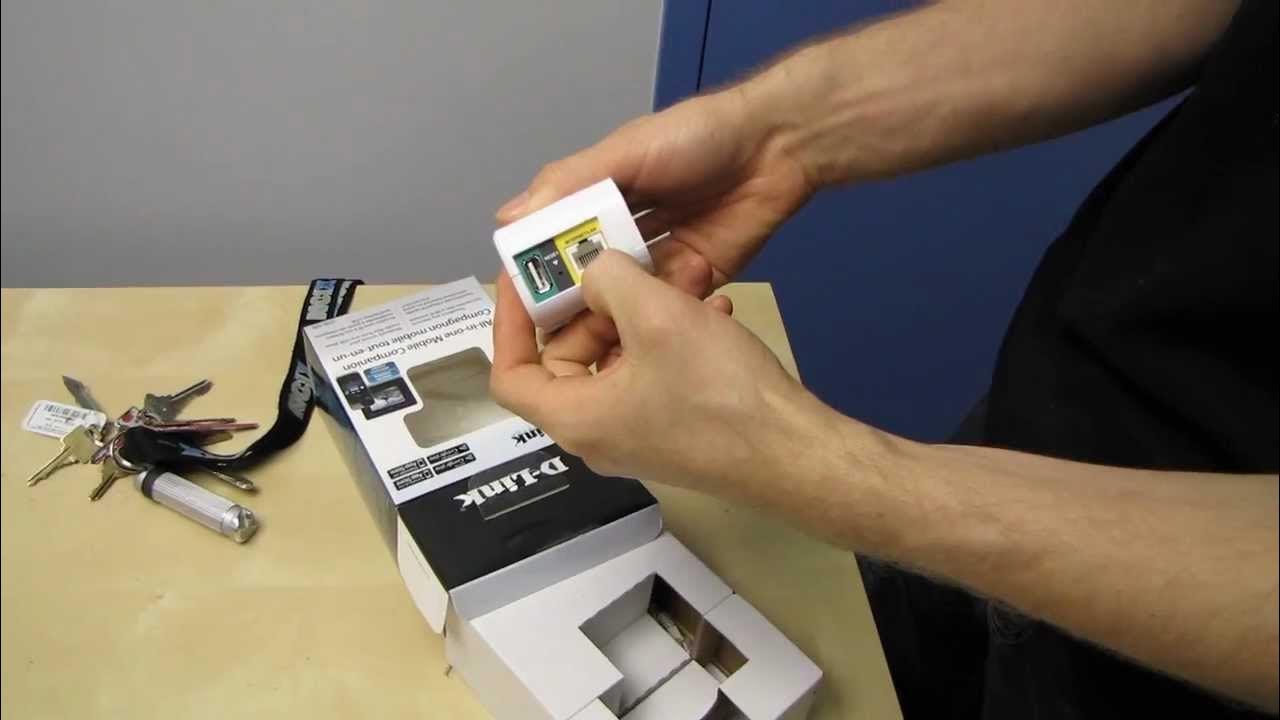
D-Link DIR-505 Wireless N Travel Pocket Router Unboxing & First Look Linus Tech Tips
0 up · 0 down · 0 ratings
Description
D-Link's new travel router is small and handy. Also it fits in your pocket! CA: ncix.com US: us.ncix.com
The video is an unboxing and first look at the D-Link Dirt-505 Wireless N Travel Pocket Router, presented by Linus Tech Tips. Linus emphasizes the device’s ultra-compact form factor,the size of a wall wart,and highlights its primary selling point: turning any wired internet connection into a Wi-Fi hotspot that can support up to 50 devices. He walks through the unboxing, admiring the included ethernet cable and the quick-start feel of the packaging, including a card with default information for quick reference while on the go. The D-Link DIR-505 is described as a multi-mode device, capable of functioning as a router, an access point, or a repeater/network extender, all controlled by a hardware switch for easy mode switching. Features such as USB charging for smartphones, the SharePort app for media sharing, and a WPS button are demonstrated as convenient enhancements for travelers and dorm room setups. Linus also notes security features like WPA, firewalls, and SPI, and explains the compact, wall-plug design that does not block outlets, making it practical for hotel rooms and small spaces. He closes with practical usage scenarios, such as providing multiple devices with internet access in hotel rooms or shared spaces, and encourages viewers to subscribe for more unboxings and tech content. The video combines hands-on exploration with personal enthusiasm, offering a clear sales pitch for travelers and students needing portable Wi-Fi on the road.
Topics · Technology · Gadgets · Unboxing · Travel · Networking
Questions answered
- What are the main usage modes of the D-Link DIR-505 and how do you switch between them?
- The DIR-505 supports router, access point, and repeater modes, and you switch modes using a hardware switch on the device.
- Can the DIR-505 charge devices or support USB-based media sharing?
- Yes, the device includes a USB port that can charge devices and also supports SharePort for media sharing via the app.
- How many devices can connect to the DIR-505 when used as a hotspot?
- It can connect up to 50 devices to the hotspot created by the DIR-505.
- What are the security features mentioned for the DIR-505?
- The device includes WPA, firewall protection, and SPI for router mode security.