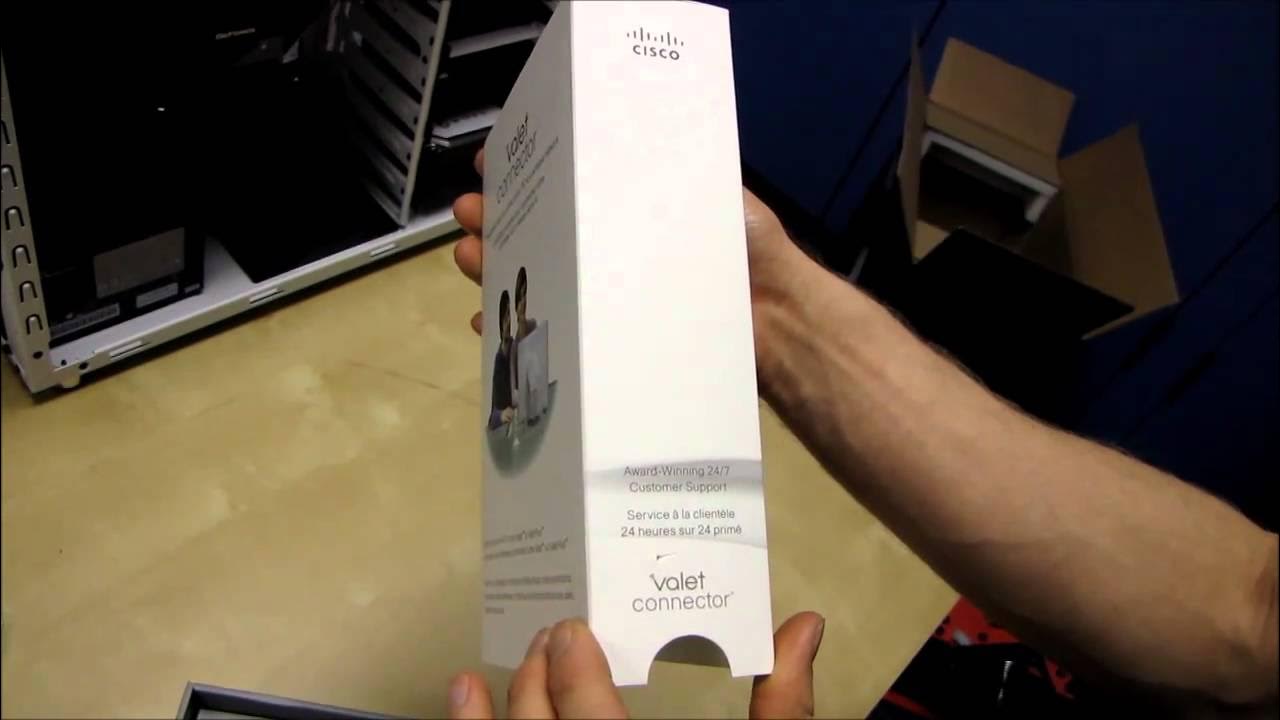
Cisco Valet Connector USB Wireless Network Adapter Unboxing & First Look Linus Tech Tips
0 up · 0 down · 0 ratings
Description
ncix.com Cisco's Valet family is all about ease of use. First an unboxing, then I'll put that to the test!
The video opens with Linus introducing Cisco's Valet Connector, a USB wireless network adapter, and proceeds to an unboxing that showcases the box contents and physical design. He points out that the device is a USB wireless adapter designed for both desktops and laptops, with Wireless N capability and Cisco branding. The packaging is unpacked step by step, revealing the Valet Connector unit, a USB extension cable, and a small cap to protect the connector when not in use. Linus outlines the basic user flow: insert the Valet Connector into a USB port, initiate the setup via a on-screen installer, and complete the installation through guided prompts. He teases a follow-up video that will pair the adapter with a Valet router and explains that the goal is to demonstrate how simple it is to connect to hotspots like coffee shops and airports. Throughout the unboxing, he notes hardware details such as the presence of a MAC address on the device and the packaging’s emphasis on ease of setup and 24/7 customer support. By the end of the segment, the focus shifts from the physical contents to the software experience, setting up expectations for how user-friendly Cisco claims the Valet system will be in practice. The video promises a hands-on test of the setup process and hints at future content exploring the complementary router for a complete wireless experience.
Topics · hardware · unboxing · wireless-networking · consumer-electronics
Questions answered
- What items are included in the Cisco Valet Connector unboxing kit?
- The kit includes the Valet Connector USB wireless adapter, a USB extension cable, and a protective cap for the connector.
- What are the basic steps to set up the Valet Connector?
- Insert the Valet Connector into a USB port, click to set up the device, and follow the on-screen installation instructions to complete the setup.
- What features are highlighted for the Valet Connector in this video?
- The device is a Wireless N certified USB adapter intended for desktop and laptop use, with an emphasis on ease of use and Cisco branding.