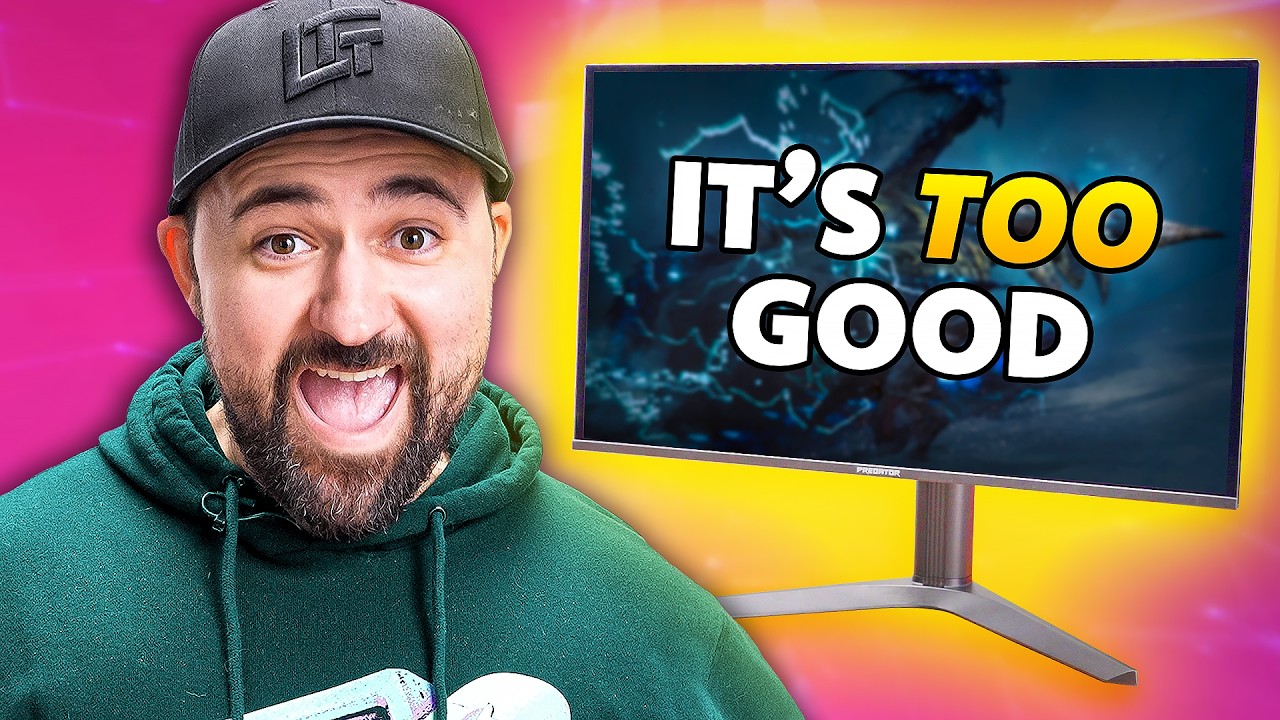
Finally… An OLED for the Rest of Us - Acer Predator X27U X1
0 up · 0 down · 0 ratings
Promos
motiongrey.com Buy a MotionGrey Ergo 2 sit-to-stand desk using the link above, and get an exclusive 15% off that’s stackable with any existing offer they may have! OLED gaming monitors keep getting cheaper, so Plouffe checks out the Acer Predator X27U X1, one of the most affordable QD-OLED displays on the market. Despite a few quirks and missing features, it delivers great gaming performance, solid HDR, and surprisingly decent speakers for the price. Buy an Acer Predator X27U X1 27" WQHD 240Hz 0.03ms OLED Monitor: geni.us Purchases made through some store links may provide some compensation to Linus Media Group. Want us to unbox something? Make a suggestion at lmg.gg ► GET MERCH: lttstore.com ► GET A VPN: piavpn.com ► GET EXCLUSIVE CONTENT ON FLOATPLANE: lmg.gg ► SPONSORS, AFFILIATES, AND PARTNERS: lmg.gg CHAPTERS --------------------------------------------------- 0:00 Intro 0:32 Unboxing and accessories 1:12 Stand setup 1:55 IO and missing features 2:27 Build quality and stand features 3:43 The naming schemes... 4:50 Sponsor 5:20 The software and OSD 6:27 Built-in speakers test 7:00 HDR and color accuracy impressions 8:47 Gaming experience and latency 10:23 Final thoughts and SDR accuracy 11:00 Final thoughts 12:10 Credits
The video opens by highlighting the growing affordability of OLED gaming monitors and introduces the Acer Predator X27U X1 as one of the most affordable options in the category. The host starts with an unboxing overview, noting the box contents including a power supply, HDMI and DisplayPort cables, and the stand assembly. He emphasizes the design choices, such as the slim panel and the substantial stand, while also pointing out initial caveats like the absence of USB ports and the overall build feel. The discussion then shifts to the monitor’s naming conventions and model confusion, with a lighthearted rant about how Acer labels its Predator X27U variants, which could mislead buyers in stores. Throughout the segment, the host teases the upcoming in-depth look at setup, IO, and performance, while weaving in sponsor content and a plug for Motion Gray’s Erggo 2 desk. The first detailed evaluation moves into the on-screen display (OSD) and color modes, where brightness, HDR settings, and the variety of presets are explored, including HDR modes and color spaces, with clear notes on what can and cannot be adjusted in HDR. The speaker test reveals surprisingly decent built-in speakers for a gaming monitor, and the host continues with practical remarks on color accuracy, noting that while perfect accuracy isn’t achieved, the performance is still markedly better than many LCDs and competitive with higher-end displays for gaming. Latency measurements at 240 Hz are discussed, showing low input lag close to the theoretical minimum and a negligible impact at console target framerates. The reviewer shares impressions on SDR and HDR color behavior, pointing out slight oversaturation and brightness balance challenges, yet concluding that the overall image quality is compelling for the price. Finally, the host weighs price against the ongoing evolution of OLED and QD-OLED displays, suggesting that stretching budget to reach around $600 could be a sweet spot for many gamers, while acknowledging that even cheaper and newer options may appear soon. The video wraps with final verdicts that the Acer Predator X27U X1 is a solid, affordable entry point into OLED gaming, delivering strong gaming performance and solid HDR for its price, and it invites viewers to explore more about the product and related models in the channel's broader coverage.
Topics · gaming monitor · display technology · unboxing · reviews · budget technology · oled/qd-oled · hdr · latency
Questions answered
- What is the Acer Predator X27U X1 best price point according to the video?
- The video notes the price around $599 to $600 as a compelling entry point for this budget OLED gaming monitor.
- What are the main drawbacks mentioned for this monitor?
- The main drawbacks cited include the absence of USB ports, potential naming confusion between different X27U variants, and some SDR color accuracy and brightness balance concerns in HDR mode.
- How does latency at 240 Hz compare to console use at 120 Hz?
- Latency at 240 Hz is described as very low, with only a few milliseconds of additional display latency, and even at 120 Hz the latency remains only a few milliseconds higher, which is still hardly noticeable.