HD Tutorial: Edit Web Pages with Javascript
0 up · 0 down · 0 ratings
Promos
***WATCH IN HD*** Have you ever seen those Youtube videos where someone claims to have 'hacked' another famous Youtuber? It's really quite easy - using javascript! Here's the code I mentioned: javascript: document.body.contentEditable = 'true'; document.designMode = 'on'; void 0 Enjoy - SUBSCRIBE!
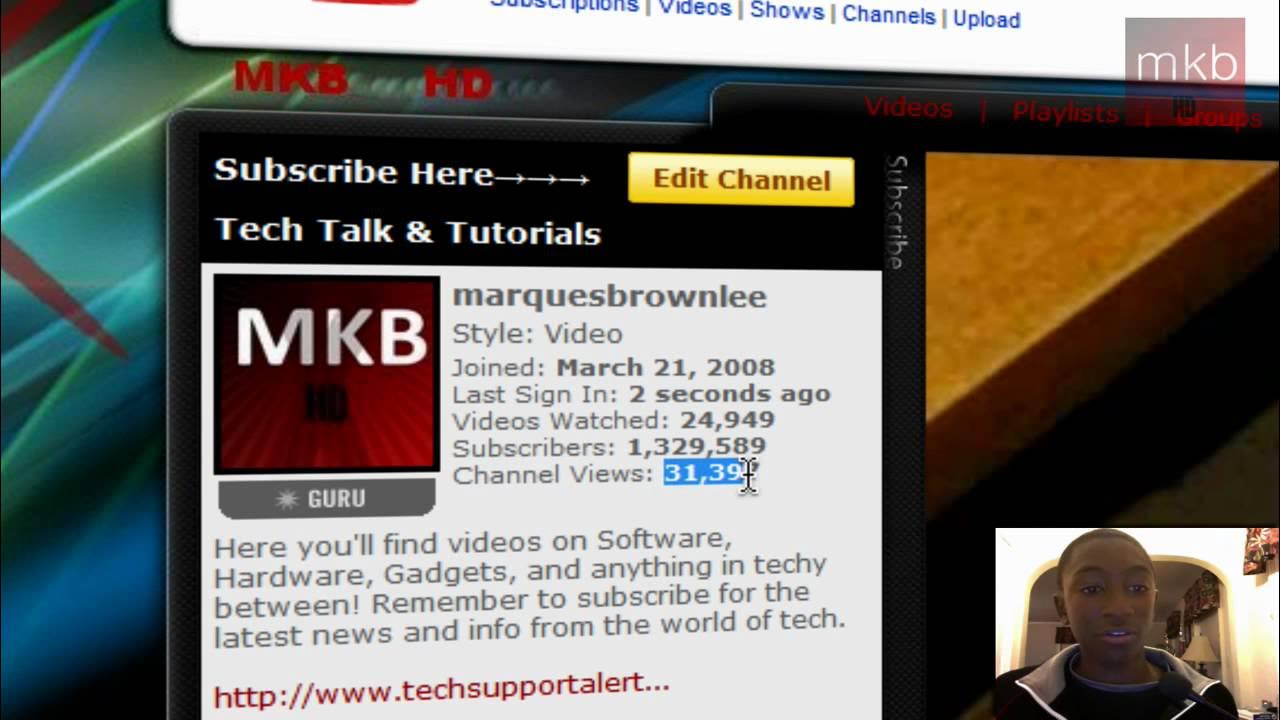
The video presents a quick, practical tutorial on editing a web page locally using JavaScript. The presenter explains that the technique works only on the viewer’s own browser and does not alter the live internet, emphasizing that changes are temporary and for demonstration purposes. The core idea shown is injecting a short script that makes the page content editable, enabling you to alter text and numbers directly in the browser. A step-by-step example is demonstrated by replacing the page URL with a small JavaScript snippet, which triggers a brief blink and then enables editing across the page. The host demonstrates edits on a YouTube channel page and a mocked site, showing how to alter titles, counts, and messages to illustrate the concept. The tutorial wraps up with guidance on refreshing the page to revert changes and invites viewers to try similar edits locally, noting that the approach is mainly for fun and experimentation rather than altering live sites. Overall, the video combines a simple code snippet with live editing demonstrations to convey how document editing modes function in the browser.
Topics · technology · web development · programming · tutorials
Questions answered
- What does the JavaScript snippet do to a web page in this tutorial?
- The snippet sets document.body.contentEditable to 'true' and enables document.designMode, making the page editable in the browser so text and numbers can be modified locally.