BenQ 2420T 3D Vision Lightboost 24 LED Monitor Unboxing & First Look Linus Tech Tips
0 up · 0 down · 0 ratings
Description
ncix.com For 3D gaming, this is about as good as it gets for a 24" monitor. At this point I really can't see myself recommending a 3D Vision V1 monitor compared to the V2 monitors with Lightboost. V1 glasses are still fine though and they work awesome with Lightboost.
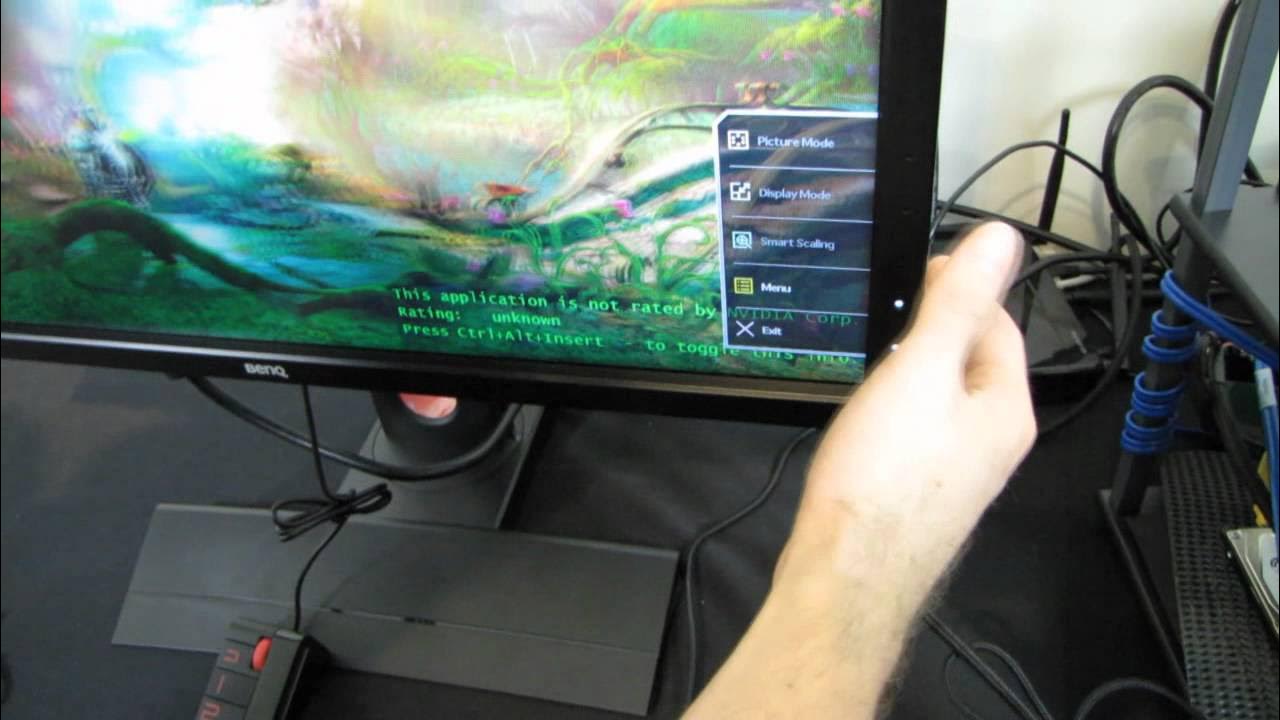
Linus Tech Tips dives into the BenQ 2420T, a 24 inch LED monitor built to support Nvidia 3D Vision with Lightboost. The video opens with context from Linus about the 2410T as a favorite first generation 3D monitor and explains that the 2420T is its successor, bringing Lightboost compatibility, a lighter overall design, and new features. He explains how Lightboost works by modulating the backlight to increase left-right image separation and reduce eye fatigue, while keeping brightness high. The unboxing reveals thoughtful packaging details, including a dust cover and a compact stand with an S Switch that lets users switch between up to three profiles for brightness, contrast, and other image settings. He also highlights the variety of inputs, including DisplayPort, VGA, DVI, HDMI, USB hub, and a port for the S Switch, and underscores how the on-screen display is touch-sensitive and context-aware for easier navigation. Throughout, Linus emphasizes how the 2420T aims to provide a strong 3D gaming experience with reduced cross talk, improved shadows with black equalizer, and options for scaling and image sizing that may appeal to gamers and content creators alike.
Topics · technology · monitors · gaming · 3d technology · consumer electronics
Questions answered
- What is the BenQ 2420T best at for gaming?
- The BenQ 2420T is best at delivering a bright, immersive 3D gaming experience thanks to Lightboost, which enhances image separation between the left and right eyes and reduces eye fatigue while maintaining strong brightness.
- What is the S Switch and how does it help?
- The S Switch is a compact control used to quickly switch between up to three monitor profiles, allowing fast changes to brightness, contrast, and other settings without navigating the on-screen menu.
- Can the 2420T support 3D Vision V1 and V2 glasses?
- Yes, Lightboost is compatible with both 3D Vision V1 and V2 glasses, though V2 glasses offer larger frames for less black edge visibility.