Steelseries Black Ops II Gaming Mouse & Pad Unboxing & First Look Linus Tech Tips
0 up · 0 down · 0 ratings
Description
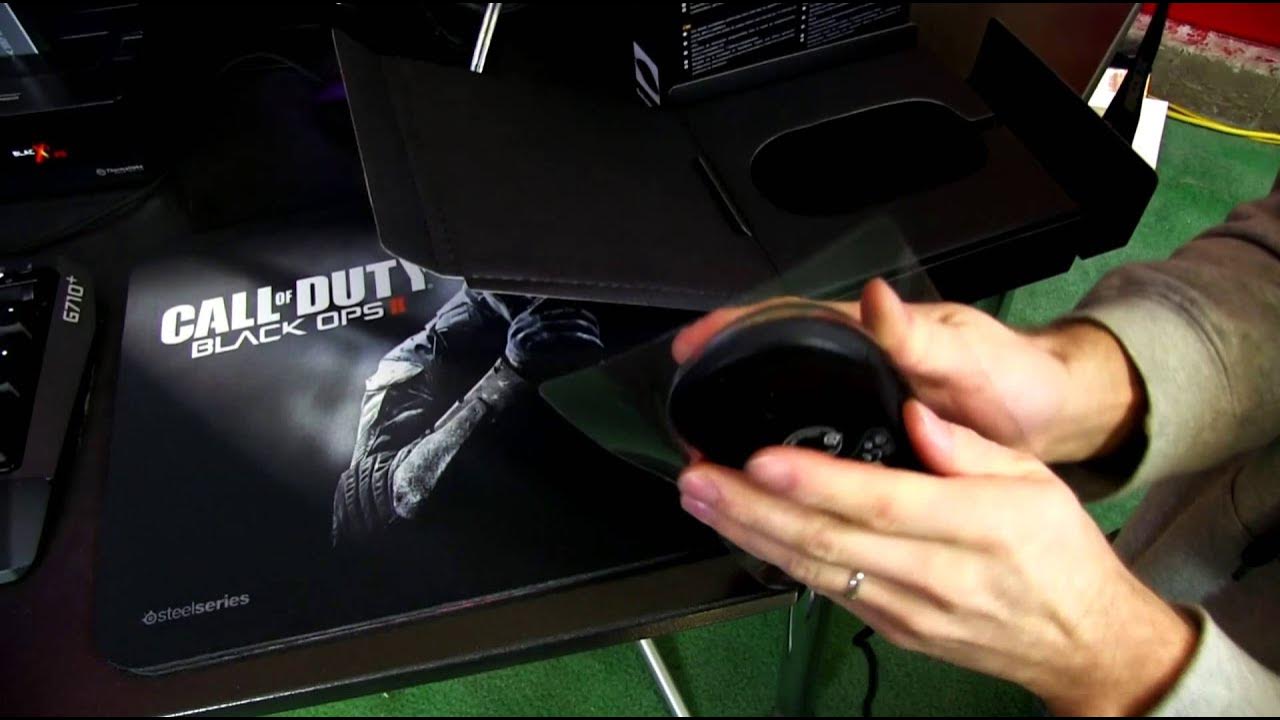
Steelseries' Black Ops II gaming mouse and mouse pad unboxing. Basically it's a Sensi and a QCK with some sweet graphics on it CA: ncix.com US: us.ncix.com
In this unboxing and first look, Linus Tech Tips examines the SteelSeries Call of Duty Black Ops II gaming mouse alongside its matching Black Ops 2 branded mouse pad. The host starts by noting the black ops branding on the pad, which is essentially a QcK type cloth pad with a hard backing, and contrasts it with the existing Diablo-branded SteelSeries pad. He explains the packaging expectations versus the actual product, highlighting that the pad looks like a hard pad but is in fact cloth with a rigid base. The video then shifts to the mouse itself, detailing the features advertised by SteelSeries such as programmable illumination, CPI toggle, multiple programmable buttons, and the SteelSeries Engine software that enables customization and macro creation. Linus comments on the DPI and counts per inch metrics, and emphasizes that SteelSeries uses CPI for a more accurate performance portrayal than DPI alone. Throughout the segment, he compares the Black Ops edition to other SteelSeries mice, noting the soft touch surface, ambidextrous design, and the retail value of the software package, which he believes provides better feature access than some cheaper peripherals. The unboxing culminates with a practical assessment of build quality, sensor performance, and a nod to SteelSeries’ reputation for consistent hardware and robust software support, concluding with a recommendation to subscribers for future Linus editions and testing. In the latter portion, Linus highlights the mouse’s hardware specifics including the 8 programmable buttons, a CPI switch, and lighting options that can be customized via USB. He remarks on the top surface feel, comparing it to his favorite Ikari and other SteelSeries mice, while pointing out the ambidextrous design that suits both left- and right-handed users. The discussion broadens to software capabilities, such as angles snapping and movement correction, which he personally tends to disable for precise gaming control. He also reflects on the importance of real-world testing over raw specifications, stressing that performance must be validated in actual games rather than measured in static specs. The video closes with a casual plug of thanks to viewers, a reminder to subscribe, and a lighthearted sign-off that keeps the tone approachable while delivering technical insight on peripherals and setup.
Topics · technology · hardware · peripherals · gaming
Questions answered
- What is the SteelSeries Black Ops II mouse and what makes it different from the standard Sensei?
- The Black Ops II edition uses the same base mouse as the Sensei but features Black Ops branding, a soft touch surface, and customizable lighting, with SteelSeries Engine software for macros and profile adjustments.
- What type of mouse pad is included or described with the kit and how does it differ from typical hard pads?
- The Black Ops II pad is a cloth mouse pad with a hard backing, marketed as a pad similar to the QcK line rather than a rigid hard pad.