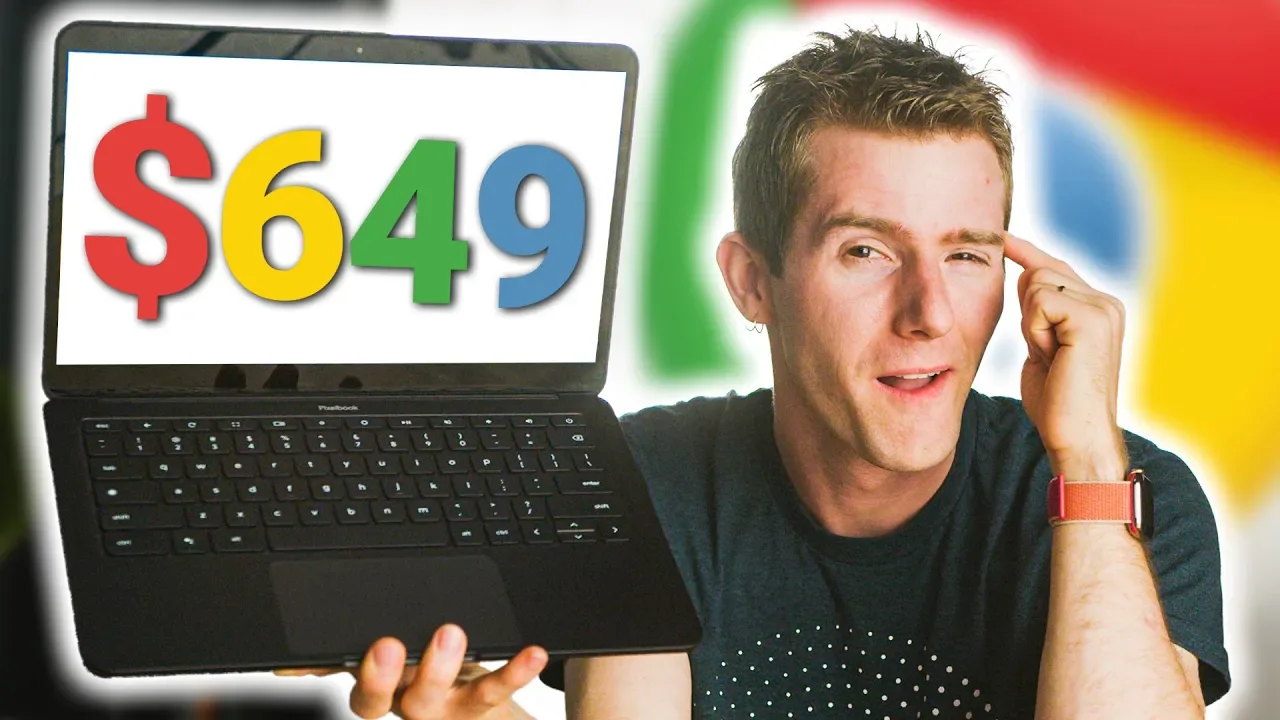
What is Google playing at?? - Pixelbook Go Review
0 up · 0 down · 0 ratings
Promos
Check out the Massdrop x HIFIMAN HE4XX Planar Magnetic Headphones at dro.ps Buy CORSAIR's Hydro X on Amazon: geni.us Buy CORSAIR's Hydro X on Corsair: geni.us The Pixelbook Go is Google's latest fancy Chromebook - but if no one's buying them, why does Google keep making them? Buy Pixelbook Go: On Amazon: geni.us On Google Store: geni.us Purchases made through some store links may provide some compensation to Linus Media Group. Discuss on the forum: linustechtips.com Our Affiliates, Referral Programs, and Sponsors: lmg.gg Get a VPN today with PIA at geni.us Get a Displate Metal Print at lmg.gg Get a 30-day free trial of Amazon Prime at lmg.gg Linus Tech Tips merchandise at lttstore.com Linus Tech Tips posters at crowdmade.com Our Test Benches on Amazon: amazon.com Our production gear: geni.us Twitter - twitter.com Facebook - @LinusTech Instagram - @linustech Twitch - twitch.tv Intro Screen Music Credit: Title: Laszlo - Supernova Video Link: youtube.com iTunes Download Link: itunes.apple.com Artist Link: soundcloud.com Outro Screen Music Credit: Approaching Nirvana - Sugar High youtube.com
The Pixelbook Go review opens by establishing the device as highly portable and visually appealing, with a slim magnesium chassis and a matte finish that feels premium rather than cheap. The hosts emphasize the battery capacity of 47 watt hours and report real-world usage that approaches 11 hours in mixed tasks, underscoring it as a strong all-day option for a device this thin. They contrast the build quality and keyboard experience with the original Pixelbook, noting quiet, responsive keys and a large trackpad that approaches Mac-like precision. However, the video does not shy away from criticisms: the 13-inch 1080p touchscreen has large bezels and the I/O options are limited to two USB-C ports without Thunderbolt 3, while the base configurations remain underwhelming in storage and processor power for the price. The discussion then pivots to Chrome OS’s limitations in professional software ecosystems, such as the absence of easy personal/work account switching and the lack of robust native apps beyond browser-based solutions, which framed the Pixelbook Go as a stylish luxury in the Chromebook space rather than a practical all-rounder. The hosts weigh whether Chrome OS can truly replace Windows or macOS for daily computing and conclude that while the Pixelbook Go excels in aesthetics and design, its value hinges on price and the user’s specific needs, ultimately deeming it difficult to recommend as a primary computer unless it’s significantly cheaper than comparable Windows laptops. In a broader take, the creators tease a longer-form discussion about Google’s strategy, joking about a “4D chess” approach to product releases, which leads into a quick transition to a sponsored segment about Massdrop and HIFIMAN headphones, capitalizing on the video’s momentum with humor and a shift in topic. The overall verdict is nuanced: the Pixelbook Go is praised for its build quality and user experience but questioned for its practicality and price, with the creators suggesting Chrome OS is evolving yet not yet on par with Windows or macOS for most professional workflows.
Topics · technology · product_review · hardware · laptops · chromebooks · operating_systems · consumer_electronics
Questions answered
- What did the reviewer identify as the major downside of the Pixelbook Go in terms of value?
- The reviewer pointed to the Pixelbook Go's high price relative to its hardware and the limited performance vs. Windows laptops as the major downside, making it hard to justify as a primary computer unless it’s significantly cheaper.
- Can the Pixelbook Go be a primary computer according to the review?
- Yes, but only for users who prioritize build quality and Chrome OS familiarity; in general, the reviewer says it is not ideal as a main computer due to price and software limitations.