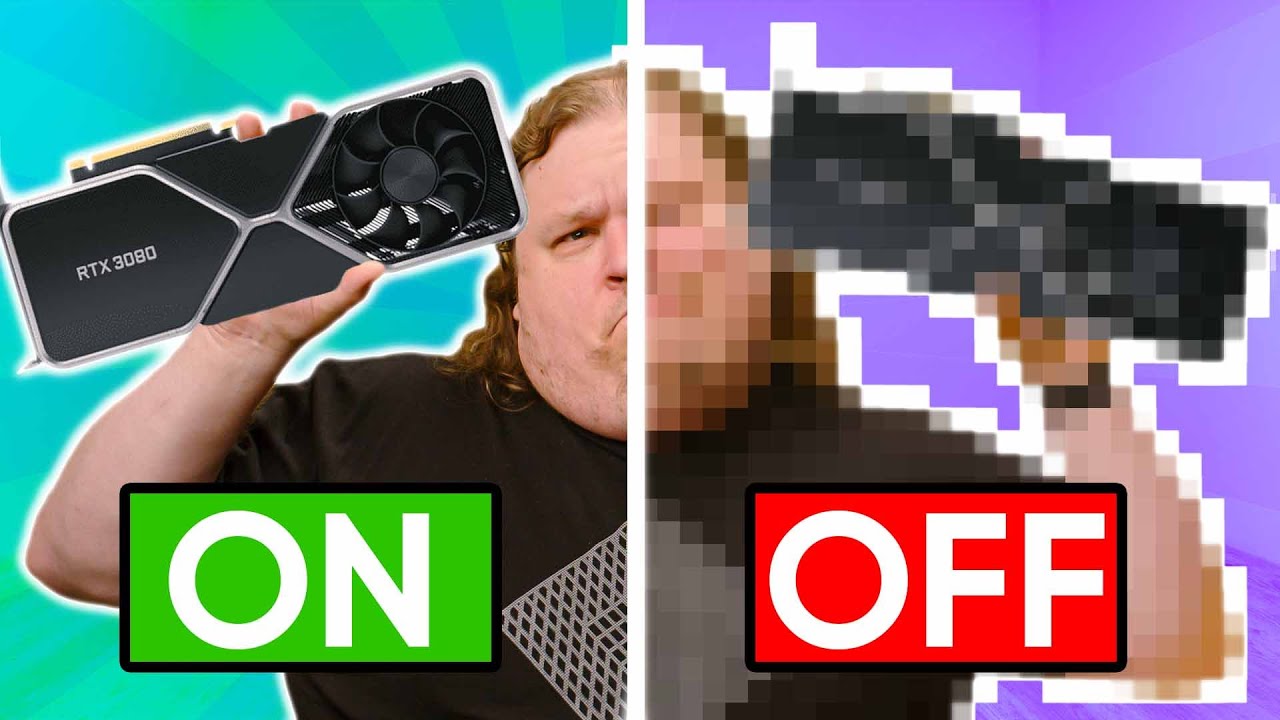
DLSS Swapper makes your games look better!
0 up · 0 down · 0 ratings
Description
Check out DLSS Swapper here: github.com
Promos
Check out Nvidia DLSS DLL's here: techpowerup.com Discuss on the forum: linustechtips.com What's a "Pitot Tube" at 5:42? They're actually pretty cool - youtube.com ► GET MERCH: lttstore.com ► AFFILIATES, SPONSORS & REFERRALS: lmg.gg ► PODCAST GEAR: lmg.gg ► SUPPORT US ON FLOATPLANE: floatplane.com FOLLOW US ELSEWHERE --------------------------------------------------- Twitter: twitter.com Facebook: @LinusTech Instagram: @linustech TikTok: @linustech Twitch: twitch.tv MUSIC CREDIT --------------------------------------------------- Intro: Laszlo - Supernova Video Link: youtube.com iTunes Download Link: itunes.apple.com Artist Link: soundcloud.com Outro: Approaching Nirvana - Sugar High Video Link: youtube.com Listen on Spotify: spoti.fi Artist Link: youtube.com Intro animation by MBarek Abdelwassaa @mbarek_abdel Monitor And Keyboard by vadimmihalkevich / CC BY 4.0 geni.us Mechanical RGB Keyboard by BigBrotherECE / CC BY 4.0 geni.us Mouse Gamer free Model By Oscar Creativo / CC BY 4.0 geni.us CHAPTERS --------------------------------------------------- 0:00 Intro 0:33 Rage Anthony 1:00 DLSS Versions 1:25 DLSS Swapper 2:20 The Swap 4:23 Testing observations 8:07 Why DLSS Swapper? 8:52 What's next?
Channels and socials
Get 20% OFF + Free Shipping @manscaped at manscaped.com Sign up for Linode to get your $100 in 60-day credit at linode.com DLSS has been around for a while now, and while Nvidia has improved it continuously, games almost never update the version they use. But now there’s a very simple way to do it for yourself… Buy RTX 3080: geni.us Purchases made through some store links may provide some compensation to Linus Media Group.
DLSS Swapper makes it easier than ever to experiment with different DLSS revisions in your favorite games, and the video walks through a practical workflow to upgrade or swap DLSS versions on a per-game basis. The host explains that DLSS implementations vary by title and that games often ship with an older or suboptimal DLSS revision, which is where the open, cross-version tool comes into play. The process starts with locating and installing the DLSS Swapper utility, then downloading DLSS revision files from TechPowerUp, extracting them, and using the swapper to apply a chosen revision to a Steam game. The discussion covers the key historical milestones of DLSS versions from 1.0 through 2.2, emphasizing how motion vectors, temporal data, and quality presets influence image fidelity and performance. The video then presents real-world observations across multiple titles, noting how newer revisions do not universally improve visuals and in some cases can introduce artifacts or disable DLSS entirely due to anti-cheat systems or game-specific quirks. The host concludes by acknowledging the potential future directions of AI upscaling and the open competition from FidelityFX Super Resolution and Intel XCSS, while inviting viewers to perform their own testing and stay tuned for future developments. A sponsored segment and end card offer continue to support the video, and the overall tone remains exploratory, encouraging curiosity and careful experimentation rather than blanket recommendations. DLSS Swapper is positioned as a simple, user-driven method to update or mix DLSS revisions beyond what a game ships with, enabling side-by-side comparisons and deeper understanding of how each revision impacts visual quality and performance. The host highlights a few practical constraints, such as the current reliance on Steam-compatible titles, the manual certificate trust required for non-Windows Store apps, and the potential concerns with anti-cheat systems that can disable DLSS when swapping DLLs. Case studies across Doom Eternal, Metro Exodus, and War Thunder illustrate variability in results: some games benefit from newer revisions with reduced shimmering, while others exhibit ghosting or even worse behavior with certain combinations. The segments also clarify historical DLSS milestones, showing, for example, how 2.0 introduced temporal data and how 2.1 and 2.2 added features like Ultra Performance and adjustments to reduce artifacts, but with caveats about platform, resolution, and game-specific behavior. The closing sections speculate on future AI upscaling directions and the broader ecosystem, comparing DLSS to competing open architectures and encouraging ongoing experimentation while acknowledging the limits of what can be predicted from a single video. Overall, the video serves as a practical, technically inclined guide to DLSS version swapping, balanced with measured notes about stability, compatibility, and the nuanced trade-offs between image quality and performance. It emphasizes that upgrading is not universally better and that real-world outcomes depend on game, revision, and hardware context. Viewers are guided through a repeatable workflow: install the swapper, download DLSS revision files, extract and verify, then select a revision to apply, testing in your own titles to determine the best balance. The content demonstrates that the DLSS ecosystem continues to evolve, with ongoing research and community tooling that can unlock previously unavailable combinations, while also reminding viewers of potential compatibility risks and the importance of conservative testing. The overall takeaway is that DLSS is advancing rapidly, and tools like DLSS Swapper empower enthusiasts to push the boundaries of what is possible within the constraints of individual games and system configurations.
Topics · technology · pc_gaming · gaming_hardware · software_tools
Questions answered
- What is DLSS Swapper and what problem does it solve?
- DLSS Swapper is a tool that lets you install and swap in different DLSS revisions for Steam games, enabling you to trial newer or older DLSS versions in titles that ship with specific revisions.
- Which games showed notable differences when upgrading DLSS revisions?
- Doom Eternal, Metro Exodus, and War Thunder were discussed as examples where newer revisions reduced some artifacts in some scenes, while other cases showed ghosting or instability depending on the revision and game.
- Are there any risks or limitations to using DLSS Swapper?
- Yes, the process can require trusting a third-party certificate, it currently supports only Steam games, and some games with anti-cheat or architecture constraints may not work well with swapped DLLs.