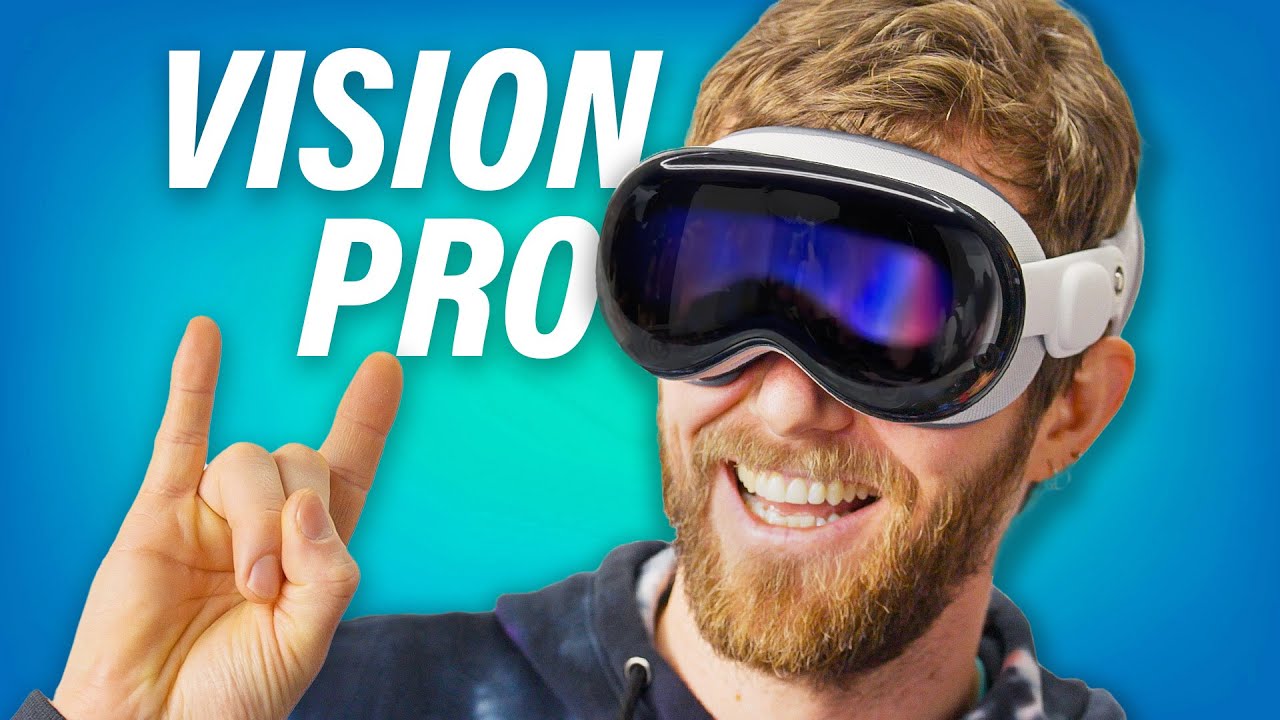
An ignorant Vision Pro unboxing - Apple Vision Pro
0 up · 0 down · 0 ratings
Promos
Get a dbrand skin or grip for your devices today at shortlinus.com After many years of leaks and rumours, Apple's new AR/VR headset, the Vision Pro, is finally here! With amazing passthrough cameras, eye tracking, screens, and weird personas, will Linus be impressed with Apple's offerings, or will the price tag be enough to scare him away from the "Spatial Computing" future that's been promised to us? Want us to unbox something? Make a suggestion at lmg.gg ► GET MERCH: lttstore.com ► GET EXCLUSIVE CONTENT ON FLOATPLANE: lmg.gg ► SPONSORS, AFFILIATES, AND PARTNERS: lmg.gg ► PRODUCTS WE USE ON THE SHORTCIRCUIT SET: lmg.gg FOLLOW US ELSEWHERE --------------------------------------------------- Twitter: twitter.com Instagram: @shortcircuityt TikTok: @linustech Facebook: @ShortCircuitYT CHAPTERS --------------------------------------------------- 0:00 It's been hard to avoid this... 0:35 Solo Knit Band and face cushion 1:21 Putting it on for the first time 2:20 What else is in the box? 5:38 Booting it up 7:14 Sponsor - dbrand 8:19 Setting up a Persona 9:16 Making a FaceTime call 10:19 MacBook Virtual Display and Spatial Videos/Photos 12:56 Checking out VR environments and spatial audio 14:19 Final thoughts, trying to see eyesight 14:57 Outro
An in-depth look at Apple's Vision Pro in an unboxing format, this video dives into the hardware, ergonomics, and initial impressions as Linus demos what comes in the box and how the headset feels on the face. The opening segment foregrounds the build materials, the magnetic strap system, and the options for swapping bands, highlighting the comfort considerations and adjustments needed for different head shapes. The presenter then shifts to the core hardware spec and the experience of booting up, noting the M2 processor, the R1 spatial processor, and the eye-tracking array that powers the pass-through and display. Viewers are walked through the box contents, battery setup, the physical layout of the displays, and the claim of a near zero latency pass-through, along with practical thoughts on using the Vision Pro as a virtual desktop or private theater. In the middle section, the video pivots to real-world usage, showing how the display quality looks in action, the field of view, and the way the device handles on-head weight and warmth during extended wear, including commentary on the price and whether the investment feels justified. The closing impressions compare the Vision Pro's capabilities to traditional display setups, discuss the lack of external controllers for now, and speculate about future software features, while acknowledging the novelty and potential of spatial computing and its role in work and entertainment.
Topics · technology · unboxing · hardware · augmented-reality · virtual-reality · wearables · gadgets
Questions answered
- What are the key hardware components inside the Vision Pro that Linus mentions in the unboxing?
- The Vision Pro uses an M2 processor with an 8-core CPU and 10-core GPU, combined with Apple’s new R1 spatial processor to handle near zero latency pass-through.
- What is highlighted about the pass-through and eye tracking during setup?
- The video emphasizes the impressive pass-through fidelity with a near real-time, low latency experience and a robust eye-tracking and infrared camera array used for the spatial interface.
- How does the reviewer describe the weight and comfort when wearing the headset for extended periods?
- The reviewer notes that although the headset is heavy, Apple has kept the weight close to the face and discusses band options and padding adjustments to improve comfort for longer use.
- What are the main use cases the reviewer focuses on for the Vision Pro?
- The reviewer is most interested in using the device as a virtual desktop with large displays and as a private theater for media consumption, in addition to general spatial computing and productivity scenarios.
- Does the video claim the Vision Pro is worth its price?
- The video presents three possible answers: it is expensive, it is not overpriced, and whether it is worth it remains to be seen, depending on user needs and usage.