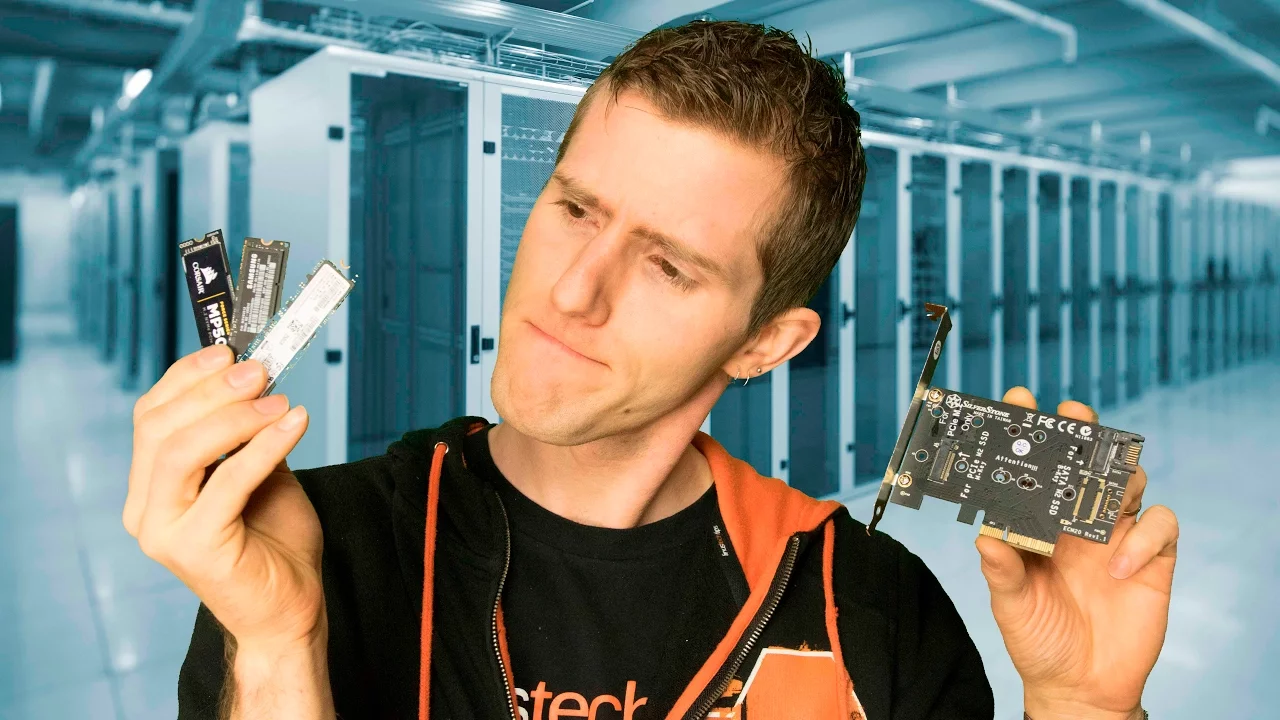
The FASTEST SSD Technology Explained - M.2, U.2, and MORE
0 up · 0 down · 0 ratings
Description
M.2? AHCI? NVMe? With the knowledge in this video, you should be able to comfortably pimp out your storage setup to the next big thing. ROCCAT CROSS GIVEAWAY CLOSED, THANKS FOR ENTERING! Buy Roccat Cross on Amazon: geni.us Watch Nerdsports: youtu.be Buy M.2 SSDs on Amazon: geni.us Discuss on the forum: linustechtips.com Our Affiliates, Referral Programs, and Sponsors: linustechtips.com
Channels and socials
Check out our Linus Tech Tips posters at crowdmade.com twitter.com @LinusTech Intro Screen Music Credit: Title: Laszlo - Supernova Video Link: youtube.com iTunes Download Link: itunes.apple.com Artist Link: soundcloud.com Outro Screen Music Credit: Approaching Nirvana - Sugar High youtube.com Sound effects provided by freesfx.co.uk
The video provides a structured comparison of physical connector standards and data protocols used for solid state drives, focusing on M.2, U.2, and related interfaces. It begins by distinguishing between physical connectors and the communication protocols that travel over them, using simple analogies and diagrams to show how cables and ports can physically resemble each other while supporting different speeds and capabilities. The host walks through the lineup of connectors on a motherboard, highlighting SATA, SATA Express, U.2, and M.2, and explains how many PCIe lanes each option uses, why that matters for latency, and what that implies for system performance. It then explains NVMe versus AHCI as the protocols that govern data transfer efficiency, and how compatibility between motherboard support and drive capability affects bootability and overall speed. The video further demonstrates practical deployment: identifying whether a motherboard has a native NVMe M.2 slot, using PCIe add-on cards for older boards, and considerations such as BIOS updates and lane availability. It also touches on real-world choices, like the price trends of NVMe drives, the thermal considerations of compact drives, and the importance of matching the right protocol to the motherboard to avoid bottlenecks. In closing, the host emphasizes that knowledge of these standards helps you optimize storage setups, manage expectations around cost and performance, and select the right combination of M.2, PCIe cards, or AHCI options for your system needs.
Topics · technology · computing · storage · hardware
Questions answered
- What is the key difference between NVMe and AHCI protocols?
- NVMe is a fast protocol optimized for solid state drives over PCIe, while AHCI is an older protocol that may introduce more overhead; NVMe typically delivers higher performance, but the usable speed also depends on motherboard support and drive compatibility.
- Can NVMe drives boot from all motherboards?
- No, boot support depends on the motherboard. Some older boards may not support booting from NVMe drives, or may require a PCIe adapter card and BIOS updates.