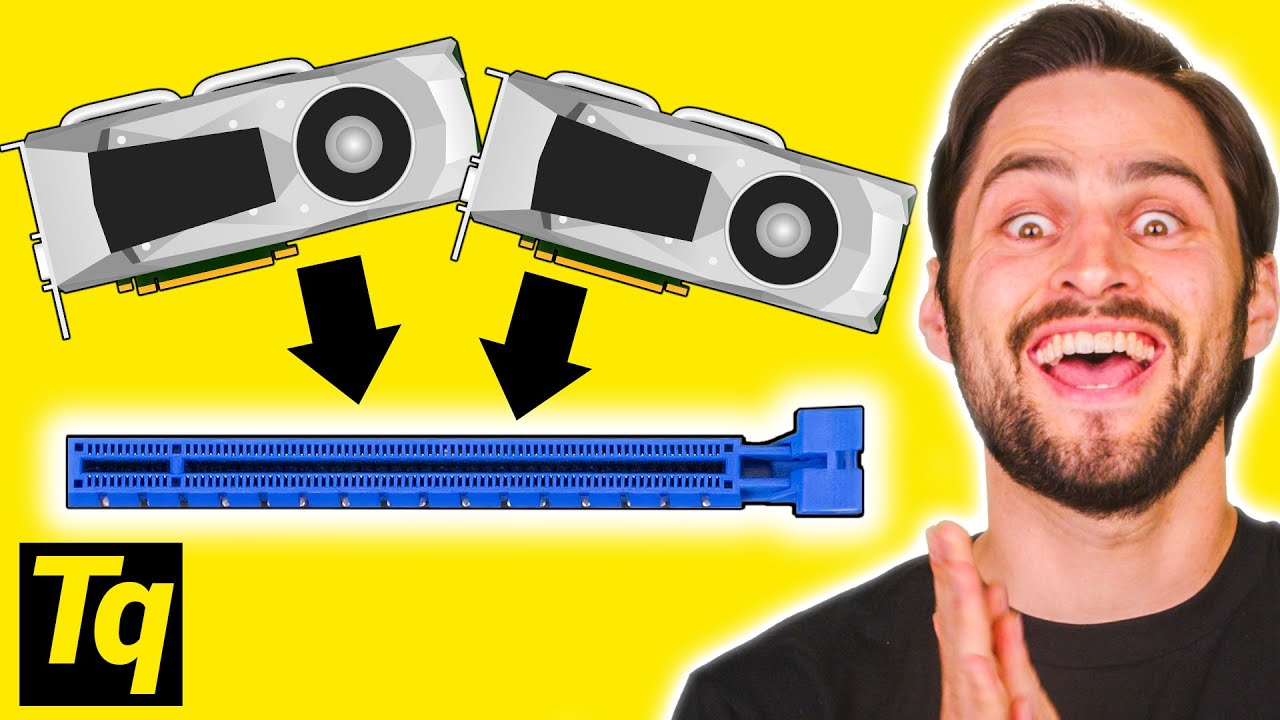
TWO Graphics Cards in ONE Slot?! - PCI Express Bifurcation
0 up · 0 down · 0 ratings
Promos
Sign up for Private Internet Access VPN at lmg.gg How does PCI Express bifurcation work? Buy an NVIDIA GPU On Amazon (PAID LINK): geni.us On Newegg (PAID LINK): geni.us On B&H (PAID LINK): geni.us Buy NVMe SSD's On Amazon (PAID LINK): geni.us On Newegg (PAID LINK): geni.us On B&H (PAID LINK): geni.us Leave a reply with your requests for future episodes, or tweet them here: twitter.com GET MERCH: lttstore.com SUPPORT US ON FLOATPLANE: floatplane.com LTX EXPO: ltxexpo.com AFFILIATES & REFERRALS --------------------------------------------------- Affiliates, Sponsors & Referrals: lmg.gg Get Private Internet Access VPN at lmg.gg Get a Displate Metal Print at lmg.gg Support a Creator code LINUSMEDIAGROUP on Epic Games Store: lmg.gg Get a 30-day free trial of Amazon Prime at lmg.gg Our Test Benches on Amazon: lmg.gg Our Production Gear: lmg.gg FOLLOW US ELSEWHERE --------------------------------------------------- Twitter: twitter.com Facebook: @LinusTech Instagram: @linustech Twitch: twitch.tv FOLLOW OUR OTHER CHANNELS --------------------------------------------------- Linus Tech Tips: lmg.gg TechLinked: lmg.gg ShortCircuit: lmg.gg LMG Clips: lmg.gg Channel Super Fun: lmg.gg Carpool Critics: lmg.gg
PCI Express bifurcation is the core topic, explained in accessible terms for a broad audience. The host defines bifurcation as splitting a single PCI Express slot into multiple separate connections, enabling more than one device to operate from one slot. The explanation emphasizes that lane distribution is the key: CPUs and motherboards provide a finite number of PCIe controllers, each handling a subset of lanes. Even with a 16-lane slot, the lanes are often divided among multiple controllers, which limits the number of devices that can be connected without bifurcation. The video covers practical home-use scenarios, such as running two graphics cards via a bifurcated x16 slot wired as two x8 links, and stresses that the motherboard and BIOS must explicitly support bifurcation for it to work. It also contrasts consumer and server platforms, noting that consumer CPUs typically offer up to four devices with four lanes each, while enterprise/server configurations can support more devices with different lane allocations. The overall takeaway is that bifurcation is a specialized, motherboard- and BIOS-dependent feature more common in data centers and enterprise settings, but it is technically possible to configure a two-card setup on a home rig with the right hardware and BIOS options. The video ends with a brief plug for sponsoring services and a call to action for viewers to suggest future topics, reinforcing the educational intent while underscoring the practical limitations and prerequisites for successful bifurcation.
Topics · technology · hardware · computing · education