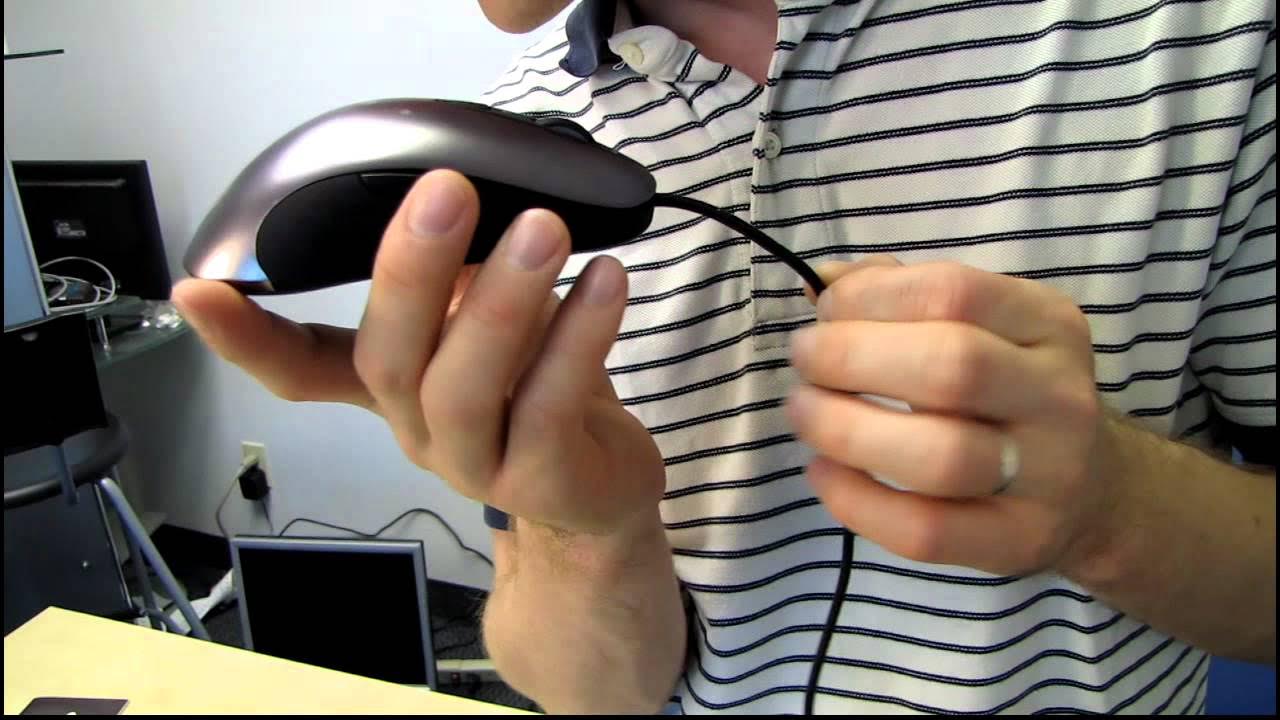
Steelseries Sensei Professional Gaming Mouse Unboxing & First Look Linus Tech Tips
0 up · 0 down · 0 ratings
Description
ncix.com The replacement for the ever-popular XAI is here! With the same (excellent) ergonomics and ambidextrous design, and even better internal hardware and software, I think we're looking at a winner here.
The Linus Tech Tips unboxing of the SteelSeries Sensei Professional Gaming Mouse presents a detailed look at what arrives in the package. The host opens the box to reveal the braided cable, a bag labeled do not eat, and a thick multilingual quick start guide, followed by a SteelSeries catalog that hints at future products and collaborations. He describes the Sensei as the ambidextrous successor to the Z and explains that it shares the same ergonomic shape while updating both hardware and software. He highlights key selling points including a 32-bit ARM processor on board, which SteelSeries markets as enabling the most customizable gaming mouse experience to date, and the built in LCD that supports up to five profiles. The unboxing moves into a close inspection of the hardware: the responsive buttons for both hands, the laser-based gaming engine, and the durable non-slip feet, with emphasis on how the mouse can be tuned through SteelSeries Engine software. The host digs into the customization options, noting the Exact Technology Precision features that let users adjust CPI in single increments up to 5700, plus advanced settings like motion correction, angle snapping, and acceleration to shape how the mouse responds in real time. He demonstrates the lighting customization, with 16.8 million color options and per-side wheel lighting, and shows how to activate and manage profiles via the built in LCD, making a case for this mouse as a professional tool for gamers who demand precise control and personalized setups. Concluding the segment, the host expresses enthusiasm for testing the Sensei in real world play and positions it as a strong upgrade in the SteelSeries line, while also sharing his anticipation for using the device on a high-end test bench to illustrate its capabilities. He ends with a reminder to subscribe for more unboxings and computer content, underscoring the product’s appeal to serious hardware enthusiasts.
Topics · technology · hardware · gaming · peripherals · unboxing · reviews
Questions answered
- What makes the Sensei different from its predecessor the Z?
- The Sensei maintains the ambidextrous shape and ergonomic grip while updating internal hardware and software, including a 32-bit ARM processor and advanced customization options.
- How many gaming profiles can the Sensei store and how are they managed?
- The mouse supports up to five gaming profiles and can be managed via the built-in LCD on the bottom, along with SteelSeries Engine software for precise configuration.