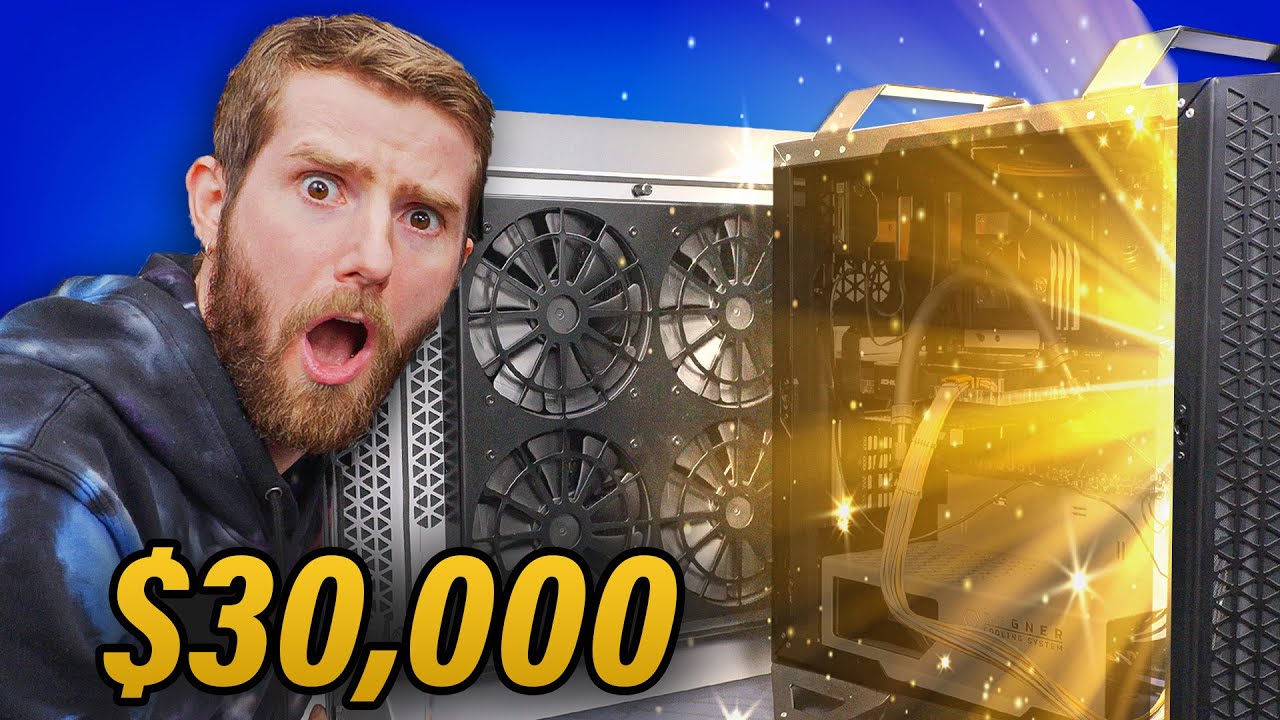
Compensator 4 - How to Waste $30,000 on a Gaming PC
0 up · 0 down · 0 ratings
Description
Thanks to UGREEN for sponsoring this video!
Check out their PowerRoam 1200W, 145W Power Bank, Revodok Pro 12-in-1 Docking Station, and Ugreen Black Fridays deals (Up to 50% OFF during 11/23-27) below: Ugreen Revedok Pro 13 in 1 hub: bit.ly (Total of $40 OFF with code: 10ZT555E ) Ugreen 145W Power Bank: bit.ly ($60 OFF) Ugreen PowerRoam 1200W with 200W Solar: bit.ly ($450 OFF) Ugreen Revodok Pro 12-in-1 with 100W GaN Charger: bit.ly ($120 OFF) Ugreen Black Friday Deals (US AMZ) : bit.ly Ugreen Black Friday Deals ( US Website) : bit.ly Ugreen Black Friday Deals (CA): bit.ly Compensator is back baby and this year its wild. Featuring the most overkill parts from the likes of Intel, Nvidia, ASUS ROG, and so much more this beast of gaming rig is going to blow your mind. Discuss on the forums: linustechtips.com
Promos
Check out the Build: Regner Cooling System PRO Case: lmg.gg Intel Core i9 13900K CPU: geni.us MSI MEG Z790 GODLIKE Motherboard: lmg.gg G.SKILL Trident Z5 RGB 6800MHz CL34 2x48GB DDR5 RAM Sabrent Rocket 4 Plus 8TB NVMe M.2 SSD: geni.us Team Group EX2 SATA III 8TB SSD: bit.ly EKWB EK-Quantum Delta² TEC Full Nickle Water Block System: lmg.gg EKWB EK-XTOP Revo Dual D5 PWN Serial Pump: geni.us Inno3D iChill RTX 4090 Frostbite Ultra: lmg.gg ASUS ROG Thor 1600W Titanium PSU: geni.us Samsung Odyssey Ark 165Hz 55" Monitor: geni.us Mountain Everest Max Modular Mechanical Keyboard: geni.us Razer Viper Mini Signature Mouse: lmg.gg Audeze LCD-GX Planar Magnetic Gaming Headset: geni.us AVerMedia GC573 Capture Card: lmg.gg Apple Macbook Pro M1 Max: geni.us Corsair XTM70 Thermal Paste: geni.us Cablemod Cables: lmg.gg Corsair iCue LS100 Smart Lighting Strip Starter Kit: lmg.gg Gerolsteiner Carbonated Natural Mineral Water: geni.us Buy an EKWB EK-Quantum Velocity² D-RGB 1700 Nickel + Gold Water Block: lmg.gg Buy a Samsung Odyssey G9 240Hz 49" OLED Monitor: lmg.gg Buy Corsair QX120 RGB Case Fans: geni.us Buy an Audeze Maxwell Wireless Gaming Headset: geni.us Purchases made through some store links may provide some compensation to Linus Media Group. Purchases made through some store links may provide some compensation to Linus Media Group. ► GET MERCH: lttstore.com ► GET EXCLUSIVE CONTENT ON FLOATPLANE: lmg.gg ► SPONSORS, AFFILIATES, AND PARTNERS: lmg.gg ► EQUIPMENT WE USE TO FILM LTT: lmg.gg ► OUR WAN PODCAST GEAR: lmg.gg FOLLOW US --------------------------------------------------- Twitter: twitter.com Facebook: @LinusTech Instagram: @linustech TikTok: @linustech Twitch: twitch.tv MUSIC CREDIT --------------------------------------------------- Intro: Laszlo - Supernova Video Link: youtube.com iTunes Download Link: itunes.apple.com Artist Link: soundcloud.com Outro: Approaching Nirvana - Sugar High Video Link: youtube.com Listen on Spotify: spoti.fi Artist Link: youtube.com Intro animation by MBarek Abdelwassaa @mbarek_abdel Monitor And Keyboard by vadimmihalkevich / CC BY 4.0 geni.us Mechanical RGB Keyboard by BigBrotherECE / CC BY 4.0 geni.us Mouse Gamer free Model By Oscar Creativo / CC BY 4.0 geni.us CHAPTERS --------------------------------------------------- 0:00 The Rules of Compensator 0:54 CPU 1:50 Motherboard 2:27 RAMc 3:53 Storage 4:36 CPU Cooler/Case(?) 6:41 Thermal Paste 8:30 Metal LTT Screwdriver (Coming soon, maybe?) 11:57 UGREEN's Revodok Pro 12-in-1 Docking Station 12:39 PSU 14:50 RGB + Fans 18:20 GPU 25:07 Monitor 25:56 Fans 26:07 Capture Card 28:29 Headphones 28:56 Is it working? 30:57 But how much does it weigh 31:16 Power consumption 33:15 Does it run cry...cyberpunk 34:25 Outro
The video introduces Compensator 4, a massively extravagant gaming PC build designed to push the boundaries of consumer hardware for entertainment rather than practicality. The host explains the guiding principle: to choose the most expensive options in every category and justify the choices with extreme performance and showmanship, even when some components are questionable for real-world gains. The build centers around a Regner Cooling System Pro case, which features two large side-panel radiators, making it visually striking and unusually bulky. The setup is sponsored by UGREEN, and the hosts tease ultra-fast data transfers, powerful charging options, and accessories that amplify the over-the-top aesthetic. The CPU choice is the Intel Core i9-13900KS, framed as the pinnacle of consumer high-end desktop chips at the time of filming, with commentary noting that AMD’s Threadripper is returning but not yet available for consumer platforms. The motherboard, MSI MEG Z790 GODLIKE, is highlighted as packing features like DDR5-7600 support, many PCIe lanes, multiple M.2 slots, and an integrated touchscreen, all contributing to the “overkill” ethos. Memory is pushed to 192 GB using two DDR5-6800 kits, chosen for sheer capacity rather than peak speed, and the RAM costs are noted to be surprisingly volatile in the real market. Storage expansion is aggressively expanded by disabling two M.2 slots to enable more SATA drives, creating a trade-off between speed and capacity that suits the build’s showpiece goal. The team then dives into the EK Quantum Delta Squared TEC cooling block, a $500+ water block with a 210-watt thermoelectric cooler, designed to achieve sub-ambient CPU temps but with caveats about condensation and practical load performance. The assembly process is humorous and chaotic, featuring a range of premium components, custom cables, and a heavy focus on appearance, even when the practicality is questionable. The video covers power delivery and cable management, highlighting the ROG Thor 1600W Titanium PSU, a highly modular and visually imposing unit, alongside long, custom cable runs to fit the oversized case. The RGB lighting footprint is expanded with expensive, external strips, and the setup includes a high-end monitor, with a 55-inch Samsung Odyssey Ark as a centerpiece. The team discusses the costs and trade-offs of mounting and routing cables through the compact interior, while constantly emphasizing the performative aspect of the build rather than everyday usability. Water cooling experiments proceed with a mix of EK components and hardline tubing, while debating the feasibility and efficiency of carbonated mineral water as a coolant, ultimately deciding against it due to mineral content and pressure concerns. The system is powered by a portable UGREEN power bank for dramatic effect, and the session explores the moment-by-moment challenges of integrating a high-power GPU, CPU, and cooling loop within a visually impressive enclosure. In the end, the team tests the rig with demanding games to establish thermal behavior, power draw, and real-world performance under load, while weighing whether the final weight and complexity justify the spectacle. The closing segments reflect on the absurdity and entertainment value of Compensator 4, inviting viewers to revisit older compensator builds and to consider the practical implications of chasing extreme specifications. The video wraps with a nod to sponsorships, a plug for accessory partners, and a final confirmation that the finished system is indeed a ludicrous, attention-grabbing showcase rather than a sensible or scalable build for most enthusiasts. Overall, the episode blends humor, admiration for ultra-premium parts, and a critical undercurrent about diminishing returns in consumer hardware, all while delivering a highly produced, entertaining spectacle that is as much about style as it is about computing power and engineering curiosity.
Topics · technology · entertainment · hardware-review · high-end-pc · sponsored-content · enthusiast-gaming
Questions answered
- What is the core philosophy behind the Compensator 4 build?
- The core philosophy is to buy the most expensive possible components in every category to create the most extreme, entertaining, and visually impressive PC build, even if it sacrifices practicality.
- Why was the EK Quantum Delta Squared TEC cooling block used, and what are its caveats?
- The TEC cooling block is used to push sub-ambient CPU temperatures and showcase extreme cooling, but it can condense moisture on the motherboard and may underperform under all-core load, making it a questionable value for gaming performance.
- What are the main challenges of cable management in such a large case?
- The case has extremely long cable runs and limited space, making routing complex, which led to elaborate off-the-shelf and custom cabling efforts and some compromises on layout.
- How does the video approach the topic of sponsorships?
- Sponsorships are acknowledged, with sponsor links and referenced products integrated into the build discussion and provided as part of the overall production and testing environment.