The new standard office mouse - Logitech MX Master 4
0 up · 0 down · 0 ratings
Description
Join us and over 70 million players in one of the most comprehensive vehicle combat games EVER MADE!
Promos
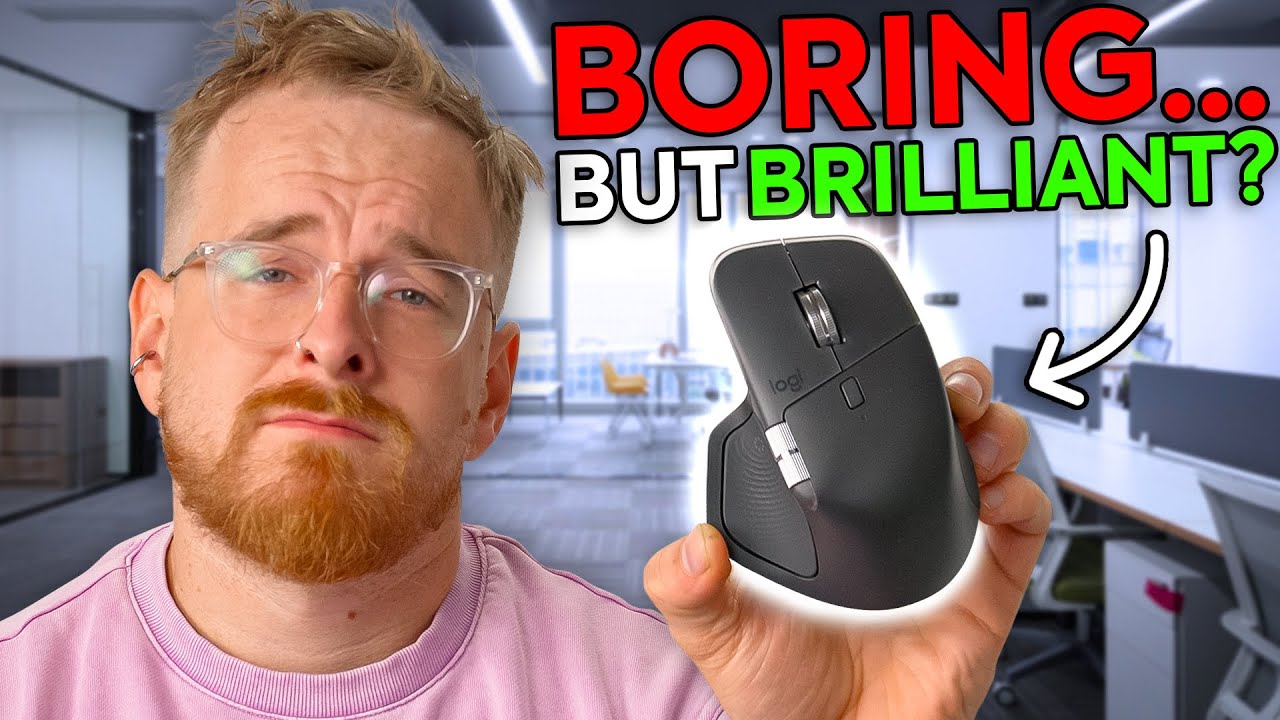
Check out War Thunder for free today on PC, Console, and Mobile using our links! PC/Console: playwt.link Mobile: wtm.game The MX Master 4 refines Logitech’s flagship productivity mouse with improved materials, haptic feedback, and smoother controls, but also a few questionable decisions. David digs into the build quality, software, and usability to see if it’s really worth the $120 asking price or if newer competitors like Keychron have already overtaken it. Buy a Logitech MX Master 4 Mouse: geni.us Want us to unbox something? Make a suggestion at lmg.gg ► GET MERCH: lttstore.com ► GET A VPN: piavpn.com ► GET EXCLUSIVE CONTENT ON FLOATPLANE: lmg.gg ► SPONSORS, AFFILIATES, AND PARTNERS: lmg.gg Purchases made through some store links may provide some compensation to Linus Media Group. Affiliate links powered in part by affilimate.com Linus Sebastian is an investor in Framework Computer, Inc CHAPTERS --------------------------------------------------- 0:00 Unboxing 0:47 Design, scroll wheel, and build quality impressions 4:30 Connectivity and pairing options 5:19 Sponsor 5:44 Pairing issues and software setup/walkthrough 7:44 Haptic Sense panel and AI integrations 9:00 Button customization 11:16 Overall thoughts, alternatives, and pricing 13:49 Outro
The video opens with an unboxing and immediate physical impressions of the MX Master 4, focusing on build quality, weight, and material choices. The presenter notes the premium feel of the knurled plastic, the heavy aluminum scroll wheel, and the overall heft of the mouse at around 150 grams. He discusses the design language, including the dual-layer button construction and the side scroll wheel, and comments on practical aspects like the front Type-C port and the smooth PTFE skates. A key takeaway is that this mouse prioritizes ergonomics and durability for productivity tasks, with the reviewer contrasting it with older MX Master generations and highlighting improvements in materials and finish. He also touches on the box contents, noting the absence of a USB-C cable and expressing a preference for more complete packaging, while acknowledging practical storage for the dongle. The segment sets expectations for a premium, long-lasting office mouse rather than a pure gaming device, emphasizing comfort and everyday usability. By the end of the first segment, the design, weight, and material choices are established as the core differentiators from prior MX models.
Topics · technology · peripherals · hardware · product_review
Questions answered
- Does the MX Master 4 support multiple connection methods and how does pairing work?
- The MX Master 4 supports Bluetooth connections and includes a Bluetooth dongle; there is no separate 2.4 GHz mode switch in the bottom. Pairing can require software setup and may involve a short-wizard flow in Logi Options, with some observed hiccups during initial pairing.
- What is the haptic sense panel and what does it do?
- The haptic sense panel is a side button that opens an action wheel. It provides tactile feedback and supports customizable options like Play, Pause, Windows Explorer, Emoji, and integration with AI plugins, with the ability to reassign functions per app.
- Is login required to customize controls and plugins?
- Customizing basic button behaviors is possible in the software, but some plugin features and marketplace integrations may require logging into a Logitech account to install or enable plugins.