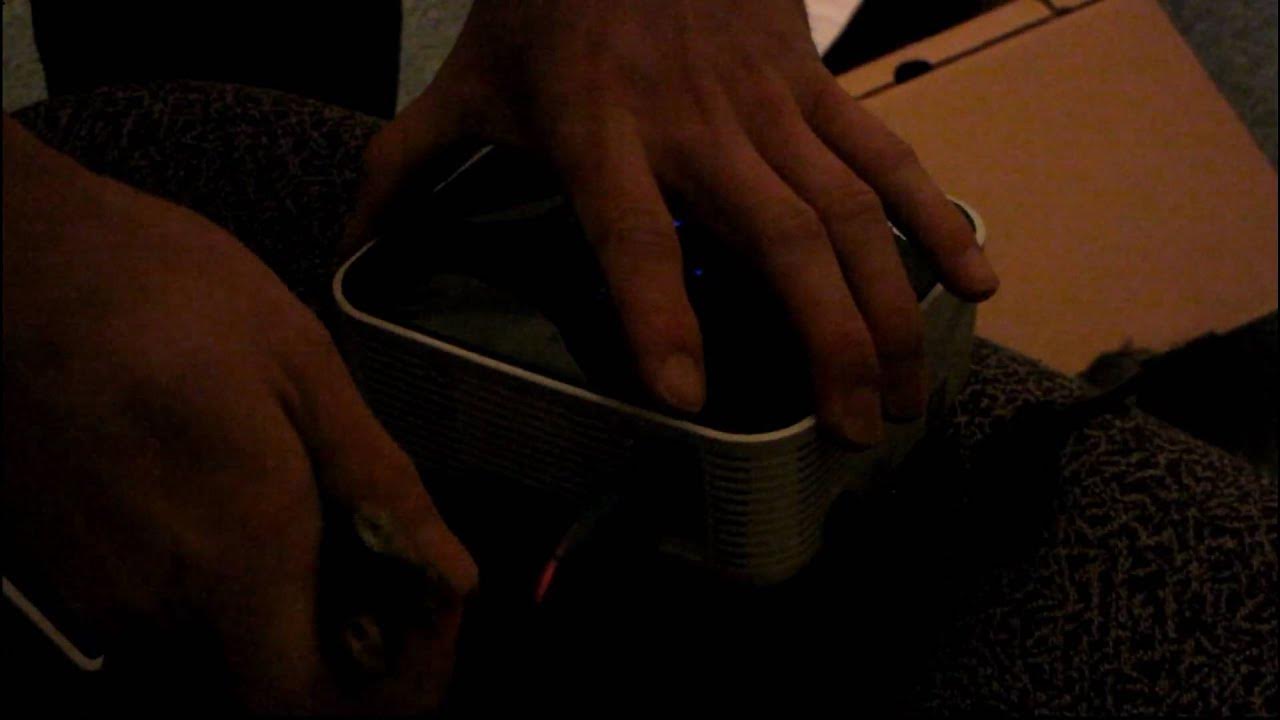
BenQ Joybee GP1 "Almost Pocket" LED Projector Unboxing & First Look Linus Tech Tips
0 up · 0 down · 0 ratings
Description
This thing is pretty cool. I don't actually get to unbox it since it was open already when I got the sample, but I do get to test it out and demo some of the neat features of this tiny, COOL projector.
This Linus Tech Tips video provides a quick hands-on look at the BenQ Joybee GP1 mini projector. Although the host notes that he did not perform a full unboxing because the unit arrived already opened, he walks through the included accessories, such as the remote control, a small carrying case, a quick start guide, safety and warranty literature, and an adapters/connection options sheet. The GP1 is demonstrated with multiple input options including USB card reader, VGA, and a composite input, with the device also mentioning support for an iPod dock. The host performs a short test by displaying images from a USB card reader and then switches to a PC source to run Warcraft 3, noting that the device claims a maximum resolution of 800x600 for PC input and that NTSC formats go up to 720x480. Throughout the video, the projector is shown delivering a bright, fairly sharp image in a dim room, with the audience able to observe color vibrancy and the ability to project a large image from a compact unit. He also highlights practical details like the built-in 2-watt speakers, the front-positioned exhaust fan, and the focus wheel for dialing in image clarity. In closing, the creator summarizes the GP1’s versatility for presentations, casual gaming, and media playback, while acknowledging its limitations and the overall impression of a compact, capable pocket projector that remains easy to use for on-the-go demos and small spaces.
Topics · technology · consumer_electronics · unboxing · projector · gaming
Questions answered
- What is the maximum display resolution supported by the BenQ Joybee GP1 when used with a PC input?
- The GP1 supports up to 800x600 resolution for PC input, according to the quick start information shown in the video.
- What input options does the GP1 offer for connecting devices?
- The GP1 offers VGA, composite, USB card reader input, and an available iPod dock connection.
- Does the GP1 have built-in speakers and how powerful are they?
- Yes, it has built-in speakers rated at 2 watts.
- Can you run games like Warcraft 3 on the GP1, and how is the output described?
- Yes, the host demonstrates Warcraft 3 running from a PC with an 800x600 display, noting a bright and vivid image and acceptable color reproduction in a dim room.