Corsair SP2500 2.1 Gaming Speakers Setup Guide Linus Tech Tips
0 up · 0 down · 0 ratings
Description
ncix.com The SP2500 speaker set was all the rage at CES this year.
Check out how to set up your own gaming speakers!
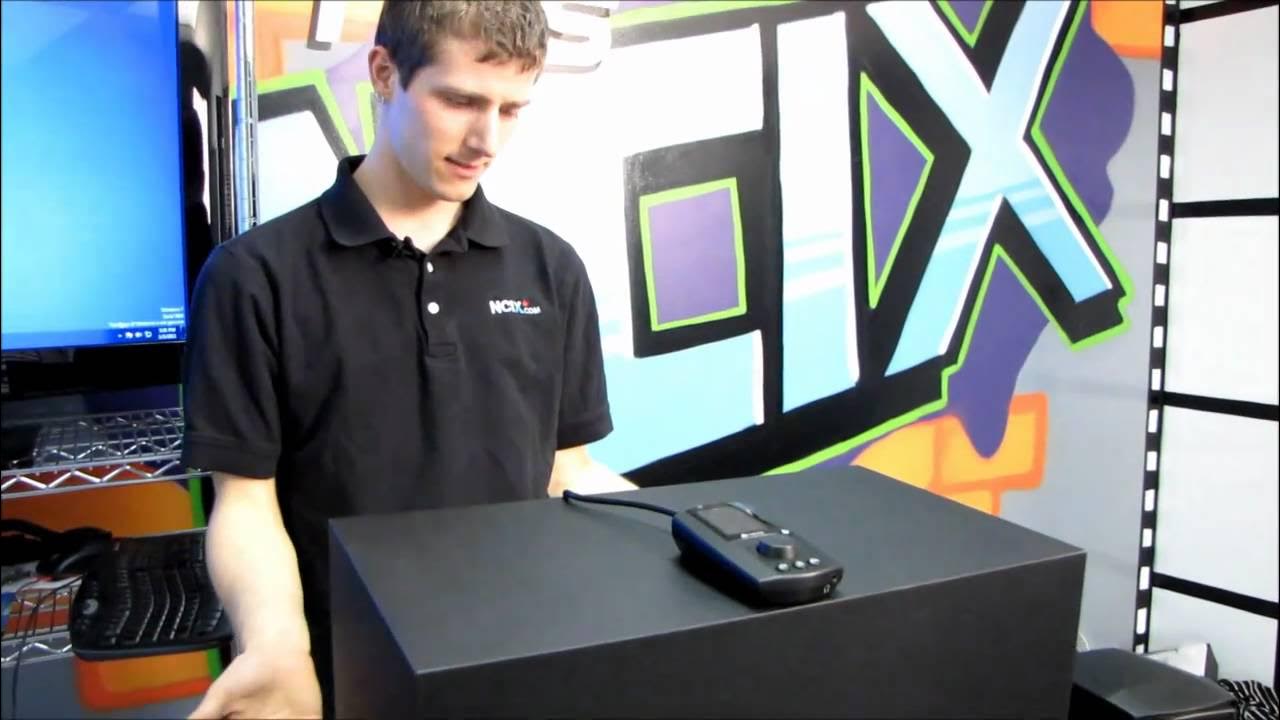
This setup guide for the Corsair SP2500 2.1 gaming speaker system walks the viewer through a straightforward, user friendly installation. The presenter begins by outlining where to plug everything in on the back of the subwoofer, showing color coordinated ports for dual amped satellite speakers and the included proprietary cables. He demonstrates connecting the audio cable from the computer to the back of the unit, and notes an auxiliary line in for additional sources, making the system versatile for multiple inputs. The on remote, there are multiple input options and a built in menu to adjust input selection, EQ presets, and backlight color, including modes like classic, pop, jazz, and FPS action for gaming audio. He explains how the subwoofer and satellite channels interact, including a feature to redirect bass away from the subwoofer to satellites for different listening experiences, and mentions the practical addition of a headphone jack for quiet listening. The guide also covers a few extra adjustments such as volume and subwoofer level control on the remote, the inclusion of desk stands to optimize stereo imaging by aiming satellites at the listener’s ears, and ends with a quick reminder to subscribe for more Linus Tech Tips content.
Topics · audio · hardware · tech
Questions answered
- What inputs can you use with the Corsair SP2500 setup?
- You can use the auxiliary line in and the back input for a computer connection, plus an additional input on the remote for other sources, with selectable input in the menu.