Tech Support Scams Explained
0 up · 0 down · 0 ratings
Promos
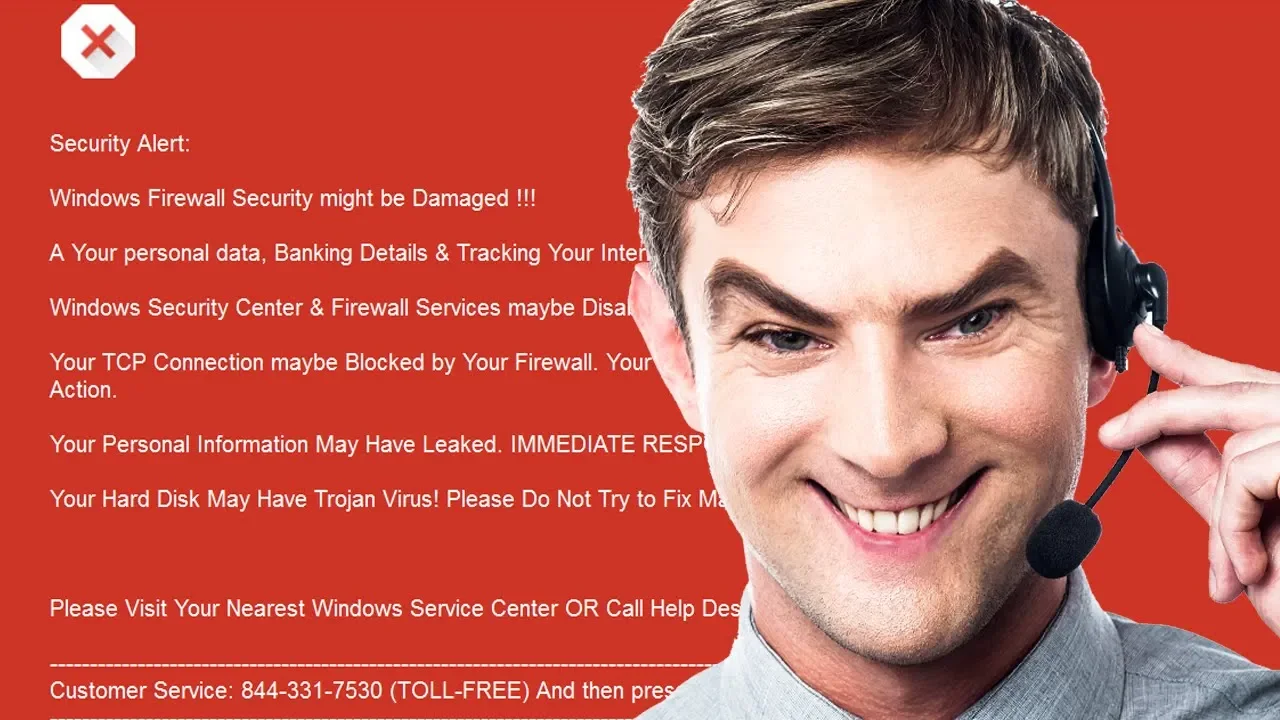
Get your first audiobook free when you try Audible for 30-day visit audible.com or text techquickie to 500 500! It's become increasingly common for browser and phone-based scams to try and trick you into thinking there's a problem with your PC... Microsoft support page - click "List of common web support scams" to see screenshots: support.microsoft.com Techquickie Merch Store: designbyhumans.com Techquickie Movie Poster: shop.crowdmade.com Follow: twitter.com Leave a reply with your requests for future episodes, or tweet them here: twitter.com Join the community: linustechtips.com Intro Theme: Showdown by F.O.O.L from Monstercat - Best of 2016 Video Link: youtube.com iTunes Download Link: itunes.apple.com Listen on Spotify: open.spotify.com
Tech Support Screams: In this episode, the host breaks down the growing phenomenon of tech support scams that appear inside web browsers or as phone calls. The video describes common techniques scammers use to look legitimate, such as mimicking Windows error messages and overlaying logos from trusted brands to add credibility. It explains how scammers steer victims toward calling a fake support line or installing remote access software, and then pressure them into paying for non-existent fixes or software renewals. The host points out that even normal system events can look alarming when misrepresented, and emphasizes that legitimate companies like Microsoft, Google, and Apple will never cold-call or email you about a problem. The discussion covers how scammers exploit user inexperience with features like Command Prompt and Event Viewer to fabricate evidence of malware. Practical tips are offered, such as closing the browser, avoiding remote access tools, and refusing to provide payment information, along with the importance of verifying claims by consulting official sources and patch notes. The segment also highlights the human angle, noting that while media stereotypes cast older adults as frequent targets, younger users are increasingly affected due to more time spent online. The video concludes with concrete red flags, a pointer to Microsoft’s guidance on scams, and a reminder that legitimate tech support will not push urgent, high-pressure fixes without proper verification.
Topics · technology · security · education · consumer-protection
Questions answered
- What is a common tactic used by tech support scammers in browser-based scams?
- They mimic legitimate error messages and prompt users to call a support number or install remote access software to fix fake problems.
- What should a user do if they encounter a scam warning while browsing?
- Close the browser, avoid giving payment or access, and verify claims through official sources such as the vendor's support pages or patches.
- Do legitimate companies ever cold-call about PC problems?
- No, legitimate companies like Microsoft, Google, and Apple will not cold-call or email you to claim your PC has a problem.