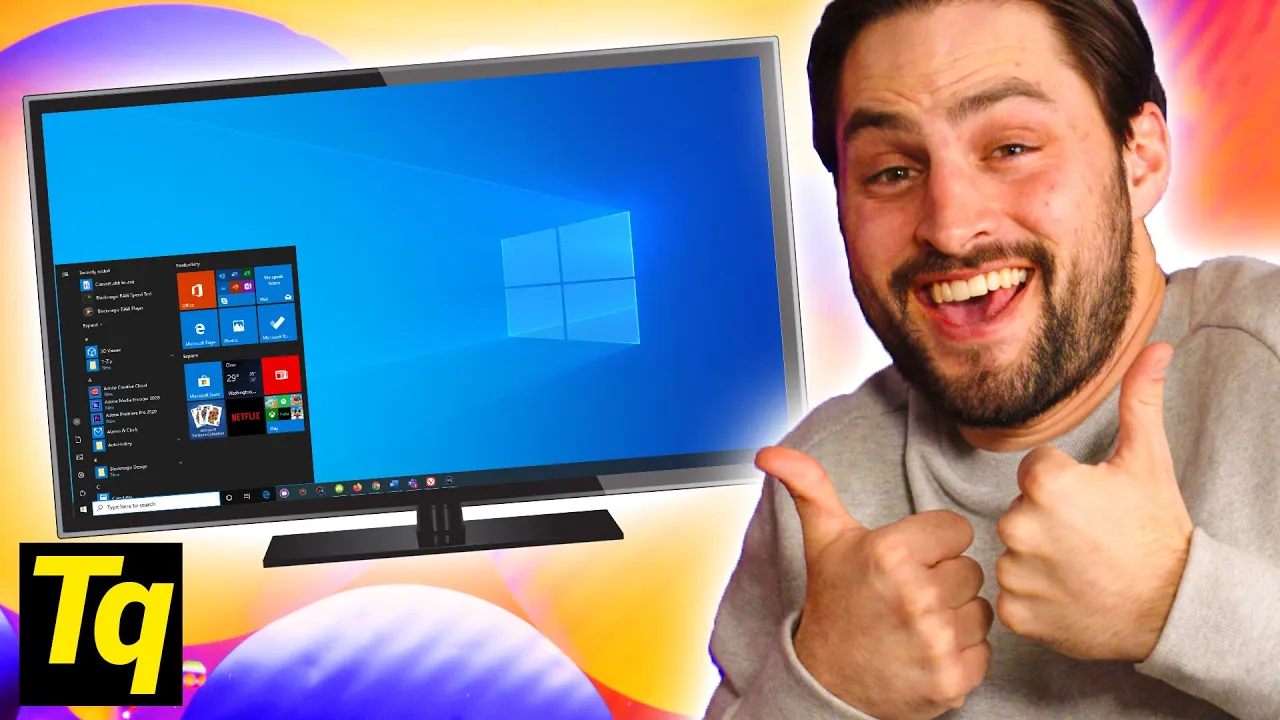
Do THIS On Your TV...and PC (Display Settings)
0 up · 0 down · 0 ratings
Promos
Thanks to VIZIO for sponsoring this video! Enter the VIZIO Quantum Color Month Sweepstakes for a chance to win a 65" M-Series Quantum 4K HDR Smart TV: bit.ly Is using your TV as a PC monitor really as straightforward as it seems? Retina calculator: designcompaniesranked.com Leave a reply with your requests for future episodes, or tweet them here: twitter.com ►GET MERCH: lttstore.com ►SUPPORT US ON FLOATPLANE: floatplane.com ►LTX EXPO: ltxexpo.com AFFILIATES & REFERRALS --------------------------------------------------- ►Affiliates, Sponsors & Referrals: lmg.gg ►Private Internet Access VPN: lmg.gg ►MK Keyboards: lmg.gg ►Nerd or Die Stream Overlays: lmg.gg ►NEEDforSEAT Gaming Chairs: lmg.gg ►Displate Metal Prints: lmg.gg ►Epic Games Store (LINUSMEDIAGROUP): lmg.gg ►Official Game Store: nexus.gg ►Amazon Prime: lmg.gg ►Audible Free Trial: lmg.gg ►Our Gear on Amazon: geni.us FOLLOW US ELSEWHERE --------------------------------------------------- Twitter: twitter.com Facebook: @LinusTech Instagram: @linustech Twitch: twitch.tv FOLLOW OUR OTHER CHANNELS --------------------------------------------------- Linus Tech Tips: lmg.gg TechLinked: lmg.gg ShortCircuit: lmg.gg LMG Clips: lmg.gg Channel Super Fun: lmg.gg Carpool Critics: lmg.gg
The video delves into practical considerations when using a television as a PC monitor, emphasizing that size alone does not determine suitability. It starts by explaining retina-like implications, noting that higher resolutions are essential on large displays so that individual pixels aren’t visible from typical viewing distances, and it helps viewers calculate the recommended seating distance based on screen size. The presenter walks through color handling, highlighting chroma subsampling and how TVs may compress color data, which can cause color inaccuracies and text fringing when a PC outputs uncompressed signals. Viewers are guided on both TV and PC-side tweaks, including labeling inputs as PC, enabling full RGB or 444 YCbCr, and adjusting settings such as deep color to improve color fidelity. To address image cropping and edge artifacts, the video covers setting the TV to 1:1 or just scan and adjusting the desktop to match the TV, ensuring the computer output maps precisely to the screen. Finally, the episode covers latency and response time, advising viewers to disable cinematic or motion settings, enable game mode when available, and confirm that the HDMI port used supports PC gaming performance, while noting that some TVs still prioritize movie-like processing over fast input response. The sponsor segment for Vizio ties these tips to a real-world product line, highlighting ultra-fast input lag, HDMI 2.1 capabilities, and features aimed at gamers, as well as the broader benefits of quantum color technology and a clean setup with built-in cable management. The conclusion invites viewers to share experiences, especially those using CRTs or retro setups, and encourages engagement and topic ideas for future episodes.
Topics · technology · display_technology · home_theater · gaming · video_quality · consumer_electronics
Questions answered
- What should I do first when I connect a PC to a TV to improve image quality?
- Start by ensuring the TV input is labeled PC, enable full RGB or 444 YCbCr on the PC, and set the TV to 1:1 or Just Scan to avoid cropping.
- How can I reduce input lag on a TV used as a PC monitor?
- Turn off cinematic or vivid picture modes and motion smoothing, enable game mode if available, and use an HDMI port that supports PC gaming with the correct bandwidth.