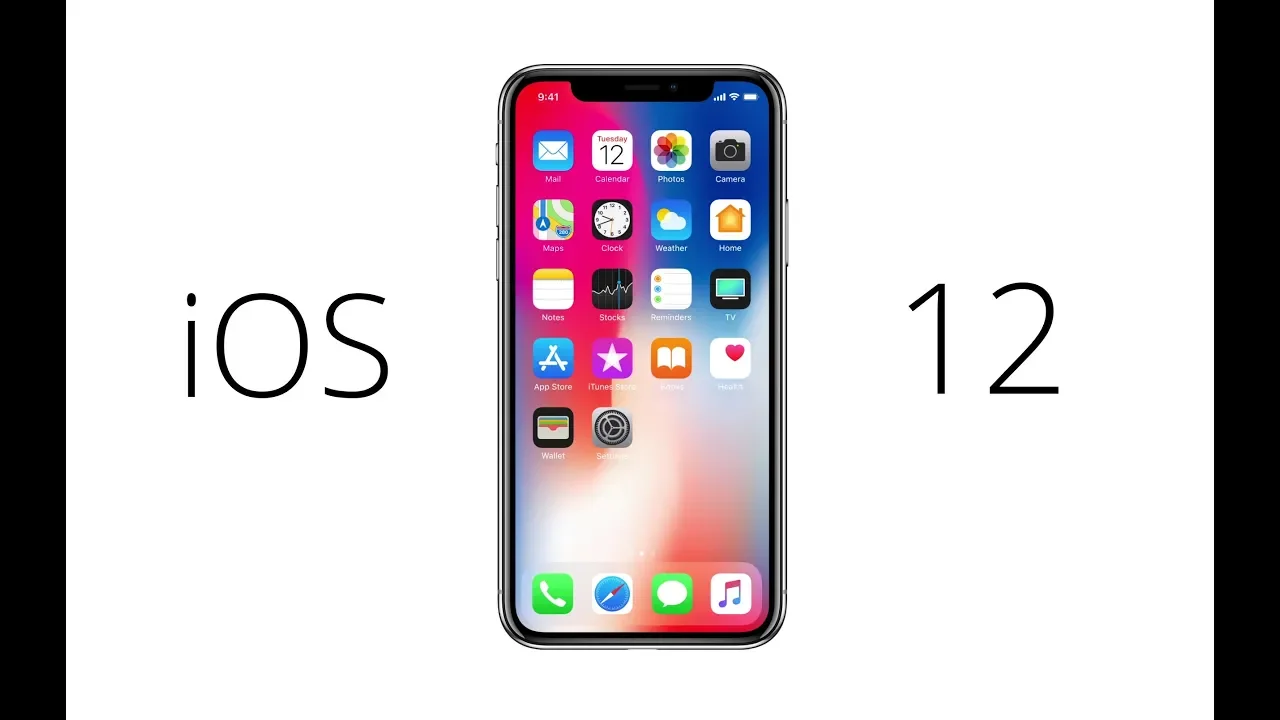
iOS 12 Explained
0 up · 0 down · 0 ratings
Promos
The first 200 people who head to brilliant.org will get 20% off their annual premium subscription of Brilliant. What's new and interesting in the newest operating system for iPhones and iPads? Techquickie Merch Store: designbyhumans.com Techquickie Movie Poster: shop.crowdmade.com Follow: twitter.com Leave a reply with your requests for future episodes, or tweet them here: twitter.com Join the community: linustechtips.com Intro Theme: Showdown by F.O.O.L from Monstercat - Best of 2016 Video Link: youtube.com iTunes Download Link: itunes.apple.com Listen on Spotify: open.spotify.com
iOS 12 aims to squeeze more life out of older iPhones by improving performance and adding features that feel practical and user friendly. Apple promises up to 40 percent faster app launches on older devices like the iPhone 6s, though most of the claimed speed gains are typical of major OS updates. The video highlights several standout capabilities that differentiate iOS 12 from prior versions, especially in how it enhances everyday tasks. One such feature is augmented reality measurements, which lets you determine real-world dimensions simply by pointing the camera at an object, a tool that could be handy for quick sizing while traveling or shopping. In addition to AR, the Photos app gains deeper RAW image editing support directly on the iPhone after importing RAW files from external devices, expanding the creative workflow for photographers on the go. The update also introduces a Facebook-style photo sharing prompt, which analyzes who is in your photos to suggest sharing with those individuals, raising privacy-aware questions about how much information is inferred and suggested. Siri receives a new Shortcuts feature, enabling automation across tasks with a single voice command, such as a routine that can trigger smart home actions or provide an estimated arrival time. If you want to reduce interruptions, Do Not Disturb gets smarter by auto-canceling when you leave a location or a calendar event ends, and per-app controls can be adjusted directly from the lock screen for more targeted focus. Notifications are revamped with Android-style grouping by app and thread to help manage a crowded inbox, and iOS 12 adds activity summaries that track usage for you and your family, with per-app usage limits to help curb screen time. Memoji offer a self-representation option, while FaceTime expands to group calls with up to 32 participants, automatically highlighting the speaker with larger tiles. The update even extends security-minded features through a built-in password generator and one-tap autofill for six-digit codes received via SMS, pushing iOS closer to a hands-off authentication experience. Finally, iOS 12 introduces student ID integration for easy dorm access and purchases, marking another step toward a more integrated campus experience while keeping a broad focus on accessibility and practical daily improvements.
Topics · technology · mobile_tech · augmented_reality · operating_systems · privacy_and_security
Questions answered
- What are the key performance improvements in iOS 12 for older devices?
- Apple claims up to 40 percent faster app launches on devices like the iPhone 6s, indicating a smoother overall experience on older hardware.
- What new camera and photos features does iOS 12 introduce?
- iOS 12 adds RAW editing directly on the iPhone after importing from external devices and enhances the Photos app with smarter sharing prompts based on who is in the photos.