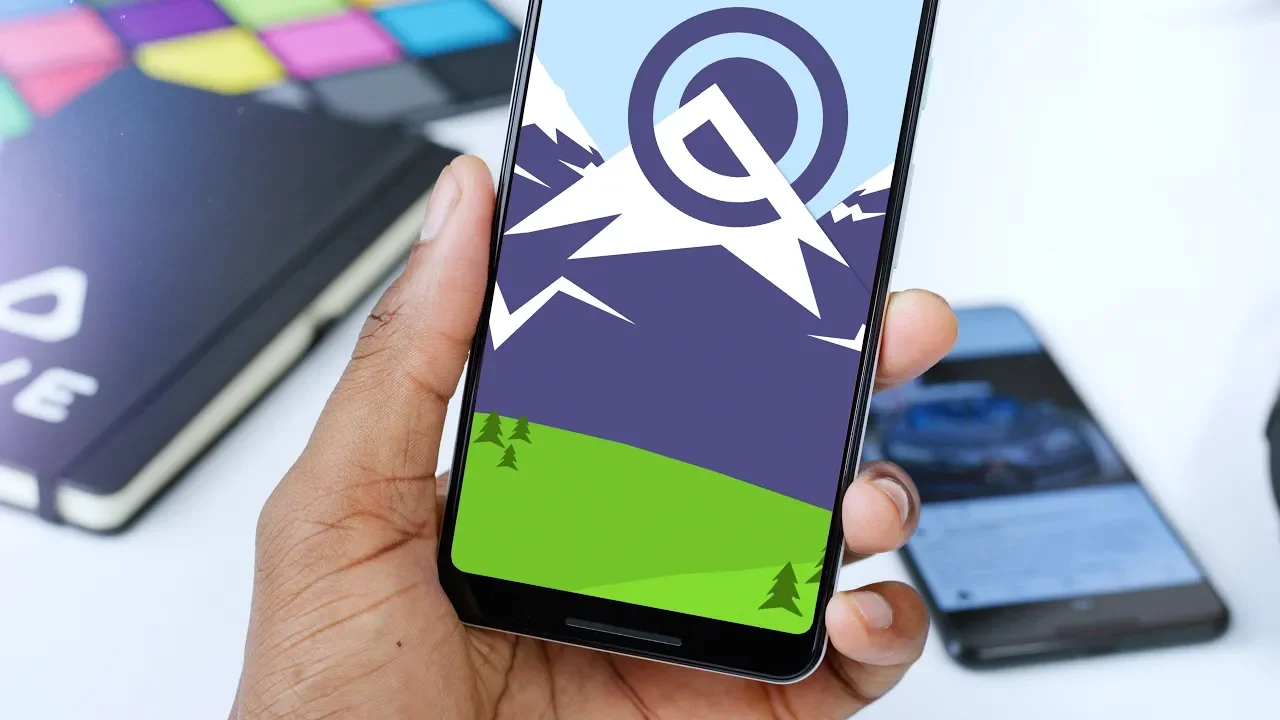
Top 5 Android Q Features!
0 up · 0 down · 0 ratings
Promos
Android Q beta is here! Hands-on with the best new features. To install Android Q beta: android.com AndroidPolice running list of features: goo.gl MKBHD Merch: shop.mkbhd.com Video Gear I use: kit.com Tech I'm using right now: amazon.com Intro Track: Paradise City - Pop Up Playlist of MKBHD Intro music: goo.gl ~ twitter.com @MKBHD @MKBHD
Android Q Beta brings a focused set of refinements rather than a dramatic visual overhaul. The video dives into several smaller yet meaningful updates that power users will notice: first, a theming section in the developer options unlocks accent colors, a system font, and new icon shapes, letting you tailor the look of menus, quick settings, and app icons. The presenter demonstrates accent color options like black, green, and purple and explains how the chosen color reflects across the UI, along with icon shape choices such as teardrop, squircle, and rounded rectangle. He also notes a potential battery saver driven system-wide dark theme that darkens the quick settings and app drawer for OLED displays, and highlights how this mode can affect feature availability. In addition to visual tweaks, Android Q introduces finer-grained app permissions, granting control over location access on first use and offering settings for always, while, or only when the app is running. The video moves through other practical updates such as a redesigned share sheet, which eliminates the previous delay and presents share targets and frequent shortcuts all at once, a welcome optimization for quick sharing. Finally, the clip rounds out with a collection of smaller but useful touches like a revamped files app, visible battery estimates, an undo action for removed home screen widgets, a blurred lock screen album art aesthetic, and behind-the-scenes support for foldable devices along with a new display-off animation and a native screen recorder that is still in beta. The speaker candidly discusses the current rough edges of screen recording in this beta, noting issues with stopping recordings and occasional UI crashes, while remaining enthusiastic about the long-term value of built-in screen recording. Overall, the video presents Android Q as a thoughtful crop of incremental improvements that enhance usability and customization without a sweeping visual redesign.
Topics · technology · mobile operating systems · android