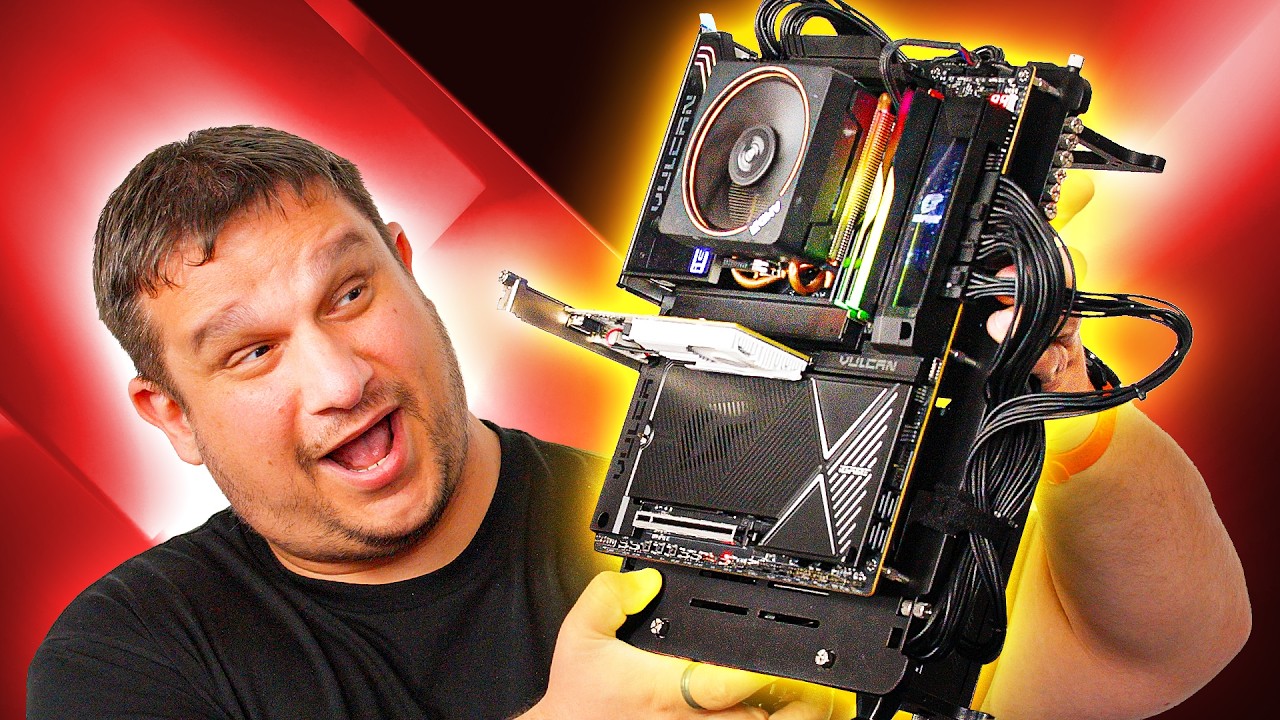
This Motherboard Broke a Record - Colorful iGame X870E VULCAN OC V14
0 up · 0 down · 0 ratings
Description
Thanks to REDMAGIC for sponsoring this video! Head over to rmg.gg to grab your 11S Pro today! If you care about getting the most insane overclocks on your PC parts Colorful has thrown every feature you could ever dream of onto this new board and it' sick.
Channels and socials
Check out the iGame X870E Motherboard here: prsm2.com Want us to unbox something? Make a suggestion at lmg.gg Thanks to our channel partner Secretlab! - Grab a TITAN Evo ergonomic gaming chair: lmg.gg - Grab a MAGNUS Pro sit/stand gaming table: lmg.gg ► SHOP OUR PRODUCTS: lttstore.com ► GET A VPN: piavpn.com ► GET EXCLUSIVE CONTENT ON FLOATPLANE: lmg.gg ► DIVE DEEPER ON THE LTT LABS WEBSITE: lmg.gg ► SPONSORS, AFFILIATES, AND PARTNERS: lmg.gg Purchases made through some store links may provide some compensation to Linus Media Group. Affiliate links powered in part by affilimate.com Studio lighting by Aputure: aputure.com Linus Sebastian is an investor in Framework Computer, Inc and HexOS by Eshtek. CHAPTERS --------------------------------------------------- 0:00 What's in the box 3:11 Motherboard overview 9:30 Sponsor 10:00 Setting up the board 11:40 Bios time 16:00 On-board display config 17:15 Overclocking time 18:50 Pricing 20:13 Watch another LMG video!
This unboxing and overview focuses on Colorful's iGame X870E VULCAN OC V14 motherboard, highlighting its unusual emphasis on extreme overclocking rather than traditional feature sets. The host explains that the board strips away some luxuries to maximize power delivery and stability under extreme clocks, notably by offering only two DIMM slots to reduce moisture and timing complications during pushes. Early segments discuss the world record for the Ryzen 9800X 3D frequency around 7.335 GHz and how that demonstrates the potential of this platform for serious overclockers. The box contents are detailed, including a kit of replacement M.2 thermal pads, a toolset that resembles a precision screwdriver kit, a PCIe GPU lock alternative, and a dedicated LCD panel for on-board system stats. In the BIOS, the host demonstrates a unique B clock mode, decoupling base clock from the CPU, which enables minute fractional adjustments to squeeze additional stability or performance during a session. The video then transitions into live testing with a test bench, showing the board in action, discussing the LED post indicators, and highlighting the two LN2 slow mode switches and a dedicated BIOS recovery option for extreme tuning. Finally, the discussion moves to pricing and positioning, comparing the X870E V14 to competitors like the ROG Apex, while underscoring that this motherboard is a specialized tool for overclocking enthusiasts rather than a mainstream gaming board.
Topics · technology · hardware · overclocking · unboxing · testbench · bios · pc-build · computer-components
Questions answered
- What makes the Colorful iGame X870E VULCAN OC V14 stand out for overclocking enthusiasts?
- It focuses on extreme overclocking with features like LN2 mode, slow mode, dual BIOS with a recovery option, decoupled B clock control, and a robust PCIe power delivery path including front panel USB-C power delivery, all designed to maximize stable, high-frequency operation.
- What are the key connectors and expansion options on the X870E V14?
- The board offers two CPU power connectors, PCIe 5 x1x slots labeled for CPU path, PCIe 4 through chipset, multiple M.2 slots with direct CPU paths, extensive fan headers, ARGB and USB options, and a front panel USB-C that can carry up to 60 watts when PCIe is connected.