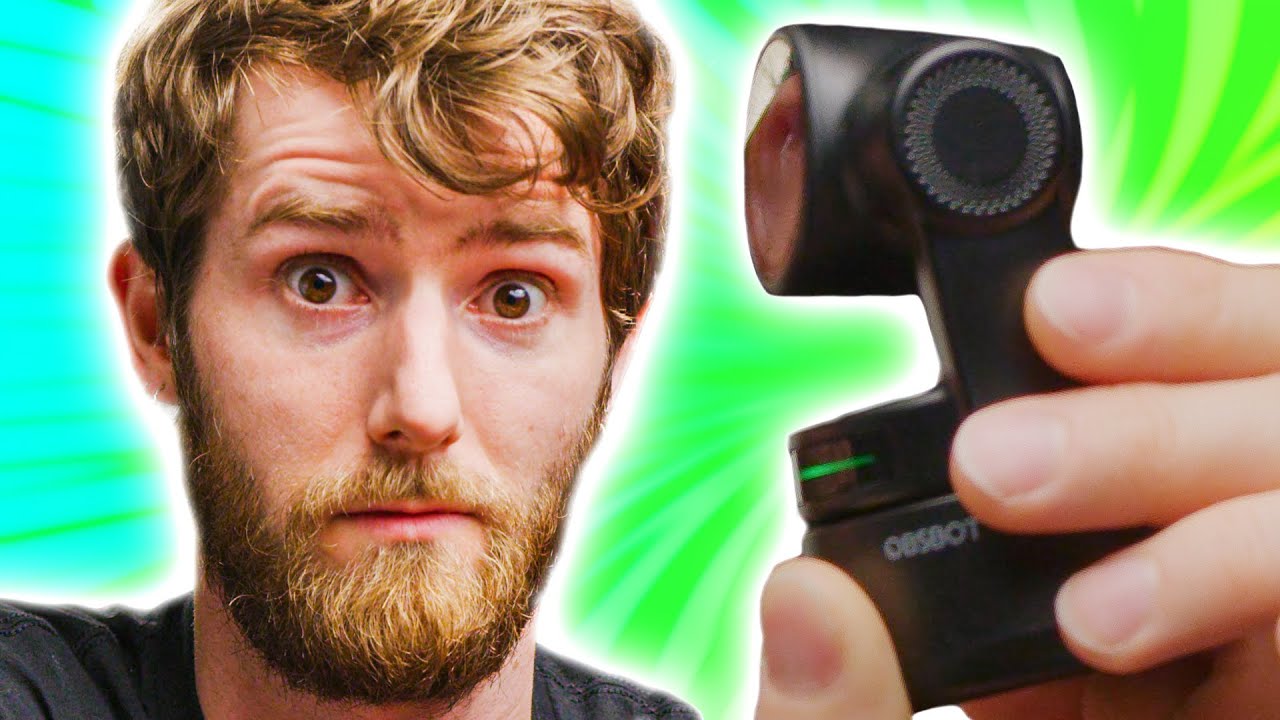
Surprisingly Cool! - OBSBOT Tiny AI Webcam Showcase
0 up · 0 down · 0 ratings
Promos
Upgrade your webcam to something smarter! Get your OBSBOT Tiny at: Amazon US: amz.run OBSBOT Store (International): bit.ly Use code "15S6T65C" to get $30 USD off Having to adjust your framing got you down?
Check out the OBSBOT Tiny, a webcam with AI that can track your every move as you give a lecture or slouch in your chair during meetings. Discuss on the forum: lmg.gg ►GET MERCH: lttstore.com ►SUPPORT US ON FLOATPLANE: floatplane.com ►LTX EXPO: ltxexpo.com AFFILIATES & REFERRALS --------------------------------------------------- ►Affiliates, Sponsors & Referrals: lmg.gg ►Check out our podcast gear: kit.co ►Private Internet Access VPN: lmg.gg ►Our Official Charging Partner Anker: lmg.gg ►MK Keyboards: lmg.gg ►Nerd or Die Stream Overlays: lmg.gg ►Official Game Store: nexus.gg ►Amazon Prime: lmg.gg ►Audible Free Trial: lmg.gg ►Our Gear on Amazon: geni.us FOLLOW US ELSEWHERE --------------------------------------------------- Twitter: twitter.com Facebook: @LinusTech Instagram: @linustech Twitch: twitch.tv FOLLOW OUR OTHER CHANNELS --------------------------------------------------- Mac Address: lmg.gg Techquickie: lmg.gg TechLinked: lmg.gg ShortCircuit: lmg.gg LMG Clips: lmg.gg Channel Super Fun: lmg.gg Carpool Critics: lmg.gg MUSIC CREDIT --------------------------------------------------- Title: Laszlo - Supernova Video Link: youtube.com iTunes Download Link: itunes.apple.com Artist Link: soundcloud.com Outro Screen Music Credit: Approaching Nirvana - Sugar High youtube.com Monitor And Keyboard by vadimmihalkevich / CC BY 4.0 geni.us Mechanical RGB Keyboard by BigBrotherECE / CC BY 4.0 geni.us Mouse Gamer free Model By Oscar Creativo / CC BY 4.0 geni.us CHAPTERS --------------------------------------------------- 0:00 Intro 0:46 Unboxing and Specs 2:16 Magnetic Mount 3:18 Motion Tracking 5:05 Geography Lesson 5:45 Using the App 7:08 Peek-A-Boo 8:20 Video Quality 8:55 Gesture Control 9:48 Outro
Surprisingly Cool! OBSBOT Tiny AI Webcam Showcase dives into a hands-on look at the OBSBOT Tiny, a webcam with built-in pan, tilt, and zoom driven by AI tracking. The presenter unboxes the device, notes the dual microphone array, power options, and mounting accessories, and demonstrates the quick start setup with a USB-C connection. A key focus is the AI tracking feature that keeps the user in frame as they move, with the software offering multiple modes such as standard tracking, headroom optimization, and a motion-focused mode for dynamic presentations. The host explains practical use cases including lectures, online teaching, and streaming, illustrating how the device can help keep a presenter centered during long sessions or while moving around a whiteboard. The video also touches on camera quality, low-light performance, and the trade-offs of automatic exposure versus color accuracy, acknowledging that it remains a webcam while highlighting its unique tracking capabilities. Throughout, the host showcases the versatility of the OBSBOT Tiny for different scenarios from classroom to broadcast, and acknowledges that the product is positioned as a more capable option in the webcam market for around a couple hundred dollars. The overall takeaway is that OBSBOT Tiny offers a compelling blend of tracking intelligence and convenience for a range of everyday video tasks, even if it does not replace higher-end cameras or professional lighting in all situations.
Topics · technology · hardware · video gear · reviews
Questions answered
- What is the main use case for OBSBOT Tiny according to the video?
- The main use case is keeping the presenter in frame automatically during lectures, meetings, or streams, especially when the speaker moves or leans back and forth.
- What tracking modes does OBSBOT Tiny offer?
- It offers standard lock tracking, headroom mode for taller users, and motion mode for dynamic presentations, plus a sleep mode and digital zoom options.