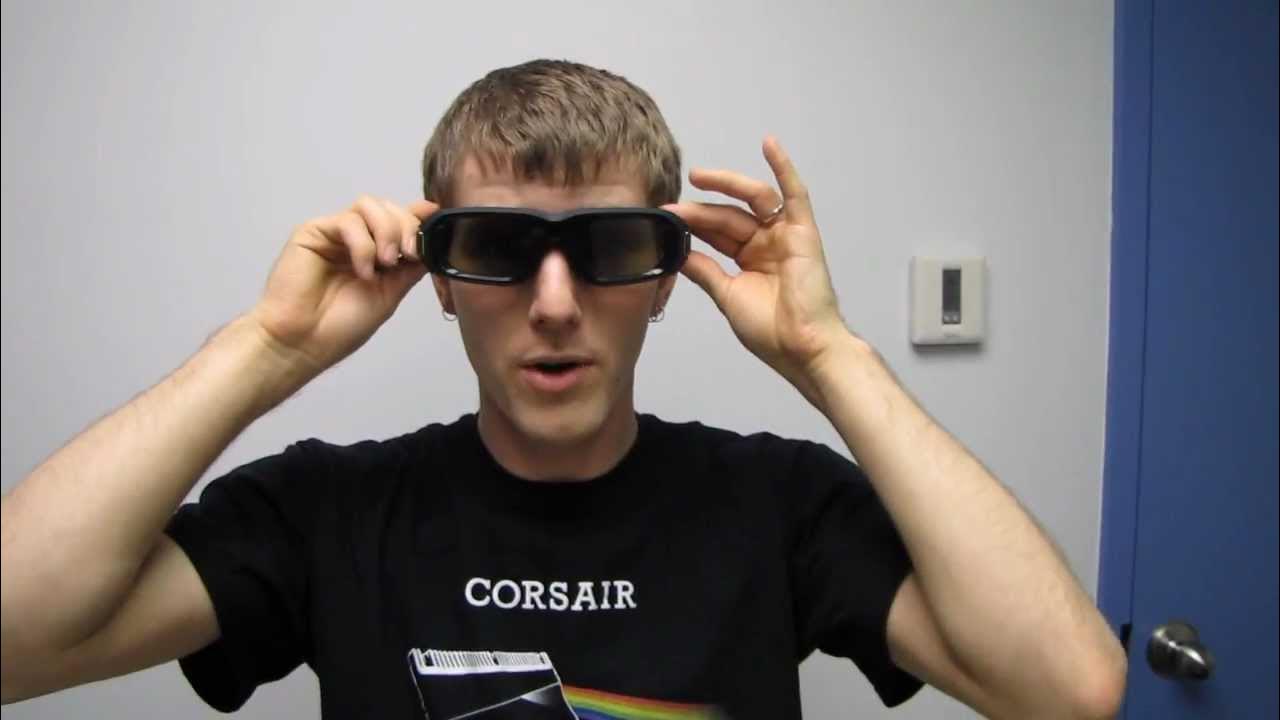
NVIDIA 3D Vision 2 Stereoscopic Gaming Glasses Kit Unboxing & First Look Linus Tech Tips
0 up · 0 down · 0 ratings
Description
ncix.com 3D Vision 2 doesn't bring many changes to the table on the glasses side. They are lighter, larger, and more comfortable, but the technology is largely the same.
Check out my unboxing of the VG278 to see what 3D Vision 2 and Lightboost can do for you!
The video opens with Linus Tech Tips presenting two variants of the NVIDIA 3D Vision 2 Stereoscopic Gaming Glasses kit, starting with an unboxing that emphasizes the subtle but meaningful upgrades over the original Vision 1 set. He outlines the main talking points: improved comfort for users who already wear glasses, the introduction of LightBoost for brighter 3D performance on compatible monitors, and the claim that the larger lenses in the new design should enhance immersion on larger format displays. The unboxing reveals the kit contents including the glasses, extra nose pieces for different nose shapes, USB charging cables, a three-pin cable for Quadro cards, and an IR emitter with its own power and data connections. Linus then shows the protective carrying bag and a quick-start guide, and compares the Vision 2 with Vision 1, highlighting changes in shape, weight distribution, and IR receiver placement. He also tests wearing the glasses over sunglasses to gauge comfort and frame clearance, noting that the Vision 2 is noticeably lighter and front-heavy less than its predecessor, which could translate to better compatibility with headsets. In the second half of the video, Linus discusses practical considerations like using the kit with a consumer monitor, verifying the option to purchase glasses separately or as part of a kit, and providing price points. He demonstrates a few scenarios to verify fit with a headset on top and emphasizes the potential for a more immersive experience on large screens thanks to the larger lenses. The video concludes with a recap of the kit contents, a brief on who should buy what, and a call to subscribe for more unboxings and tech content, framing the 3D Vision 2 as a meaningful evolution for stereoscopic gaming at the time. The overall takeaway is that Vision 2 offers tangible comfort and brightness improvements while maintaining compatibility with existing NVIDIA 3D Vision ecosystems, with a clear recommendation to assess individual headset and monitor setups before purchasing.
Topics · technology · gadget_reviews · unboxing · gaming_hardware
Questions answered
- What components are included in the NVIDIA 3D Vision 2 kit and what are their purposes?
- The kit includes the 3D Vision 2 glasses, extra nose pieces for different nose shapes, USB charging cables, a three-pin cable for Quadro-enabled systems, a USB power/data cable, and an infrared emitter with its own power and data connections. The three-pin cable is for compatible professional graphics cards, while the USB cables power and charge the glasses and emitter. A protective mesh bag keeps the glasses safe.
- Can the 3D Vision 2 glasses be worn with a headset, and how does comfort compare to the previous version?
- Yes, the glasses can be worn with a headset, though there may be a small gap between the glasses and the headset. Linus notes that the Vision 2 glasses are lighter and have a more balanced weight distribution, partly due to smaller IR receiver bumps and lighter frame materials, which improves comfort when used with a headset compared to Vision 1.