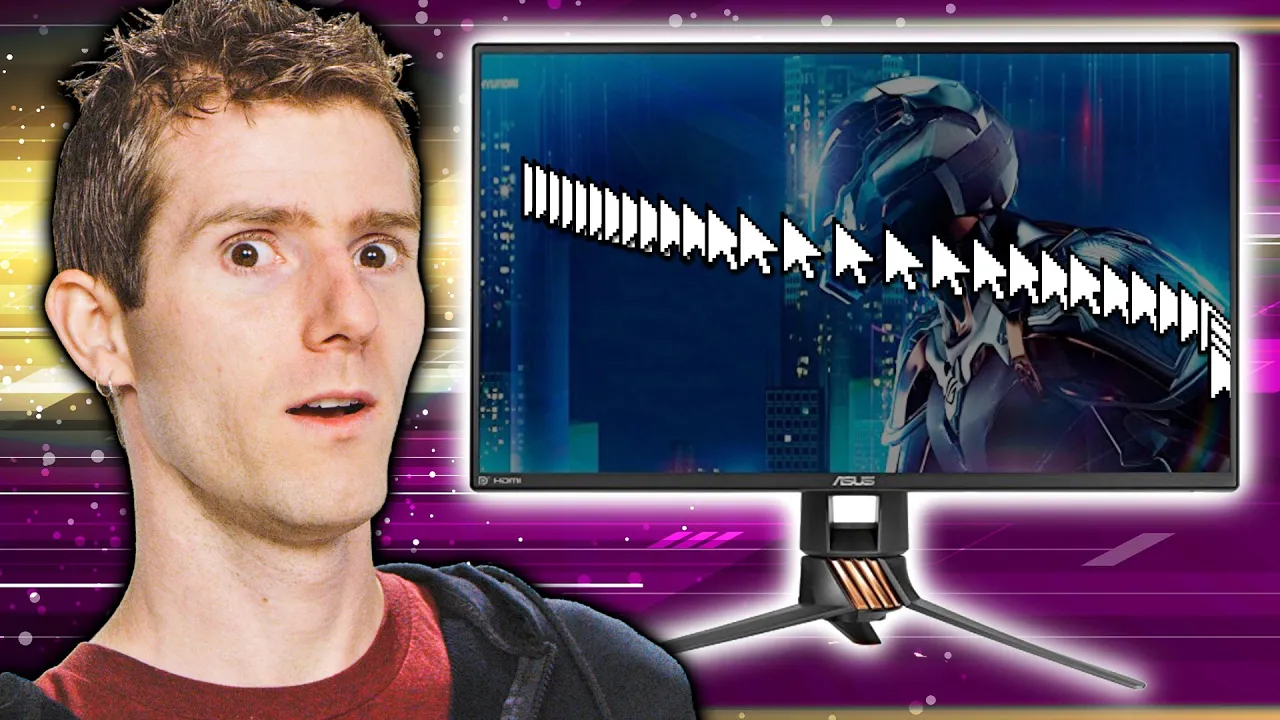
Is Your Monitor FAST Enough? - Refresh Rates
0 up · 0 down · 0 ratings
Description
Thanks, Intel for sponsoring this video!
Promos
Check out intel.com to get the latest news, information, and deals on gaming gear powered by Intel. Should you buy a high refresh rate monitor? Buy Gaming Monitors On Amazon (Paid Link): geni.us On Newegg (Paid Link): geni.us On Walmart (Paid Link): geni.us Purchases made through some store links may provide some compensation to Linus Media Group. Techquickie Merch Store: lttstore.com Follow: twitter.com Leave a reply with your requests for future episodes, or tweet them here: twitter.com
The video explains why a higher refresh rate monitor can be beneficial, not only for smoother motion but also for gaming performance. It emphasizes that the human eye can detect motion changes beyond the traditional 24 frames per second, so a faster display paired with a strong GPU and CPU can reduce blur and choppiness, making animations feel more realistic and immersive. The host discusses how higher refresh rates can provide a competitive edge by letting players see more frames and react more quickly than opponents. It also warns viewers to balance expectations with hardware capabilities, noting that simply buying a 144 Hz monitor won’t improve experience if the graphics card can only output 30 or 60 FPS in most games. The video then maps out the common tiers of refresh rates, from 120–144 Hz up to 240 Hz, and highlights the typical price-performance curve where benefits diminish as rates climb higher. It explains that higher-end models often use different panel technologies, like TN, IPS, or advanced IPS options, and that higher refresh rate models may trade off color accuracy and viewing angles in some cases. Finally, it concludes with practical advice to consider money set aside for games themselves and to manage expectations about the potential of ultra-high resolutions and HDR at very high refresh rates, since these setups are often financially demanding. A sponsor segment with Intel is acknowledged, and viewers are encouraged to explore Intel’s gaming resources for monitor-buying guidance. The host wraps up by inviting audience interaction and subscribing for more content, while peppering in light humor to keep the tone approachable.
Topics · technology · gaming · hardware · display-technology
Questions answered
- What refresh rate is typically worth aiming for in most gaming setups?
- For many gamers, moving from 60 Hz to 120 Hz provides a clear improvement in smoothness and responsiveness, while gains beyond 144 Hz depend on the game and the user’s sensitivity. If you cannot consistently exceed 60–100 FPS in your favored titles, upgrading to very high refresh rates may yield diminishing returns.
- Should I buy a 4K 240 Hz monitor right now?
- A 4K 240 Hz monitor is expensive and demands very strong GPU power to maintain high frame rates, often at high settings. Consider your target resolutions, the games you play, and whether you can reliably push enough FPS to justify the cost, otherwise a lower-resolution, high-refresh option may offer better value.