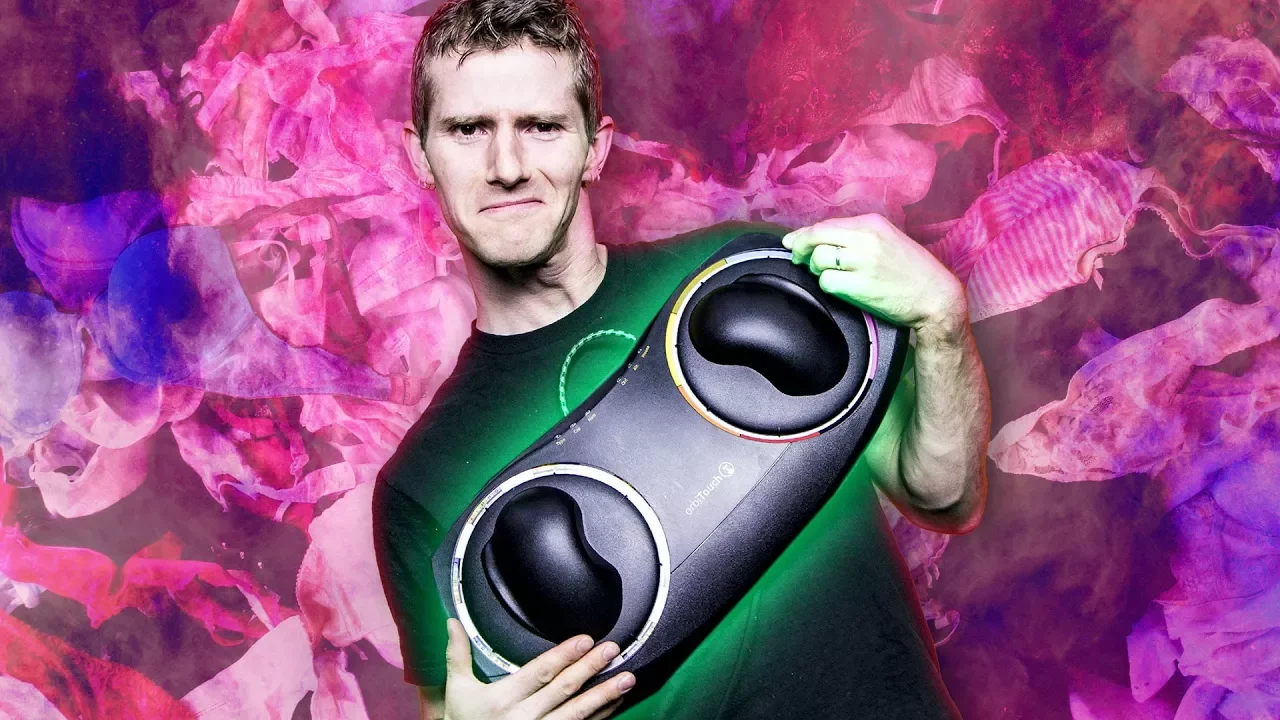
A $400 Keyboard with NO ACTUAL Keys!
0 up · 0 down · 0 ratings
Promos
Imagine a keyboard that doesn't have keys- that's the Orbitouch! But how does this weird keyboard work? And who would use it?! Freshbooks sponsor link: For your unrestricted 30 days free trial, go to freshbooks.com and enter in “Linus Tech Tips” in the how you heard about us section. Corsair sponsor links: Buy the CORSAIR ONE on Amazon: geni.us Buy the CORSAIR ONE on Newegg: geni.us Buy OrbiTouch Keyboard on Amazon: geni.us Discuss on the forum: linustechtips.com Our Affiliates, Referral Programs, and Sponsors: linustechtips.com Linus Tech Tips merchandise at designbyhumans.com Linus Tech Tips posters at crowdmade.com Our production gear: geni.us Twitter - twitter.com Facebook - @LinusTech Instagram - @linustech Twitch - twitch.tv Intro Screen Music Credit: Title: Laszlo - Supernova Video Link: youtube.com iTunes Download Link: itunes.apple.com Artist Link: soundcloud.com Outro Screen Music Credit: Approaching Nirvana - Sugar High youtube.com Sound effects provided by freesfx.co.uk
The video introduces the Orbitouch, a $400 keyboard that has no traditional keys. It emphasizes that typing on the Orbitouch uses two hands and a system of domes and color clusters to register each character, with the left dome selecting a symbol cluster and the right dome selecting a specific character within that cluster. The host explains that each letter has an associated gesture, and that the two-hand coordination allows equal ease across gestures, though some mappings are harder to memorize. After a quick demonstration, the host notes that learning the layout can take a few hours, but that many users reach around 60 percent of their QWERTY speed after five hours of practice, and that fluidity of writing can feel like a rush. The video also tests the device as a mouse and discusses practical use cases, including gaming, navigation, and accessibility, acknowledging pros for people with disabilities and arm or hand impairments, as well as autism, while also noting drawbacks like desk movement, average build quality for the price, and limited backspace control. The host concludes with candid commentary on who might buy the Orbitouch, highlighting its appeal to disabled users and those seeking alternative input methods, and ends with related sponsor and product links while inviting viewers to subscribe and check the video description for purchase options.
Topics · technology · ergonomics · assistive-technology · gadget · hardware
Questions answered
- What is the Orbitouch and how does it register keystrokes without traditional keys?
- The Orbitouch uses two separate domes, one left and one right. The left dome points at a symbol cluster and the right dome selects a specific character within that cluster. A completed keystroke is achieved by coordinating both hands to perform a gesture that corresponds to a letter.
- Who is the Orbitouch primarily designed for, and what are potential use cases?
- It is designed for people with hand or arm prostheses, arthritis, spinal injuries, cerebral palsy, or other finger dexterity impairments, and has been noted as appealing to some autistic users due to its logical color-and-letter layout. Potential use cases include typing, mouse control, and even gaming, though navigation and backspace control may be less convenient.