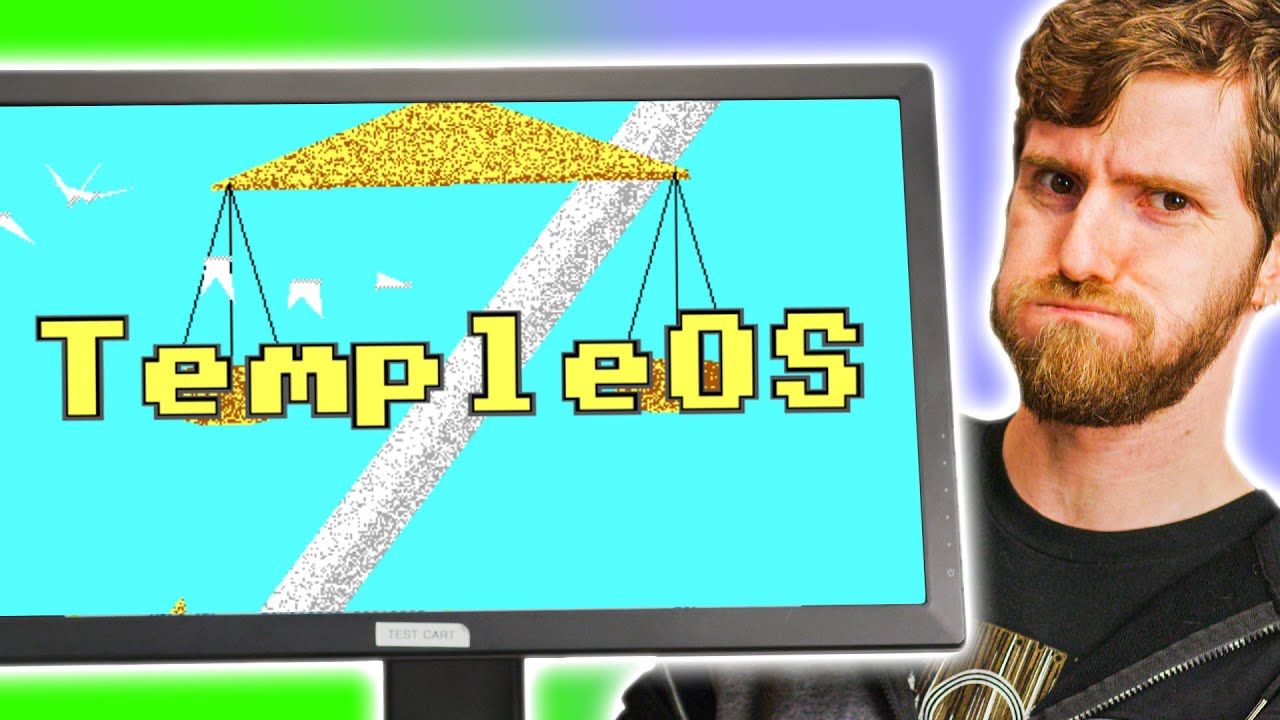
I've never seen ANYTHING like this before... Temple OS
0 up · 0 down · 0 ratings
Description
Check out TempleOS: templeos.org
Promos
Get 20% OFF + Free Shipping at Manscaped.com with code LTT - mnscpd.com Buy the Elgato Wave 1 Streaming Mic at geni.us Buy the Elgato Wave 3 Streaming Mic at geni.us Terry Davis may not be as well-known as Linus Torvalds, but his open source operating system may be a legacy that will live on forever. What is it, and how do you use it?
Check out Fredrik Knudsen's TempleOS documentary: youtube.com Discuss on the forum: linustechtips.com GET MERCH: lttstore.com SUPPORT US ON FLOATPLANE: floatplane.com LTX EXPO: ltxexpo.com AFFILIATES & REFERRALS --------------------------------------------------- Affiliates, Sponsors & Referrals: lmg.gg Get Private Internet Access VPN at lmg.gg Get a Mech Keyboard: geni.us NEEDforSEAT Gaming Chairs: geni.us Get a Displate Metal Print at lmg.gg Use code LINUSMEDIAGROUP on Epic Games Store: lmg.gg Get a 30-day free trial of Amazon Prime at lmg.gg Our Gear on Amazon: geni.us FOLLOW US ELSEWHERE --------------------------------------------------- Twitter: twitter.com Facebook: @LinusTech Instagram: @linustech Twitch: twitch.tv FOLLOW OUR OTHER CHANNELS --------------------------------------------------- Techquickie: lmg.gg TechLinked: lmg.gg ShortCircuit: lmg.gg LMG Clips: lmg.gg Channel Super Fun: lmg.gg Carpool Critics: lmg.gg MUSIC CREDIT --------------------------------------------------- Title: Laszlo - Supernova Video Link: youtube.com iTunes Download Link: itunes.apple.com Artist Link: soundcloud.com Outro Screen Music Credit: Approaching Nirvana - Sugar High youtube.com Monitor And Keyboard by vadimmihalkevich / CC BY 4.0 lmg.gg Mechanical RGB Keyboard by BigBrotherECE / CC BY 4.0 lmg.gg Mouse Gamer free Model By Oscar Creativo / CC BY 4.0 lmg.gg
TempleOS, created by Terry Davis, is presented as a unique open source operating system that aims to recreate the feel of the Commodore 64 era while providing a deeply tinkerer oriented environment. The video traces Davis’s project origins back to 2003 when it was initially called J Operating System, with a clear intent to recreate the dynamic, experimental vibe of early home computing. Viewers witness the interface that blends text mode with surprising 3D and graphical concepts encoded in text, reflecting a philosophy of building everything from scratch. The host explains that TempleOS runs on HolyC, a language Davis designed that sits between C and C++, and that the OS is deliberately non multitasking and sandboxed at the kernel level to give users maximal hardware control. The narrative also covers the darker chapters of Davis’s life, including his schizophrenia and the religious inspiration he attributed to God, which he expressed through an oracle built into TempleOS. Despite the controversial context, the video emphasizes TempleOS as a remarkable technical achievement and a cult classic in the history of personal computing. The overall takeaway is that TempleOS is both a software artifact and a philosophical statement about purity of design, openness, and the boundary between genius and obsession. In the first major segment, the tour introduces the basic architecture, highlighting 640 by 480 resolution, 16 color EGA graphics, a single voice PC speaker for audio, and a completely open ring-0 design. The host and guests describe TempleOS as a “tinkerers dream” and demonstrate how the OS is navigated with a mix of mouse input and keyboard shortcuts, including controls for windows, a God Word feature, and a Bible-based corpus of words and passages. They point out the distinctive HolyC language that powers the entire system, explaining that even core components run on this language. A critical moment is the introduction to the Home menu and the concept of multiple windows, where background processes and an integrated debugger monitor show how deeply customizable TempleOS can be. The segment closes with an acknowledgement of the learning curve and the unique aesthetic in which religious and biblical texts intertwine with software features, setting the stage for a deeper dive into the OS’s capabilities. In the mid portion, the discussion shifts to in-system experiments, including games and interactive content built into TempleOS. The crew explores games that resemble early arcade and DOS-era titles, noting that keystrokes mimic BIOS behavior and that the platform supports in-app documents and animations within ASCII-like files. They demonstrate God Doodle and God Song as part of the system’s broad God-related tooling, including a Bible-backed command and a Q&A feature powered by a pseudo-random generator. The hosts emphasize that the OS is designed not just as a consumer product but as a programmable platform where users can author graphics, games, and utilities from scratch using HolyC. They also touch on the CD mounting capability and the Moses simulator “After Egypt,” illustrating TempleOS’s blend of software toys, educational tools, and cultural commentary. In the final stretch, the video reflects on the enduring fascination with TempleOS, comparing it to classic home computers like the Commodore 64 and positioning it as a living laboratory for software engineering experimentation. They acknowledge the project’s idiosyncrasies and its creator’s intense personal journey, while also praising the technical audacity and completeness of the work. The hosts encourage viewers to try TempleOS in a VM and point to Fredrik Knudsen’s documentary for a deeper historical dive. The closing notes emphasize that TempleOS remains a singular, provocative artifact that invites both admiration for its technical breadth and contemplation of its creator’s context, leaving the audience with a sense of awe and curiosity about what it represents in the broader landscape of operating systems and digital culture.
Topics · technology · computing · open_source · retro_computing · software_development
Questions answered
- What is HolyC and how does it relate to TempleOS and its capabilities?
- HolyC is the programming language used to implement the entire TempleOS operating system, serving as a bridge between C and C++ in terms of power and flexibility, and it is used to write both the OS and its applications.
- Why is TempleOS described as a tinkerers dream and what does that imply for users?
- TempleOS is designed to give users full control over hardware through a fully open kernel design and a language that can be used to modify and extend the OS, making it ideal for experimentation and learning, especially for those who want to build software from scratch.