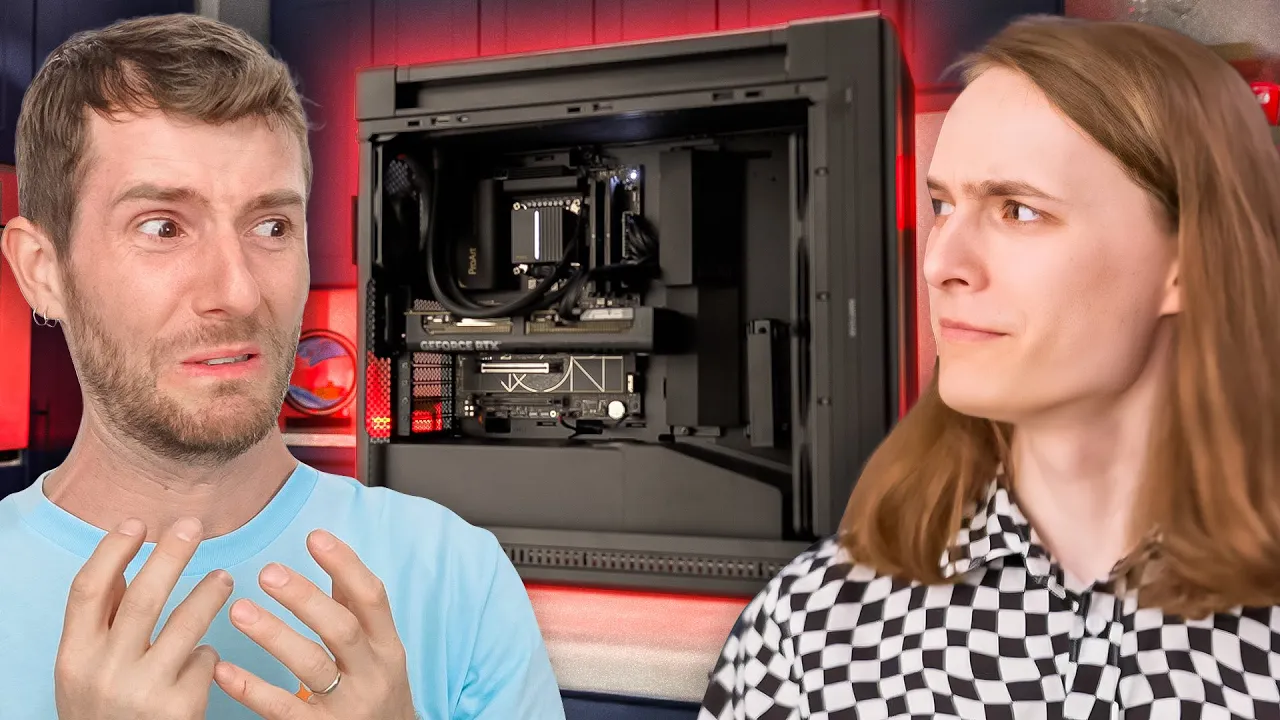
I Didn’t Know You Could Build a Computer THIS Wrong…
0 up · 0 down · 0 ratings
Description
Thanks to ASUS for sponsoring this video!
Promos
Check out the other episodes of RIG Reboot, along with the parts from the video using our links! ROG RIG REBOOT Campaign Page: us.rog.gg ASUS ProArt Z890 CREATOR WIFI Motherboard - us.rog.gg ASUS PRIME GeForce RTX 5080 GPU - us.rog.gg ROG STRIX 1200W Platinum PSU - us.rog.gg ASUS ProArt LC 420 AIO - us.rog.gg ASUS ProArt PA602 Case - us.rog.gg ROG Strix Scope II 96 Wireless Keyboard - us.rog.gg ROG Chakram X Origin Mouse - us.rog.gg ROG Pelta Headset - us.rog.gg ASUS ProArt Display PA27UCGE Monitor - us.rog.gg On this episode of ROG RIG Reboot Linus meets Xavier! A young man from Chicago who has built 1.5 computers before. And he builds this computer a bit rough... But thank you to ASUS for making this a special journey and providing all of the hardware for the computer! Buy a CORSAIR Vengeance DDR5 RAM 32GB (2x16GB) 6000MHz: geni.us Discuss on the forum: linustechtips.com ► GET OUR MERCH: lttstore.com ► GET EXCLUSIVE CONTENT ON FLOATPLANE: lmg.gg ► GET A VPN: piavpn.com ► SPONSORS, AFFILIATES, AND PARTNERS: lmg.gg Purchases made through some store links may provide some compensation to Linus Media Group. Affiliate links powered in part by affilimate.com Linus Sebastian is an investor in Framework Computer, Inc CHAPTERS --------------------------------------------------- 0:00 Intro 0:55 CPU and Mobo 5:40 Storage 8:35 RAM 9:00 Case 11:55 Power Supply 14:50 AIO 18:35 GPU and Display 21:20 Computer go brrrr 21:48 Blender 22:53 Gaming 23:27 Outro 23:30 Thanks ASUS :)
In the opening segment, Linus and the team introduce Xavier, a Chicago creator who aspires to render in 3D and game in his new build, using ASUS ProArt and ROG hardware. They set the stage for a hands-on, somewhat chaotic build journey, emphasizing the sponsor and the ambitious hardware lineup. The conversation establishes the premise that this is a creator-focused rig, with plans for Premiere Pro, Photoshop, Blender, and Maya, alongside some gaming. The dynamic centers on Xavier learning as the hosts guide him through a step-by-step assembly, including some lighthearted banter about silent movies and fashion accessories. The mood blends education with humor as Linus gently critiques mistakes and delivers practical insights about motherboard features, PCIe slots, and the role of Thunderbolt ports for external displays.
Topics · technology · hardware · computers · pc_build · diy_tech · gaming · 3d_rendering
Questions answered
- What was the hardware focus of Xavier's planned workflow?
- Xavier planned to run Premiere Pro, Photoshop, Blender, and Maya for 3D animation work, along with gaming.
- Which motherboard and platform were chosen for the build?
- An Asus ProArt Z890 Creator Wi-Fi motherboard was chosen, targeting a creator-focused platform with strong connectivity.
- What is one key feature highlighted about the motherboard used in this build?
- The motherboard features multiple PCIe slots, integrated Thunderbolt ports, 10 gigabit networking, and a DisplayPort passthrough via Thunderbolt for external displays.
- What was the final test to confirm the build was operational?
- They powered on the system to verify the computer booted and demonstrated Blender rendering performance.