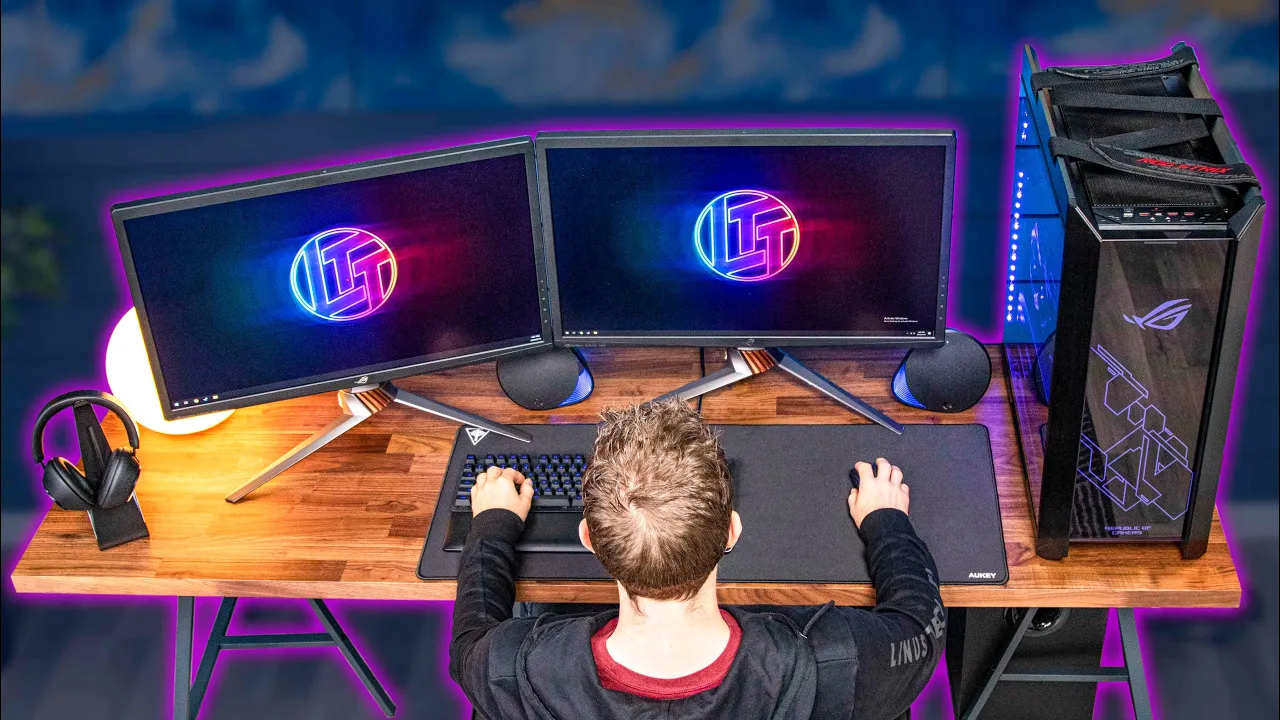
Building the ULTIMATE IKEA Gaming Setup
0 up · 0 down · 0 ratings
Promos
Complete your look and get 15% OFF at mvmt.com Buy the ENDGAME Gear XM1 on Amazon: lmg.gg We try and build the ultimate gaming setup using as many parts from Ikea as possible! Buy ASUS's PG27UQ Monitor: On Amazon: lmg.gg On Newegg: lmg.gg Buy Logitech G513 Keyboard: On Amazon: lmg.gg On Newegg: lmg.gg Buy Logitech G Pro Mouse: On Amazon: lmg.gg On Newegg: lmg.gg Buy Logitech G560 Speakers: On Amazon: lmg.gg On Newegg: lmg.gg Purchases made through some store links may provide some compensation to Linus Media Group. Ikea Part List: lmg.gg All ROG PC: youtube.com Discuss on the forum: linustechtips.com Our Affiliates, Referral Programs, and Sponsors: linustechtips.com Get Private Internet Access today at geni.us Displate metal posters: lmg.gg Linus Tech Tips merchandise at lttstore.com Linus Tech Tips posters at crowdmade.com Our Test Benches on Amazon: amazon.com Our production gear: geni.us Twitter - twitter.com Facebook - @LinusTech Instagram - @linustech Twitch - twitch.tv Intro Screen Music Credit: Title: Laszlo - Supernova Video Link: youtube.com iTunes Download Link: itunes.apple.com Artist Link: soundcloud.com Outro Screen Music Credit: Approaching Nirvana - Sugar High youtube.com
The video documents Linus Tech Tips and team attempting to construct what they dub the ultimate Ikea gaming setup. Beginning with the premise of using as many Ikea components as possible, the hosts walk through selecting a desk, choosing legs, and evaluating chairs by sitting and testing comfort and support. They compare options like the Gurton and the veneered desk top, explain the rationale for adding a middle support leg, and demonstrate the process of assembling a large, weighty rig. The segment around the 4 minute mark highlights humor and improvisation as they navigate unfamiliar assembly quirks, test out chairs, and debate the visual balance of space and weight distribution. Overall, the episode blends practical Ikea sourcing with tech hardware choices, showing how a cohesive, stylish setup can be achieved on a budget while acknowledging tradeoffs in cost, aesthetics, and cable management. The conclusion emphasizes value, suggesting cheaper alternatives and cost-saving tweaks, and presents the final build as a premium yet attainable Ikea-based gaming environment that still looks high-end and performs well for 4K gaming and high refresh rate monitors.
Topics · Gaming hardware · Home improvement · Technology reviews · DIY / Home setup
Questions answered
- What is the core concept behind the Ikea gaming setup demonstrated in the video?
- The core concept is to build a high-end, visually cohesive gaming station primarily using Ikea components, supplemented with select hardware for performance, while exploring cost-saving alternatives and customization options.
- Why is the middle support leg included in the desk design?
- The middle support leg provides additional stability for a very heavy rig and to prevent sagging under load when multiple monitors and a PC are placed on the desk.
- What is highlighted as the most important factor when choosing a desk and chair in this setup?
- Key factors include weight capacity, stability, comfort, and the ability to accommodate a large triple-monitor arrangement while keeping cable management tidy.