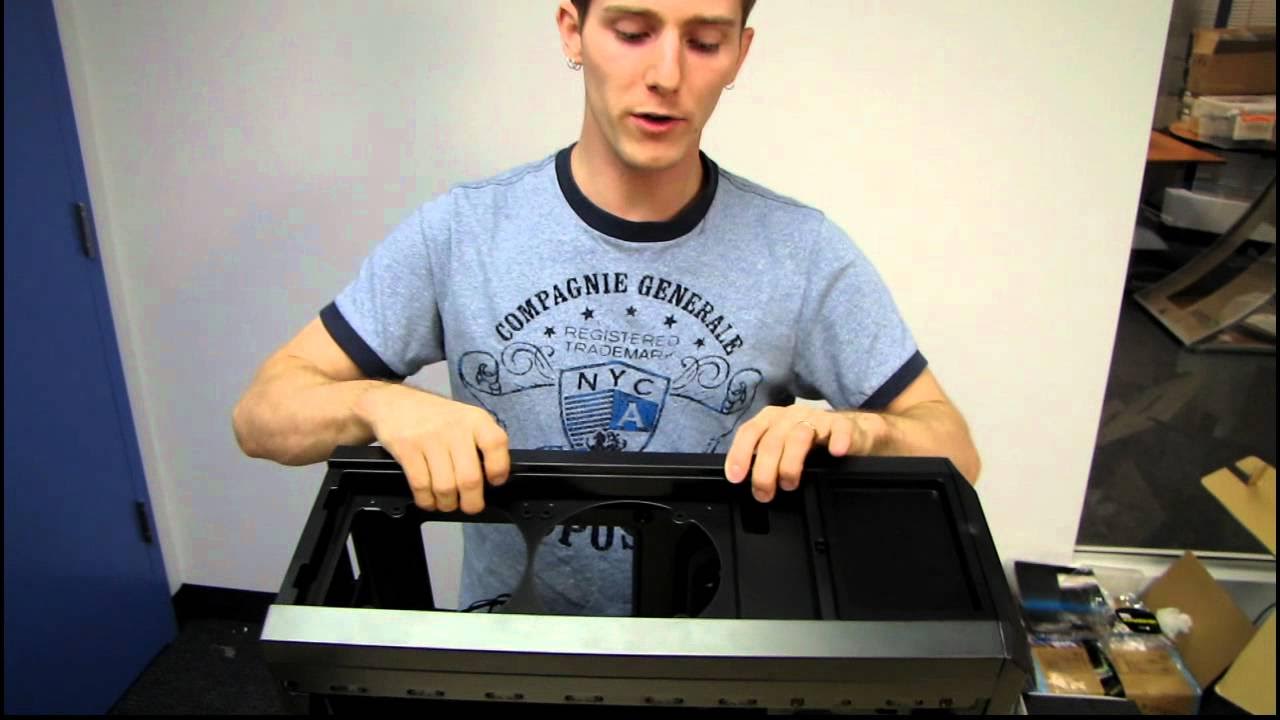
Corsair Carbide 500R Gaming Case Unboxing & First Look Linus Tech Tips
0 up · 0 down · 0 ratings
Description
ncix.com Corsair's Carbide series of cases is meant to address the lower end gaming segment. Obsidian is still flaship, and Graphite is in the middle.
The video opens with an unboxing of Corsair’s Carbide 500R gaming case, positioning it as a larger successor to the Carbide 400R while situating Corsair’s lineup within a hierarchy that ranges from Obsidian at the top to Carbide as the entry point for gaming-focused chassis. The host emphasizes Corsair’s design philosophy, which combines functionality with a distinct aesthetic, noting how features introduced with the 800D influenced expectations for later models. He also points out practical elements like front I/O, LED indicators, a built-in fan controller, and the case’s aerodynamic styling as a continuation of Corsair’s approach to usability and appearance. Throughout, the narrator interleaves observations about airflow and cable routing, setting up a hands-on tour of how the case is built and how it could support a high-performance PC build. The first section establishes the product’s positioning, intent, and the design language that Linus Tech Tips expects from Corsair, even as he teases the more detailed inspection to come. By framing the 500R against its siblings, the host primes viewers to evaluate the case not just by its looks, but by how its features translate into real-world assembly and cooling performance.
Topics · technology · hardware · unboxing · computer_hardware · pc_cases · consumer_electronics
Questions answered
- What makes the Corsair Carbide 500R a step up from the 400R?
- The 500R adds features and space while maintaining Corsair’s focus on functionality and aesthetics, including improved airflow options, more room for cable routing, and a design that accommodates larger components, such as longer graphics cards and additional radiators.
- How does the top radiator mounting work in the 500R?
- The top mounting area uses a removable mesh cover that enables mounting 120 mm or 140 mm radiators, with holes spaced to fit a variety of radiator sizes, and channels for routing its tubes to the CPU socket.
- What is the role of the back fan controller and power connections in the 500R?
- The back fan controller is designed to be used with Corsair’s preferred CPU coolers like the H80 or H100, meaning the case itself does not need to control that back fan, and it provides front USB 3.0 and optional USB 2.0 compatibility through an adapter.