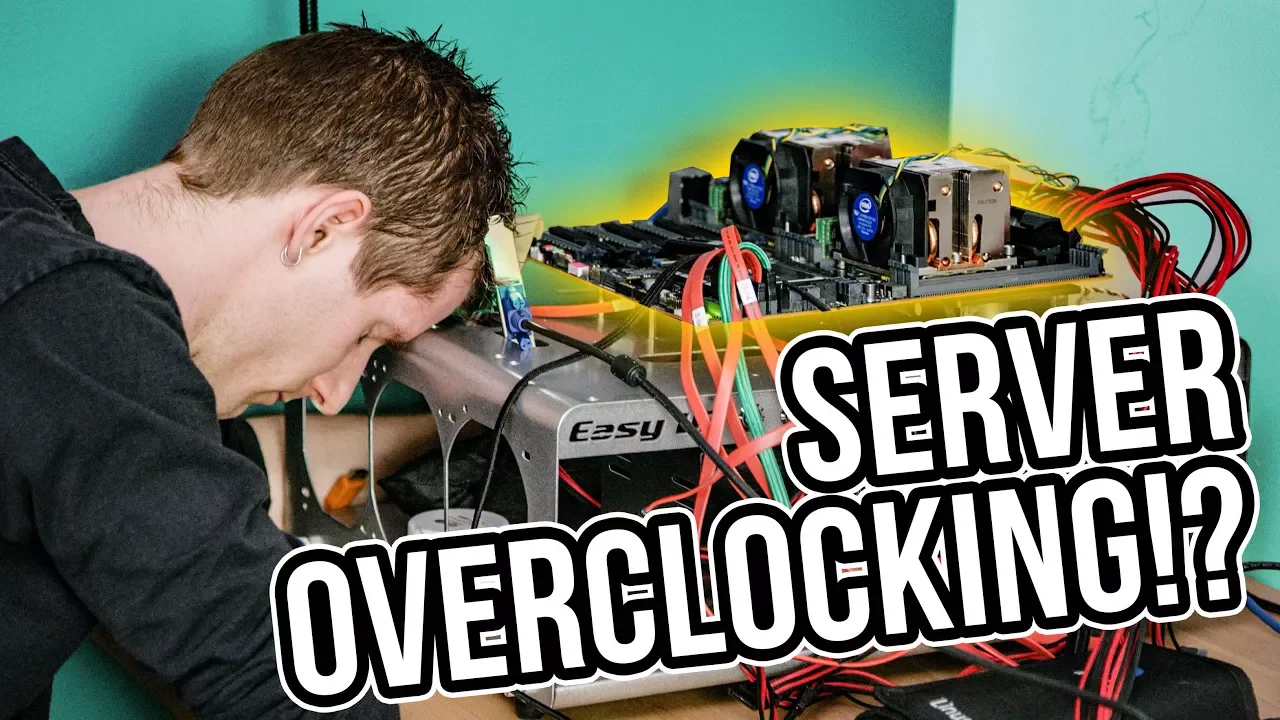
Overclocking a 56-Core Server - Is there ANY point?
0 up · 0 down · 0 ratings
Promos
Check out the Massdrop CTRL Mechanical Keyboard for $199.99 USD at dro.ps Buy Anker PowerWave 7.5 Charging Stand on Amazon: geni.us Buy Anker PowerWave 7.5 Charging Pad on Amazon: geni.us Is overclocking a server an exercise in futility? Buy Intel CPUs on Amazon: geni.us Discuss on the forum: linustechtips.com Our Affiliates, Referral Programs, and Sponsors: linustechtips.com Linus Tech Tips merchandise at designbyhumans.com Linus Tech Tips posters at crowdmade.com Our production gear: geni.us Get LTX 2018 tickets at ltxexpo.com Twitter - twitter.com Facebook - @LinusTech Instagram - @linustech Twitch - twitch.tv Intro Screen Music Credit: Title: Laszlo - Supernova Video Link: youtube.com iTunes Download Link: itunes.apple.com Artist Link: soundcloud.com Outro Screen Music Credit: Approaching Nirvana - Sugar High youtube.com Sound effects provided by freesfx.co.uk
The video investigates whether overclocking a 56-core server is worthwhile, starting with the practical baseline of the system and the potential gains ASUS guidance promises. The presenter documents initial measurements around the Cinebench score and explains the risks of adjusting base clock versus multiplier, highlighting how altering base timing can ripple through PCIe, storage, and other subsystems. After a failed attempt to push the base clock to 101 MHz, the video shifts to testing the impact of enabling Turbo on all cores and comparing it with ASUS’s recommended tuning. Through iterative tinkering, the host demonstrates how small configuration changes can yield disproportionate instability, including a non-boot scenario and an overclocking failed message, which underscores the fragility of chasing marginal gains on high-core-count servers. The narrative then pivots to a more dramatic troubleshooting sequence that includes switching to different RAM configurations and even attempting extreme cooling to stabilize voltage and timing, ultimately concluding that performance gains are likely negligible and that stability-focused Turbo manipulation is a more sensible path. In the closing analysis, the presenter advises sticking to stable turbo settings rather than aggressive overclocking, noting that the most reliable approach is to accept modest uplift from controlled adjustments while avoiding the risk of losing peripheral device visibility or data integrity. The video ends with a practical takeaway: overclocking a workstation or server can be entertaining and educational, but for real-world impact, stability and predictable performance trump aggressive clocks, especially on mission-critical hardware.
Topics · technology · hardware · computing · servers · overclocking
Questions answered
- What is the main takeaway about overclocking a 56-core Xeon server in this video?
- The main takeaway is that while you can push boosts with turbo or selective tuning, the potential gains are likely small and are outweighed by stability risks, possible component visibility loss, and higher power/thermal demands.
- Why does adjusting the base clock pose more risk than changing the multiplier in this setup?
- Adjusting the base clock can disrupt multiple dependent frequencies such as PCIe and memory timing, leading to components not being detected or failing to boot, which makes stable operation much harder compared to multiplier-based tuning.
- What practical alternative to aggressive overclocking does the presenter suggest?
- The presenter suggests using stable turbo manipulations or BIOS features that lock the turbo behavior, and prioritizing reliability and predictable performance over pushing for large clock increases.