Corsair 600T White Computer Case Unboxing & First Look Linus Tech Tips
0 up · 0 down · 0 ratings
Description
ncix.com If you want a case that looks like a stormtrooper, then look no further. This takes the 600T and takes it one more step by adding sharp contrasting colours and an optional additional side panel!
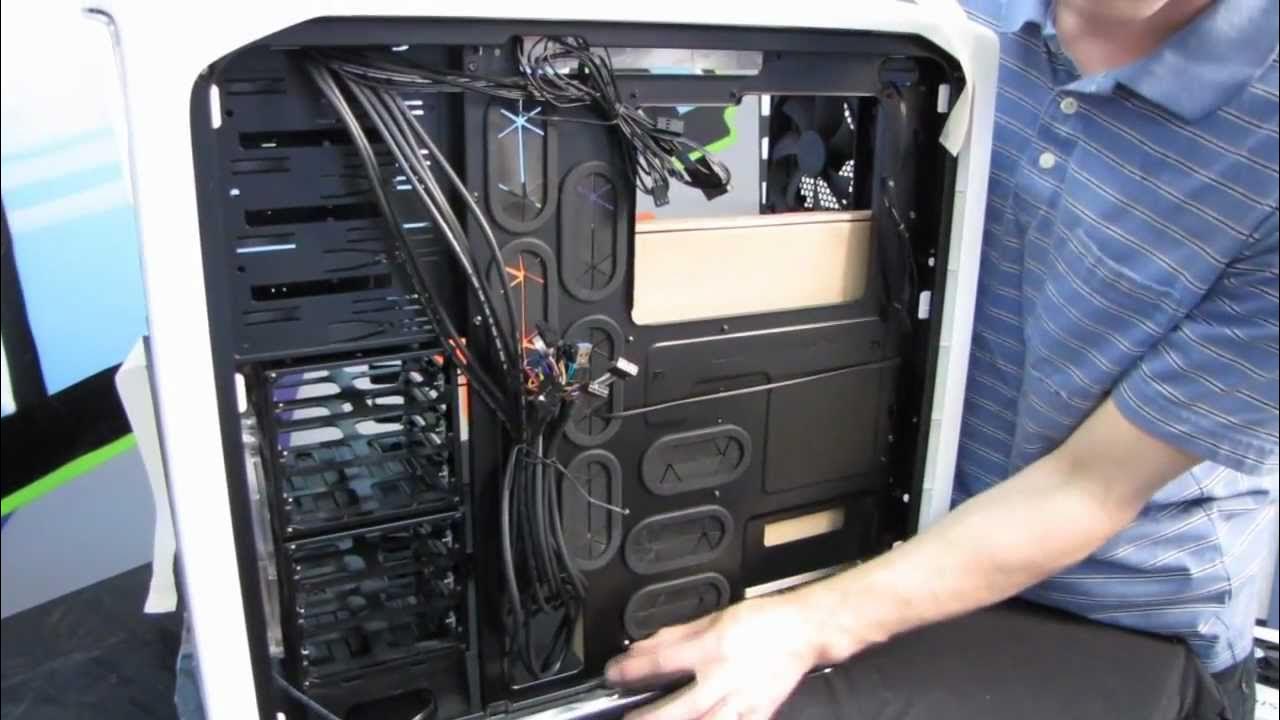
The Corsair 600t White is a larger mid tower case that Linus Tech Tips presents with a focus on the new white finish and the option to choose between a windowed side panel or a mesh panel. The unboxing begins with the packaging and the build quality of the foam and outer box, highlighting the robust double corrugated shipping setup to protect the chassis in transit. Linus points out that the white finish extends to the interior as well, with powder coating making the inside white and ensuring clean, monochrome cable management. He then walks through the exterior layout, noting the eight expansion slots, bottom-mounted power supply, and the tool-less 5.25 inch bays, all designed for easy assembly and a tidy build. A unique feature is the mesh side panel that can be swapped into the box with the case, letting users decide between airflow and windowed aesthetics without sacrificing performance. The top mesh insert can be removed to install fans or radiators, and the included components include screws, cable ties, and a curious key whose purpose Linus experiments to recall, hinting at a side-panel locking mechanism. Throughout the tour, Linus emphasizes the white version as a striking evolution of the already-popular 600t, with a focus on finish consistency from the exterior to the interior to achieve a clean, Stormtrooper-inspired look. He also showcases the case’s internal cable routing features, the ample space behind the motherboard tray for neat sleeving, and the validated airflow options that support Corsair coolers, while praising the overall aesthetic and ease of use. In closing, Linus invites viewers to subscribe for more unboxings, reviews, and first looks, signaling this video as both a showcase and a practical guide for potential buyers of the Corsair 600t White.
Topics · technology · hardware · computer_hardware · product_unboxing
Questions answered
- What cooling options does the Corsair 600t White support in the top and rear, and what radiators can be mounted?
- The case supports a 230 mm fan at the top, two 120 mm fans, or a 230 mm radiator in the top area, and a 120 mm fan at the rear. This setup allows for radiator configurations that keep the cooling hardware inside the case for a tidy build.
- What is the purpose of the included key in the Corsair 600t White unboxing?
- The key is used to operate the side panel lock mechanism, which interacts with a latch to secure or release the side panel for access.