HD Tutorial: Audacity
0 up · 0 down · 0 ratings
Description
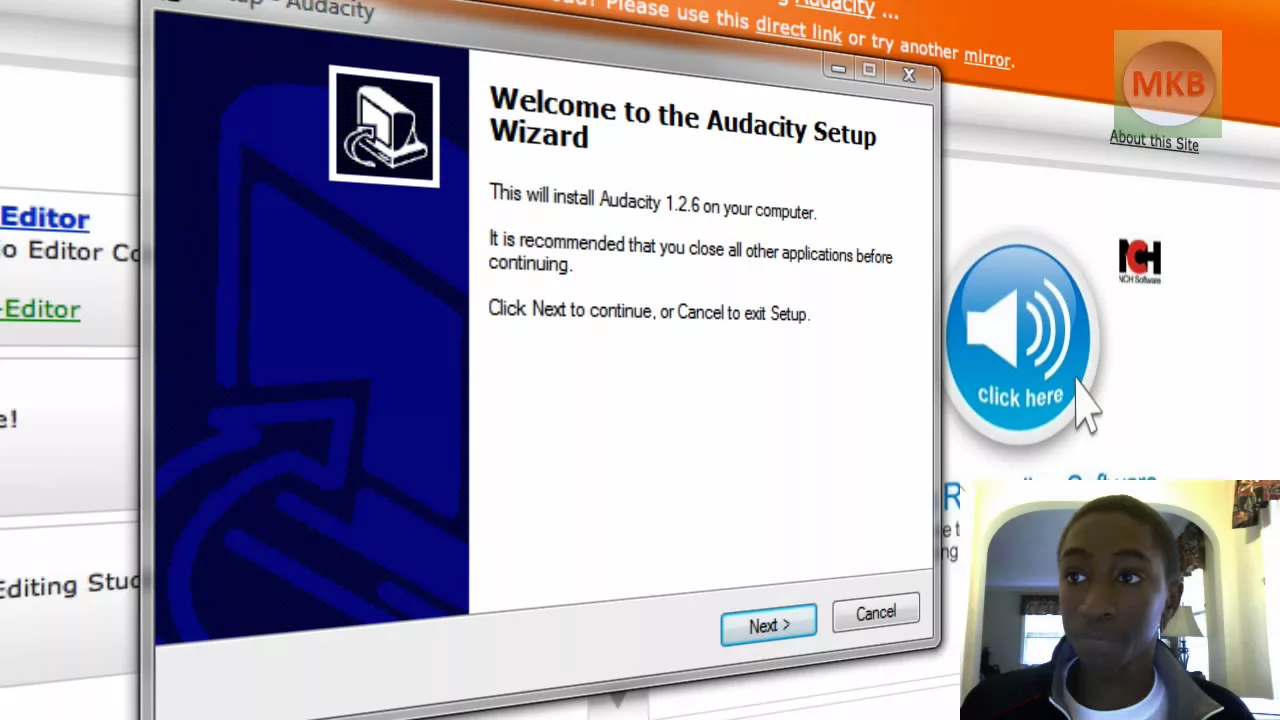
***WATCH IN HD*** Here I show you how to download and install the Audacity Audio Editor. Here's the link I promised: audacity.sourceforge.net Enjoy - SUBSCRIBE
HD Tutorial: Audacity provides a concise, beginner friendly walkthrough on how to obtain and install the Audacity audio editor. The presenter explains that Audacity is a free, cross platform audio editing tool and frames the video as the first installment in a series about Audacity. The tutorial begins with locating the Audacity download via a web browser, highlighting the official SourceForge page and the two main release tracks: a stable version suitable for general use and a beta version for experimentation. The video walks through selecting the Windows installer, downloading the executable, and running the installer with user account control prompts. After the installation completes, the presenter demonstrates launching Audacity for the first time, selecting a language, and briefly showing the user interface. Finally, the tutorial demonstrates a practical tip by placing the Audacity launcher icon in a RocketDock section for quick access and removing the desktop icon once the dock is configured. The overall outcome is that viewers leave with a working Audacity setup and a basic sense of where to find help for future tutorials. The tone stays friendly and encouraging, inviting viewers to subscribe for more tips and to request future topics, signaling ongoing content creation around Audacity and audio editing workflows.
Topics · software · audio editing · tutorial · technology · how-to
Questions answered
- What is Audacity and what is its main purpose as shown in the video?
- Audacity is a freeware audio editing application used for editing and mixing audio files.
- Where should you download Audacity according to the tutorial?
- From the official Audacity page linked to SourceForge, using the download tab for the stable Windows installer.
- What is one post installation tip demonstrated in the video?
- Place the Audacity launcher icon in a RocketDock section for easy access and remove the desktop icon after organizing