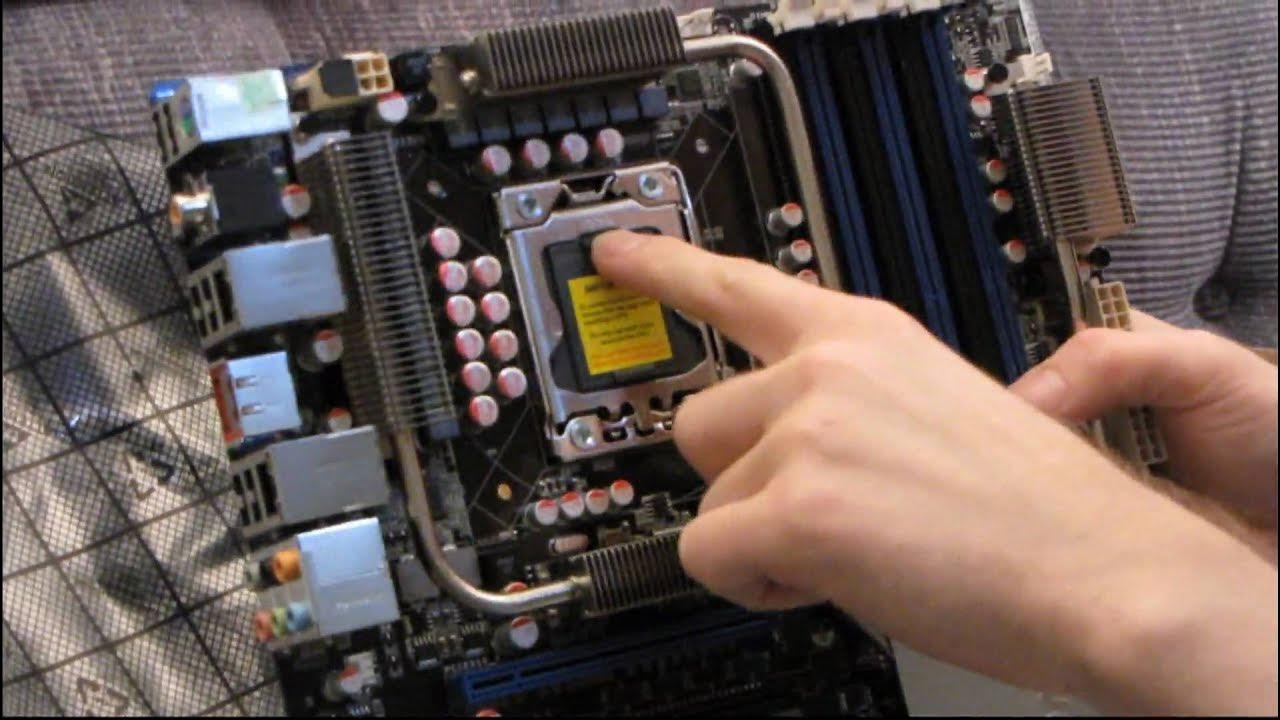
ASUS P6T7 WS Workstation X58 Core i7 SLI Crossfire Motherboard Unboxing & First Look Linus Tech Tips
0 up · 0 down · 0 ratings
Description
While not a part of their "Republic of Gamers" branding, this is a very high end, very premium board from ASUS that delivers a lot of cool features including 7 PCIe 16x slots for running up to 7 single slot graphics cards! Great for a folding monster!
The video opens with Linus presenting an unboxing of the Asus P6T7 WS Workstation motherboard, highlighting its premium positioning in the workstation line rather than the Republic of Gamers branding. He immediately notes the platform as an LGA 1366 socket board supporting Core i7 or Xeon processors, and emphasizes its workstation credentials such as SLI and Crossfire X support, plus features like seven PCI Express 16x slots and robust power delivery. Linus walks through the included accessories, including backplates, SLI and Crossfire bridges, SAS cables, and a surprisingly thick English-language user manual, while commenting on the notable cooling and heat pipe arrangement around the voltage delivery system. The hardware narration shifts to a tour of the board itself, with comments on the seven PCIe lanes, dual SAS connectors, six SATA ports, and additional headers for USB, FireWire, and audio. He explains the peculiar cooling solution that appears to extend over the memory and PCIe area, and comments on the copper-stacked backplate designed to improve heat dissipation. The segment ends with a quick recap of the board’s intended use cases, including multi-GPU configurations and high-end computing tasks, followed by Linus’s enthusiastic sign-off and a tease about the workstation capabilities of the ASUS P6T7 WS. In the closing portion, Linus summarizes the board's key features such as dual network performance, extensive PCIe connectivity, and the overall build quality. He reinforces the board’s target audience of enthusiasts and professionals who require substantial expansion and processing capability, while reiterating the robust engineering behind the heat management design. Throughout, the tone remains hands-on and informative, with occasional light humor about the board’s premium nature and the potential of a future “folding monster” setup. The video closes on a practical note, encouraging viewers to consider the board for specialized workloads that benefit from multiple GPUs and high-end enterprise potential, alongside practical tips on installation and compatibility.
Topics · technology · hardware · unboxing · pc_hardware
Questions answered
- What makes the Asus P6T7 WS a workstation oriented motherboard compared to gaming boards?
- The P6T7 WS emphasizes workstation features such as multiple PCIe slots, SAS on board for high-speed storage, robust power delivery, and support for Xeon processors in addition to Core i7, targeting professional workloads and multi-GPU configurations.
- How many PCI Express slots does the motherboard offer and what is their potential configuration?
- The motherboard features seven PCI Express 16x slots that can potentially drive multiple single-slot graphics cards for high-end GPU setups.
- What accessories are included with the motherboard unboxing?
- Included accessories are back plates for FireWire and USB, SLI/Crossfire bridges, SAS cables, SATA cables, a Molex to SATA power adapter, a diagnostic/LED board, the IO shield, the Asus driver DVD, and the user manual.