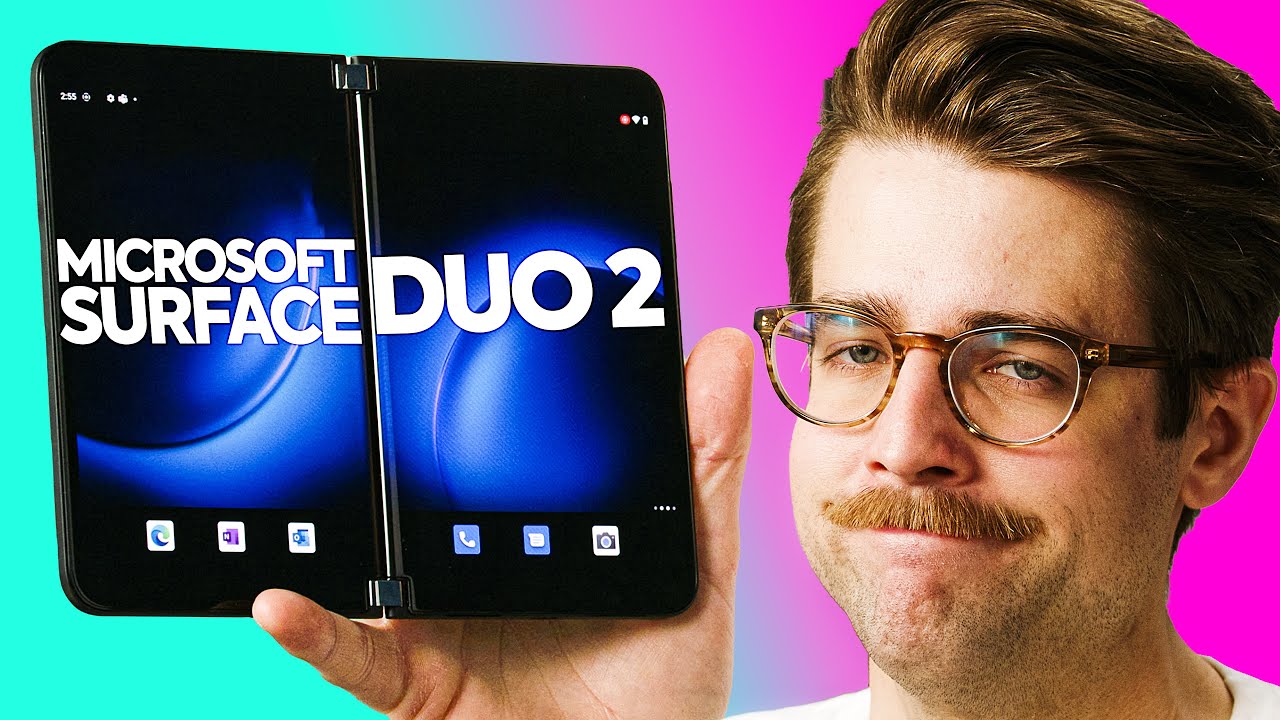
Is Microsoft even TRYING? - Surface Duo 2
0 up · 0 down · 0 ratings
Description
Get a new skin from dbrand today at dbrand.com Microsoft made some significant improvements with the Surface Duo 2, but it feels like their hardware team doesn't talk to the software team. Please fix this Microsoft, we really want to like this phone.
Promos
Check out the Microsoft Duo 2 smartphone at lmg.gg Purchases made through some store links may provide some compensation to Linus Media Group. ►GET MERCH: lttstore.com ►SUPPORT US ON FLOATPLANE: floatplane.com ►LTX EXPO: ltxexpo.com AFFILIATES & REFERRALS --------------------------------------------------- ►Affiliates, Sponsors & Referrals: lmg.gg ►Check out our podcast gear: kit.co ►Private Internet Access VPN: lmg.gg ►Our Official Charging Partner Anker: lmg.gg ►Secretlabs Gaming Chairs: lmg.gg ►MK Keyboards: lmg.gg ►Nerd or Die Stream Overlays: lmg.gg ►Green Man Gaming lmg.gg ►Amazon Prime: lmg.gg ►Audible Free Trial: lmg.gg ►Our Gear on Amazon: lmg.gg FOLLOW US ELSEWHERE --------------------------------------------------- Twitter: twitter.com Instagram: @shortcircuityt Facebook: @ShortCircuitYT FOLLOW OUR OTHER CHANNELS --------------------------------------------------- Linus Tech Tips: lmg.gg TechLinked: lmg.gg Mac Address: lmg.gg Techquickie: lmg.gg LMG Clips: lmg.gg Channel Super Fun: lmg.gg Carpool Critics: lmg.gg CHAPTERS --------------------------------------------------- 0:00 - Intro 0:41 - Unboxing 1:41 - Microsoft Duo 2 exterior impressions 2:47 - Camera info 3:46 - Pricing 4:13 - Sponsor - dbrand! 5:44 - Software 6:47 - Specs comparison Duo 2 vs Duo 7:50 - Microsoft software impressions 10:02 - Testing out the camera 10:57 - Continued software impressions 13:17 - Speakers impressions 14:23 - Notification glance bar impressions 14:50 - Final thoughts
The video opens with the host conveying a strong sense of curiosity about the Surface Duo 2 while acknowledging a mix of hype and skepticism. He compares it to the original Duo, highlighting the new device’s larger camera bump, curved inner screen, and updated hardware design, including a dedicated fingerprint button and relocated SIM slot. The unboxing segment emphasizes build feel, packaging choices, and the first impressions of the box content, such as the skin from a third party brand and the absence of a power adapter. Early on, the host sets expectations around the software experience, noting that Microsoft’s Android skin and multitasking features look impressive on paper but may fall short in practice. The discussion then shifts to the hardware’s form factor, the higher price point, and how these elements influence whether the Duo 2 feels like a practical device versus a novelty. Overall, the tone remains analytical, with the host promising deeper dives into software, camera capabilities, and real-world usability in the sections to come. As the video progresses, the host delves into the software experience, focusing on the dual-screen Android UI and Microsoft’s launcher. He points out that Android 11 runs on the Duo 2 and that the gesture system and multitasking are not as smooth or intuitive as hoped, citing issues like drag and drop limitations and a sometimes laggy home screen experience. The user interface is repeatedly described as half-baked, with examples such as inconsistent multitasking behaviors, awkward notification glance bar implementations, and a lack of core features like reliable double-tap wake. Despite some improvements over the original Duo, the software remains a bottleneck, undermining the hardware upgrades and the promise of true multitasking across two screens. The segment also covers practical tests like taking a photo with the camera, preview quality, and sharing via Teams, all of which reveal that camera performance is strong but software friction weighs on the overall experience. The host concludes that the Duo 2 is better than its predecessor in some respects, yet the software still hinders quick, everyday use. In the camera and media section, the host assesses the back camera array, noting three rear lenses and a single front-facing camera, and experiments with bokeh and ultra-wide capabilities. He demonstrates the dual-screen multitasking by dragging and dropping content between apps, adjusting split-screen layouts, and creating dedicated workspaces, while highlighting the limitations of cross-app drag-and-drop and the fact that some features are still restricted to Microsoft apps. The audio performance is tested, with stereo-like expectations discussed in relation to the device’s two speaker placements, and the overall sound quality is described as acceptable but not exceptional. The reviewer also compares screen specs, refresh rate, and color accuracy to contemporary devices, pointing out that while the Duo 2 has competitive display specs, the shared V-shaped bottlenecks in software and user experience remain. In closing, the host reiterates that the hardware is compelling, but without a more polished, responsive software layer, the Surface Duo 2 struggles to justify its price and dual-screen concept for most everyday users. The final thoughts touch on the broader takeaway: Microsoft clearly improved the hardware and camera capabilities, but the software experience still lags behind expectations for a high-end flagship. The host emphasizes that a device this ambitious should feel effortless to use, especially when dual screens are involved, yet the Duo 2 often feels slow, imperfect, and inconsistent in its interactions. He compares it to other foldables and notes that the core value proposition hinges on software optimization and ecosystem polish, which are not yet there. The video ends with a call for Microsoft to prioritize software reliability and user experience so that the hardware innovations can shine, leaving viewers with a sense of cautious optimism about future iterations while acknowledging that the current Duo 2 is not yet a flawless all-around smartphone.
Topics · technology reviews · mobile devices · dual-screen devices · hardware analysis
Questions answered
- What are the major hardware improvements seen in the Surface Duo 2 compared to the first model?
- The Surface Duo 2 features a larger camera bump with three rear cameras, a curved inner screen, a revised fingerprint sensor integrated with the power button, a relocated SIM slot, and a faster USB-C port, along with improved display specs and a slightly larger battery.
- Why do reviewers find the software experience to be a bottleneck on the Surface Duo 2?
- Despite hardware improvements, the Android-based UI and multitasking experience feel unfinished and inconsistent, with issues like laggy gestures, limited drag-and-drop functionality, and a glance bar and notification system that are not reliably usable across apps.
- Does the camera performance compensate for software flaws in the Surface Duo 2?
- Camera improvements are noted and show strong capabilities, including multiple rear lenses and good bokeh effects, but overall camera prowess alone does not compensate for a clunky software experience in daily use.