What Kind of PC Do You Need for Streaming?
0 up · 0 down · 0 ratings
Promos
How should you go about choosing or building a PC for streaming your gameplay to Twitch or your platform of choice? Try Tunnelbear for free, no credit card required, at tunnelbear.com Techquickie Merch Store: designbyhumans.com Techquickie Movie Poster: shop.crowdmade.com Follow: twitter.com Leave a reply with your requests for future episodes, or tweet them here: twitter.com Join the community: linustechtips.com Intro Theme: Showdown by F.O.O.L from Monstercat - Best of 2016 Video Link: youtube.com iTunes Download Link: itunes.apple.com Listen on Spotify: open.spotify.com
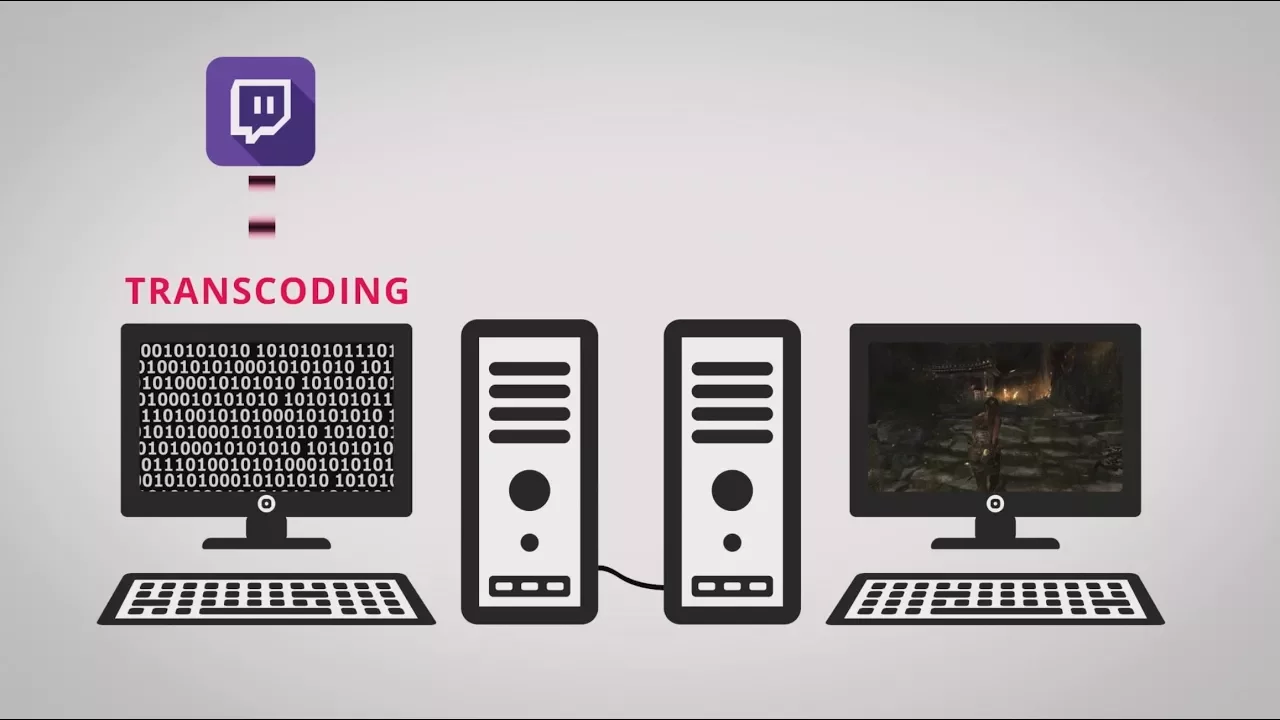
The video explains that for streaming, the CPU plays a crucial role in encoding the captured gameplay into a streamable video, even though the GPU handles rendering the game graphics. It emphasizes that while gaming performance is often GPU-bound, streaming quality depends heavily on the CPU’s ability to transcode video into a format suitable for the internet and viewer devices. The speaker notes that more cores and threads generally improve encoding efficiency, especially for higher fidelity goals like 1080p at 60 frames per second, but also cautions that there are diminishing returns beyond a certain point. The discussion also covers practical hardware strategies, including the option of using a dedicated streaming PC to offload encoding tasks from the gaming rig, which can protect in-game performance and stream quality when playing demanding titles. When a second PC is not available, the video suggests using a capable CPU with a solid balance of cores and threads, and ensuring that background software is minimized to keep encoding resources focused on streaming. For those who can’t or don’t want a second machine, it highlights that a modern six-core or better CPU, such as a current Core i7 or Ryzen 7, should provide a strong streaming experience in most scenarios. The episode also touches on capture hardware options, explaining that if the main PC or console cannot be encoded directly, a capture card can relay video to a streaming PC or software encoder, with NVENC-based solutions offering efficient paths over a network. The overall guidance is pragmatic, balancing cost and performance while giving viewers concrete benchmarks and setup options for achieving smooth 1080p streaming.
Topics · technology · gaming · pc-hardware · streaming
Questions answered
- Why is the CPU important for streaming, not just the GPU?
- The GPU renders the game image, while the CPU encodes that rendered image into a video stream. Encoding is CPU-intensive and benefits from more cores and threads, which helps maintain higher quality at 1080p60 or reduces stutter during streaming.
- What is a practical setup to optimize streaming quality?
- One option is to use a dedicated streaming PC to handle encoding while the gaming PC focuses on gameplay. If a second PC isn’t available, use a powerful multi-core CPU and minimize background programs, and consider a capture card or NVENC-based capture to route video efficiently.