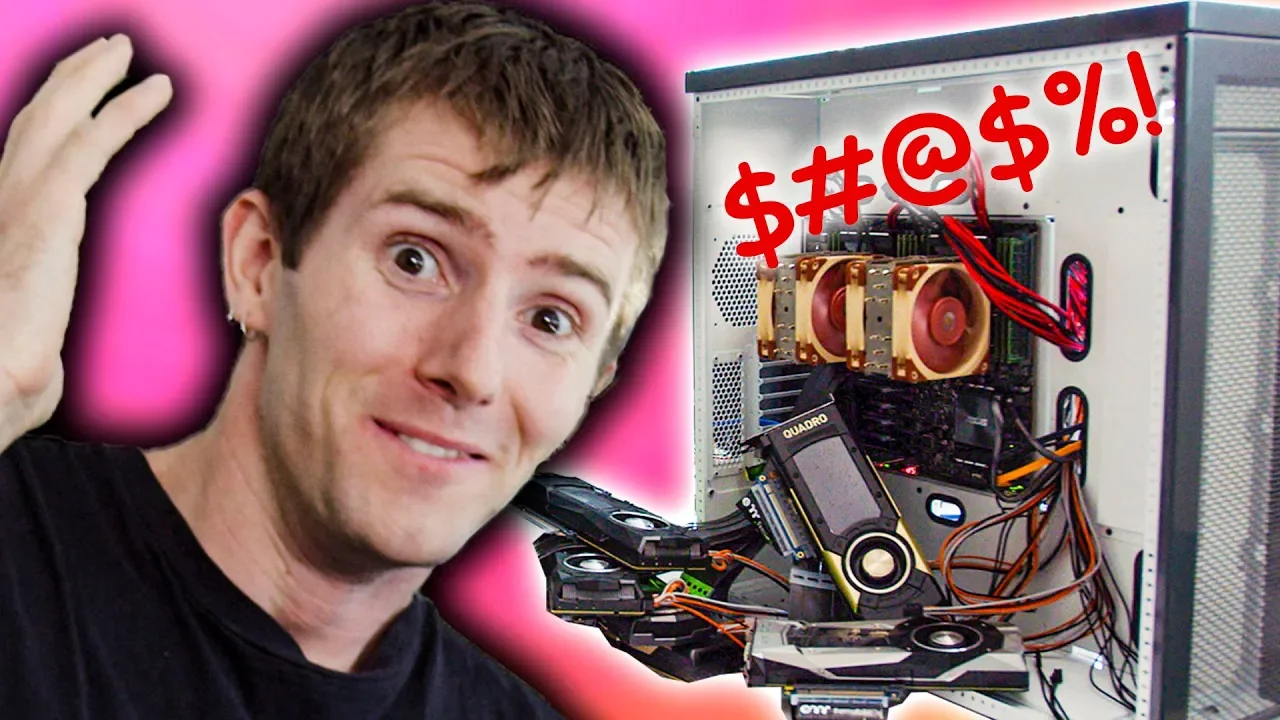
When everything goes wrong - 6 Editors 1 CPU Pt. 3
0 up · 0 down · 0 ratings
Promos
Sign up for Private Internet Access VPN at privateinternetaccess.com SmartDeploy: Claim your free IT software (worth $655!) at geni.us Buy video cards on Amazon: geni.us Discuss on the forum: linustechtips.com Our Affiliates, Referral Programs, and Sponsors: linustechtips.com Get Private Internet Access today at geni.us Linus Tech Tips merchandise at designbyhumans.com Linus Tech Tips posters at crowdmade.com Our Test Benches on Amazon: amazon.com Our production gear: geni.us Twitter - twitter.com Facebook - @LinusTech Instagram - @linustech Twitch - twitch.tv Intro Screen Music Credit: Title: Laszlo - Supernova Video Link: youtube.com iTunes Download Link: itunes.apple.com Artist Link: soundcloud.com Outro Screen Music Credit: Approaching Nirvana - Sugar High youtube.com Sound effects provided by freesfx.co.uk
In this episode, six editors and a single CPU saga unfolds as the team attempts to assemble, configure, and boot a multi-workstation rig for parallel virtual machines. The video opens with a shot of plentiful hardware: monitors, keyboards, mice, high end graphics cards, and a long list of components that hint at unprecedented scale. The hosts set expectations early, noting that some final hardware is not yet in place, but they have enough to determine whether the concept can actually work. They discuss the plan to reconstruct the lab environment, eliminate hypotheses, and run each workstation with a single monitor and input device, even though dual monitor setups would be possible thanks to PCIe passthrough. The scene then moves into the practical engineering work of swapping backplanes, installing a new PCIe configuration, and aligning an 8x backplane with the CPU and six GPUs to prevent bottlenecks for USB controllers and NVMe storage. The hosts emphasize the goal of validating whether the concept can function at scale, rather than simply presenting a theoretical setup, and they gear up for the acid test of powering everything on and verifying operation. As the build proceeds, attention shifts to the host side configuration and cable management, including the dramatic swap to a new PCIe 8x interface and the use of an octane-based cache for performance. The team wrestles with the quirks of the hardware, including dip switch configurations, backplane types, and even a misstep that requires reworking the motherboard power wiring. The crew relays authentic troubleshooting moments, such as diagnosing why a card’s fan might not spin, or why a USB controller refuses to initialize, and they repeatedly test different backplane settings to coax life from the system. The narrative remains grounded in real science and engineering: testing 10 gigabit networking readiness, confirming the Optane drives for caching, and confirming that all six GPUs are detected in the system. The tension peaks as they boot the system and confront error codes, hardware detection quirks, and the uncertainty about which GPU belongs to which VM, all while the clock ticks toward the final validation. With the six GPUs in place and the boot sequence finally yielding signals, the team moves into post-boot stabilization and VM orchestration, assigning CPUs, GPUs, and USB controllers to balance performance across multiple virtual machines. They attempt to map each VM to a specific monitor and GPU path, a meticulous process that involves waking VMs, confirming which machine corresponds to which display, and updating Unraid to a newer version to resolve lingering issues. The crew discusses the importance of keeping VDisks on the Optane-backed cache during test runs to avoid IO bottlenecks, and they reflect on the practical limits of the hardware in this scale test. Although the process reveals ongoing instability in signal detection across several monitors, the participants maintain a pragmatic, problem-solving mindset, iterating through reboots, reassignments, and cable checks. The episode closes with a candid note on the complexity of such a build, underscoring that even with substantial planning, extremely large hardware configurations can still stumble in surprising ways yet offer valuable lessons for performance and reliability in a multi-VM environment.
Topics · technology · computing · hardware · video-production · virtualization · data-center · systems · engineering
Questions answered
- What is the main objective of this installment in the series?
- The objective is to validate whether a six editors, one CPU setup with six GPUs and multiple high-end components can actually function as a coordinated multi-workstation environment and to troubleshoot the hardware to a working state.
- What storage strategy is emphasized for VM performance?
- The plan is to use Optane for caching to improve random I/O and ensure better performance when running multiple operating systems simultaneously.