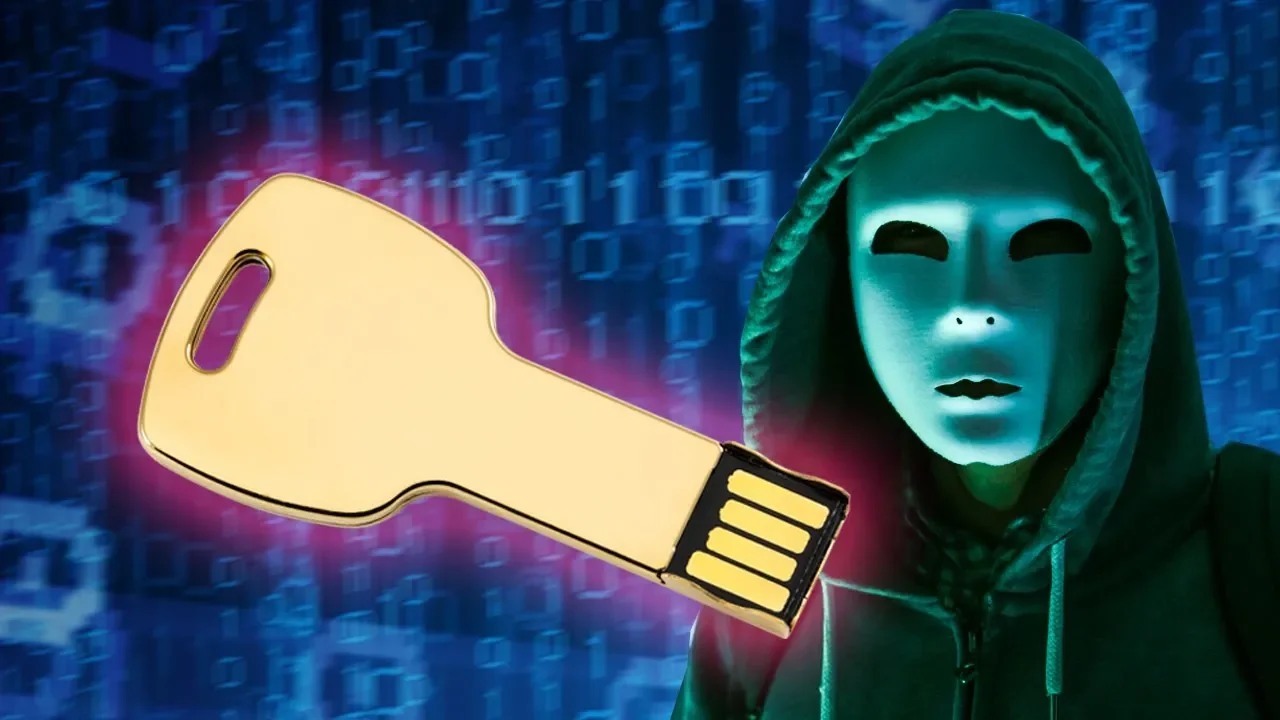
Logging In With A USB Key (U2F Explained)
0 up · 0 down · 0 ratings
Promos
Freshbooks message: Head over to freshbooks.com and don’t forget to enter Tech Quickie in the “How Did You Hear About Us” section when signing up for your free trial. USB keys that use Universal Two-Factor, or U2F, are an elegant way to log into your important accounts without having to enter a six-digit code every time. How do they work, and are they a good idea for you? Techquickie Merch Store: designbyhumans.com Techquickie Movie Poster: shop.crowdmade.com Follow: twitter.com Leave a reply with your requests for future episodes, or tweet them here: twitter.com Join the community: linustechtips.com Intro Theme: Showdown by F.O.O.L from Monstercat - Best of 2016 Video Link: youtube.com iTunes Download Link: itunes.apple.com Listen on Spotify: open.spotify.com
Logging In With A USB Key (U2F Explained) breaks down a modern alternative to traditional one-time codes for two-factor authentication. The video starts by contrasting the common six-digit authenticator apps with a physical security key that uses the universal two-factor (U2F) standard. It explains that a USB-like device contains a small chip that, when inserted or tapped, covertly handles key generation, public key submission, and a nonce-based challenge, all without user intervention beyond the initial setup. The host walks through the flow: the key creates a public/private key pair, the server stores the public key while the private key remains on the device, and future logins involve the server sending a nonce and checksum which the key uses to recompute the correct signature. The explanation emphasizes that only the original registered key can unlock the account, because each key generates a unique secret tied to the site’s domain. The video also explains how U2F helps guard against phishing, since a response from a host site would be useless on a fraudulent site that mimics the legitimate domain. In addition to the core mechanism, the host notes a variety of enhancements offered by major vendors, such as touching a sensor with the ubi key to confirm human presence. The closing portion urges practical precautions for physical security, acknowledges the broader opportunity for freelancers, and segues into FreshBooks cloud accounting as a sponsor. The segment ends with a call to action to try FreshBooks, while reiterating the benefits of simplified invoicing and mobile access on iOS and Android. Overall, the video conveys both the high-level security benefits of U2F and the real-world steps to adopt physical keys in everyday online life, concluding that while not infallible, U2F provides a meaningful layer of protection against common attack vectors such as phishing and credential leakage.
Topics · technology · security · authentication
Questions answered
- What is U2F and how does it differ from standard two-factor authentication codes?
- U2F is a physical security key that uses public key cryptography to authenticate you. Unlike codes that change every 30 seconds, U2F devices generate a unique signature tied to the specific site domain, and the private key never leaves the device. The server stores the corresponding public key and validates the signature during login, making phishing attempts less effective.
- What happens when you log in with a U2F key after entering your username and password?
- The server sends a nonce and checksum to the U2F key, which uses them to regenerate a private key specific to that account. The key then signs the challenge with the private key and returns the signature to the server, which verifies it using the stored public key and grants access.
- What should you do if you lose your U2F key?
- If you lose a key, you typically use backup keys or alternative recovery methods provided by the service. It is prudent to register multiple keys and store backups in separate locations to avoid being locked out of accounts.