Why is Windows Display Scaling So Bad?
0 up · 0 down · 0 ratings
Promos
Have you ever noticed how Windows can make things look blurry and improperly sized, especially if you're using multiple monitors? Why is this? Try Tunnelbear for free, no credit card required, at tunnelbear.com Techquickie Merch Store: designbyhumans.com Techquickie Movie Poster: shop.crowdmade.com Follow: twitter.com Leave a reply with your requests for future episodes, or tweet them here: twitter.com Join the community: linustechtips.com Intro Theme: Showdown by F.O.O.L from Monstercat - Best of 2016 Video Link: youtube.com iTunes Download Link: itunes.apple.com Listen on Spotify: open.spotify.com
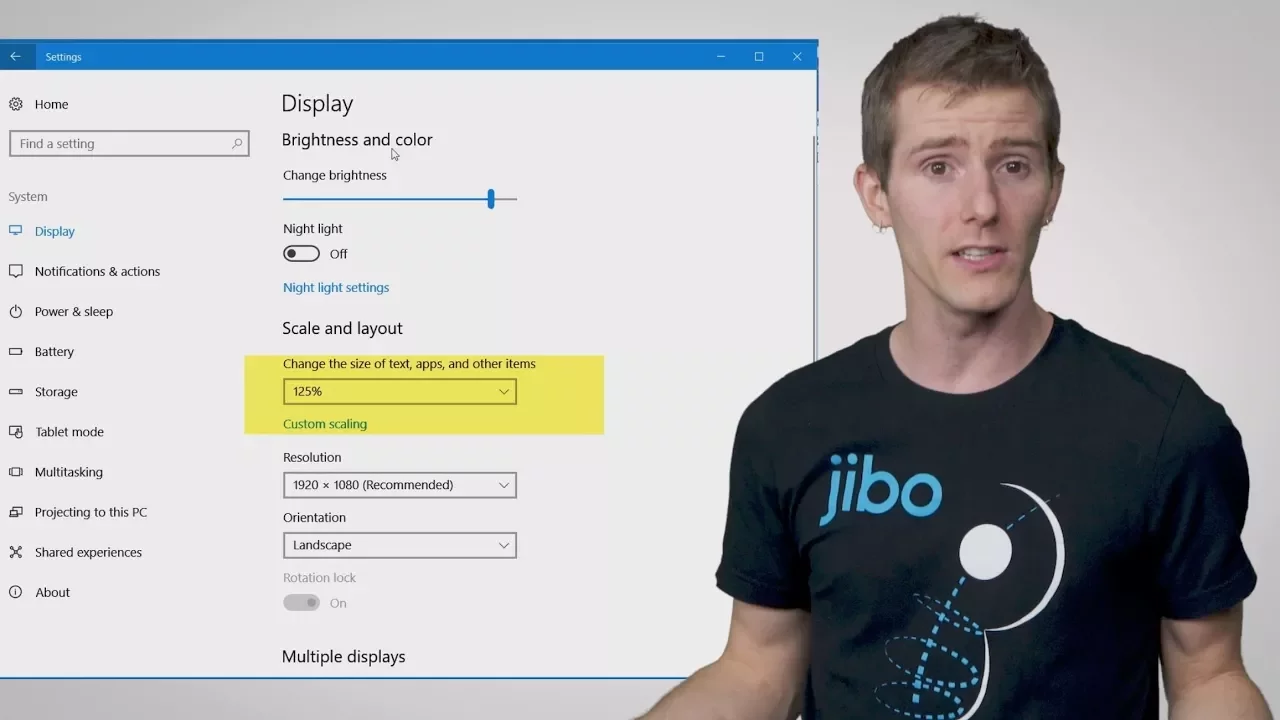
The video explains why Windows display scaling often produces blurry or improperly sized UI elements, especially when using multiple monitors. It dives into the core problem of how Windows handles different pixel densities, DPI settings, and fractional scaling, which leads to mismatches between the intended UI size and what is actually rendered on high-DPI displays. The host walks through common scenarios like mixing 1080p and 4K monitors, or configuring scaling percentages that Windows struggles to apply consistently across apps and desktops. Throughout, concrete examples are shown, such as windows appearing blurry or misaligned when moved between screens with different scales, and certain programs failing to adapt correctly to fractional scaling. The discussion also touches on potential causes like raster-based rendering, driver interactions, and bitmap versus vector approaches, while contrasting Windows behavior with expectations from other operating systems. By the end, the video highlights that many issues stem from Windows' legacy scaling model and suggests that improvements require better per-app scaling handling and more robust support for fractional densities. The takeaway is that while Windows can be configured to look crisper in some cases, a universal, drop-in solution for precise, blur-free scaling remains elusive across diverse monitor setups.
Topics · science & technology · display technology · operating systems · multi-monitor setups