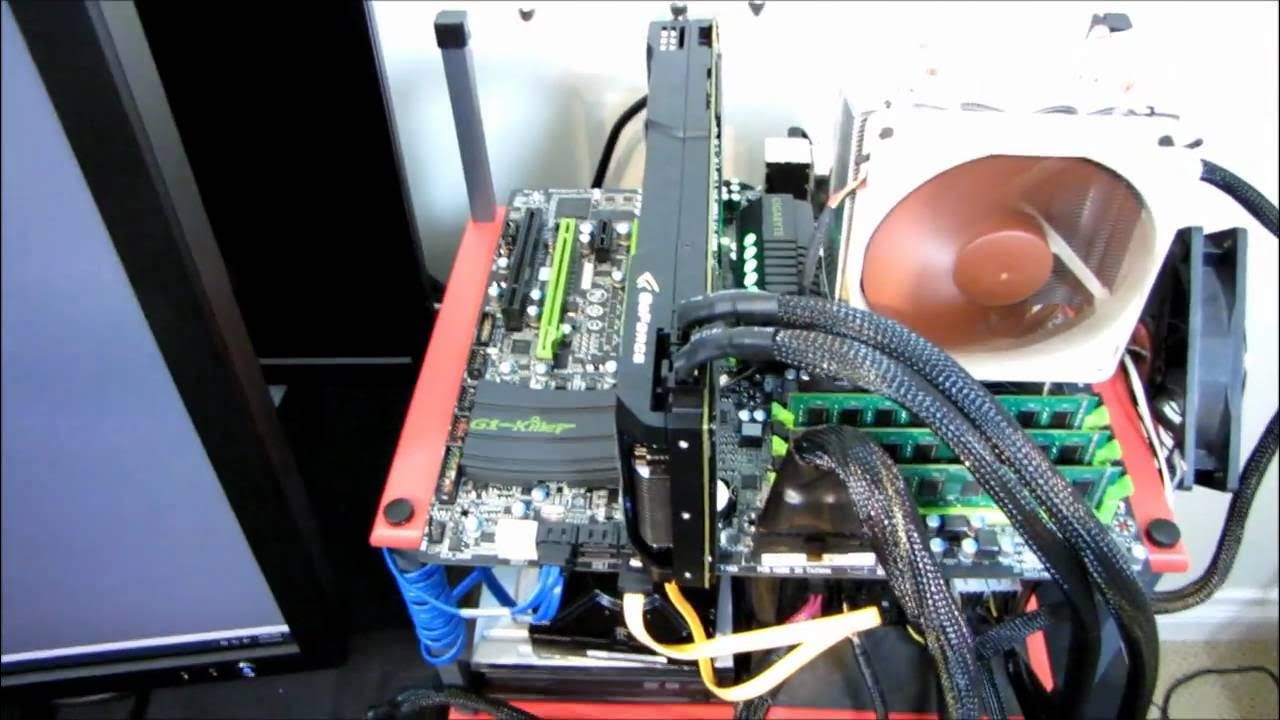
How to Flash a Gigabyte Motherboard BIOS Linus Tech Tips
0 up · 0 down · 0 ratings
Description
This is the first in a series of videos I'll be doing instructing viewers how to update the BIOS of the most popular motherboard manufacturers.
Linus Tech Tips walks through updating a Gigabyte motherboard BIOS, starting from locating the correct BIOS file on Gigabyte’s official site, to preparing the file for a BIOS flash, and finally executing the update using the Q-Flash utility. The video emphasizes selecting the latest release BIOS (not a beta) and extracting the downloaded file to a dedicated folder before transferring the BIOS file to a USB drive. Linus demonstrates copying the BIOS file to the USB drive’s root directory, then rebooting the PC to access the Q-Flash utility where he selects the BIOS file to flash. He cautions viewers to ensure the computer is plugged into a UPS to prevent power outages during the flash and notes that a BIOS flash typically overwrites user settings, including overclocking profiles and splash screen preferences, so systems should be left at default settings during the process. The video also covers verification after the flash, using CPU-Z to confirm the BIOS version, and reiterates the importance of using a non-beta, latest release for a successful update. The tutorial concludes with a reminder to subscribe for more guides and additional Linus Tech Tips content.
Topics · technology · computers · hardware-tutorial · bios-update · how-to
Questions answered
- What is the first step to flash a Gigabyte motherboard BIOS according to the guide?
- Go to gigabyte.com, click support and downloads, find your board, and download the latest release BIOS.
- Why should you use a UPS during a BIOS flash?
- To prevent power outages from interrupting the flash process, which could render the motherboard unusable.
- What utility is used to perform the BIOS flash in this video?
- Q-Flash, accessed during boot, allows selecting the BIOS file from the USB drive and starting the flash.