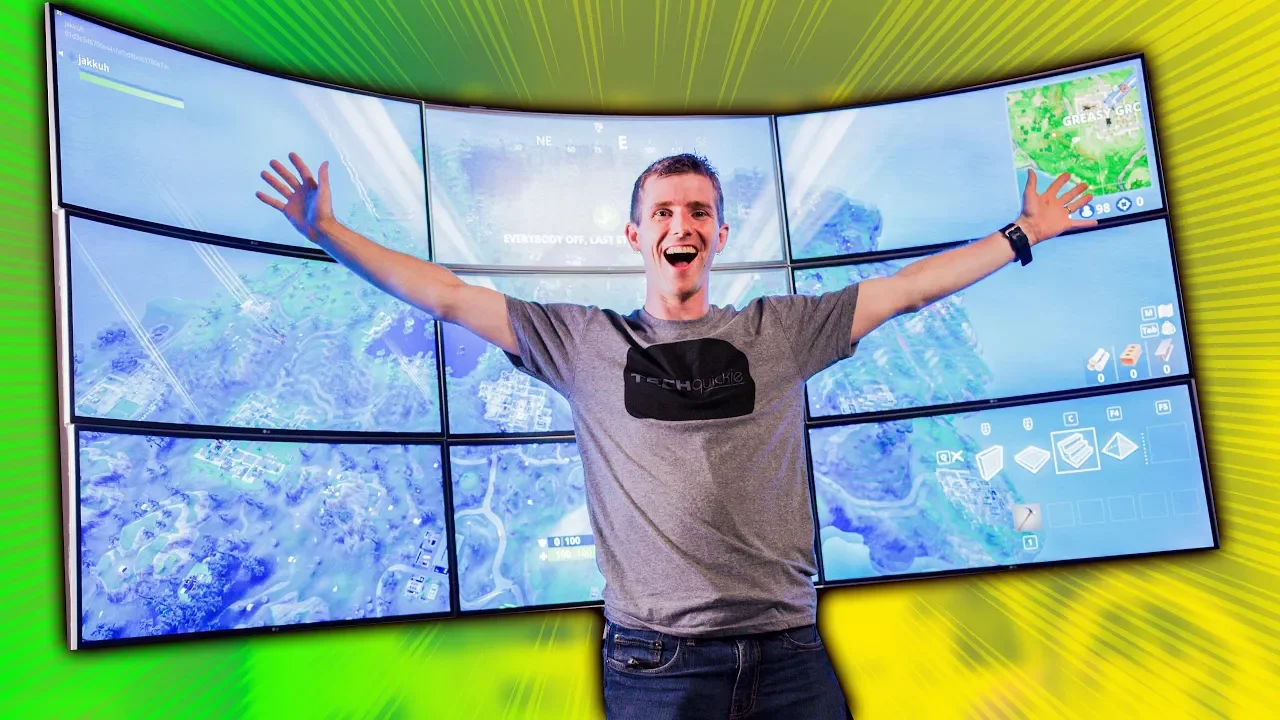
Gaming on the ULTIMATE 10K ULTRAWIDE Display!
0 up · 0 down · 0 ratings
Description
Thanks to LG for sponsoring this video!
Promos
Check out their monitors: LG UltraWide Monitor 34WK95U On LG.com US: geni.us On LG.com CA: geni.us LG UltraWide Monitor 38WK95C On LG.com US: geni.us On LG.com CA: geni.us On Amazon: geni.us LG UltraWide Monitor 34UC99: On LG.com US: geni.us On Amazon: geni.us Buy NVIDIA Quadro GPUs: On Amazon: geni.us On Newegg: geni.us **NOTICE**: There have been reports of ICTable failing to fulfil some orders, and not providing proper refunds. Please exercise caution when dealing with them. Discuss on the forum: linustechtips.com Our Affiliates, Referral Programs, and Sponsors: linustechtips.com Linus Tech Tips merchandise at designbyhumans.com Linus Tech Tips posters at crowdmade.com Our Test Benches on Amazon: amazon.com Our production gear: geni.us Twitter - twitter.com Facebook - @LinusTech Instagram - @linustech Twitch - twitch.tv Intro Screen Music Credit: Title: Laszlo - Supernova Video Link: youtube.com iTunes Download Link: itunes.apple.com Artist Link: soundcloud.com Outro Screen Music Credit: Approaching Nirvana - Sugar High youtube.com Sound effects provided by freesfx.co.uk
The video revisits the ambitious 16k gaming project by Linus Tech Tips, this time revisiting a drastically upgraded hardware setup sponsored by LG. The team pulls the project out of storage, reveals a revamped chassis and cabling, and introduces LG’s flagship curved ultrawide monitors to create a multi-display experience that moves well beyond their 16k predecessor. They explain the core idea of moving from a dense, bezel heavy 4x4 array to a more practical 3x3 mosaic using three by three curved ultrawide panels, each delivering 3440 by 1440 resolution with IPS panels and a 75 Hz refresh rate. The video highlights the advantages of ultrawide curvature for immersive gaming, notes the challenges of bezel alignment, and demonstrates how the final layout is configured via mosaic and bezel correction to form a seamless large display. The sponsor integration is acknowledged clearly, with LG providing multiple monitors and supporting the team’s high-end workstation build centered around Nvidia Quadro GPUs. Throughout the segment, the presenters outline the practical limits of this setup, emphasizing the balance between pixel density, memory bandwidth, and the need for synchronized video output across monitors. The episode closes with a teaser of LG’s upcoming 5K ultrawide nano IPS displays, inviting viewers to explore more details and purchase options via the description links. In sum, the video frames a luxury, enterprise-grade display lab as a real-world, albeit extravagant, gaming test bench and looks at what it means for high-end GPU bandwidth and multi-panel synchronization in modern gaming contexts.
Topics · technology · gaming · hardware · sponsorship · display · benchmarking
Questions answered
- What was the key reason for switching from a 4x4 monitor grid to a 3x3 mosaic in this build?
- To reduce bezel obstruction and improve playability by limiting crosshair obstruction and the overall complexity of rendering across many panels.
- What monitors were used in the new setup and what are their main specs?
- LG 34 UC99W ultrawide curved IPS monitors with 3440 by 1440 resolution, 75 Hz refresh rate, USB-C input, and bezel correction capabilities.