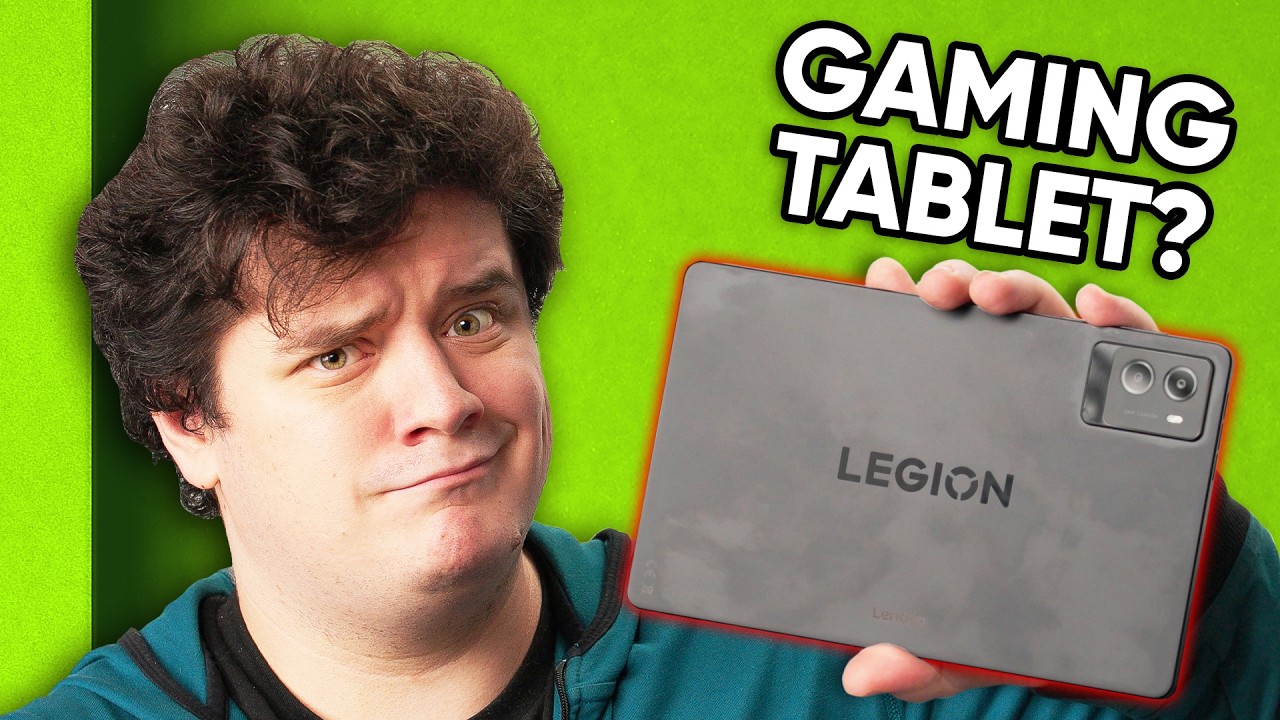
Should you buy a Gaming Tablet? - Lenovo Legion Tab Gen 3
0 up · 0 down · 0 ratings
Description
Go to shortlinus.com for all your case and overpriced stickers needs. Elijah checks out the Lenovo Legion Tab Gen 3, an 8.8" Android gaming tablet powered by the Snapdragon 8 Gen 3. It has a high refresh rate display, serious mobile gaming potential, and some surprisingly great speakers. But does it justify its $550 price tag with competitors like the Steam Deck and ROG Ally nearby?
Promos
Check out the Lenovo Legion Tab Gen 3: lmg.gg Purchases made through some store links may provide some compensation to Linus Media Group. Want us to unbox something? Make a suggestion at lmg.gg ► GET MERCH: lttstore.com ► GET A VPN: piavpn.com ► GET EXCLUSIVE CONTENT ON FLOATPLANE: lmg.gg ► SPONSORS, AFFILIATES, AND PARTNERS: lmg.gg CHAPTERS --------------------------------------------------- 0:00 Intro 0:25 Unboxing 1:52 Ports, controls, and accessories 2:24 Sponsor 3:29 Specs overview and display 5:23 Speaker test and display brightness 7:43 Camera quality and performance modes 10:28 Gaming performance and final thoughts 13:12 Credits
The video opens with an introduction to the Lenovo Legion Tab Gen 3, highlighting its 8.8 inch display and gaming focus. The presenter unboxes the device, noting a 65 watt charger and the included accessories such as a case with a kickstand and screen protectors, while also commenting on the Dbrand skin sponsorship and its impact on the device’s aesthetics. He explores the physical design and port layout, pointing out dual USB-C ports for flexible charging orientations and the placement of the power and volume controls, then moves into initial impressions about the build and display. The discussion then shift to performance specifications, revealing the Snapdragon 8 Gen 3 processor, 12 GB of RAM, and 256 GB storage, with commentary on the screen resolution and the 165 Hz refresh rate. Battery and brightness come under scrutiny, including real-world brightness observations and a note about potential burn-in risk when max brightness is used outdoors, followed by considerations of heat and everyday usability. The host tests the built-in gaming features, including a quick access overlay that shows CPU clock speeds in different modes, and compares performance modes against energy saving and balance modes, emphasizing that performance mode delivers meaningful FPS gains but at higher power draw. The camera is evaluated as serviceable but not compelling for moments, and the device’s ability to be used while charging is highlighted as a practical takeaway. Finally, real-world gaming impressions are shared, including comfort, heat, speakers, Wi-Fi 7 and Bluetooth 5.4 capabilities, and a candid takeaway on price relative to Steam Deck and ROG Ally, concluding that the Legion Tab Gen 3 is a compelling Android gaming option for those who prioritize Android titles over other platforms. Viewers are invited to weigh the device against competitors and share opinions on Android gaming tablets in the comments, with a tease to check out related devices like the Red Magic gaming phone for broader context.Overall, the video blends hands-on unboxing, hardware analysis, and gaming performance testing to help viewers decide if the Legion Tab Gen 3 justifies its $550 price tag for Android gaming enthusiasts.
Topics · technology · gadgets · consumer electronics · android gaming
Questions answered
- What are the key hardware specs of the Lenovo Legion Tab Gen 3?
- The Legion Tab Gen 3 is powered by the Qualcomm Snapdragon 8 Gen 3, with 12 GB of RAM and 256 GB of storage, featuring an 8.8 inch 165 Hz display and Android 14 out of the box with promises of three Android updates.
- How does the device perform in gaming mode versus power saving mode?
- Tests show a noticeable FPS and performance uplift in Performance mode compared to Balance and Energy Saving modes, with Geekbench and 3DMark results indicating meaningful gains but higher power consumption.
- Is the camera adequate for casual use?
- The camera is described as serviceable for casual photos, but overall not compelling for important moments, with limitations like 1080p video and 30 fps by default.